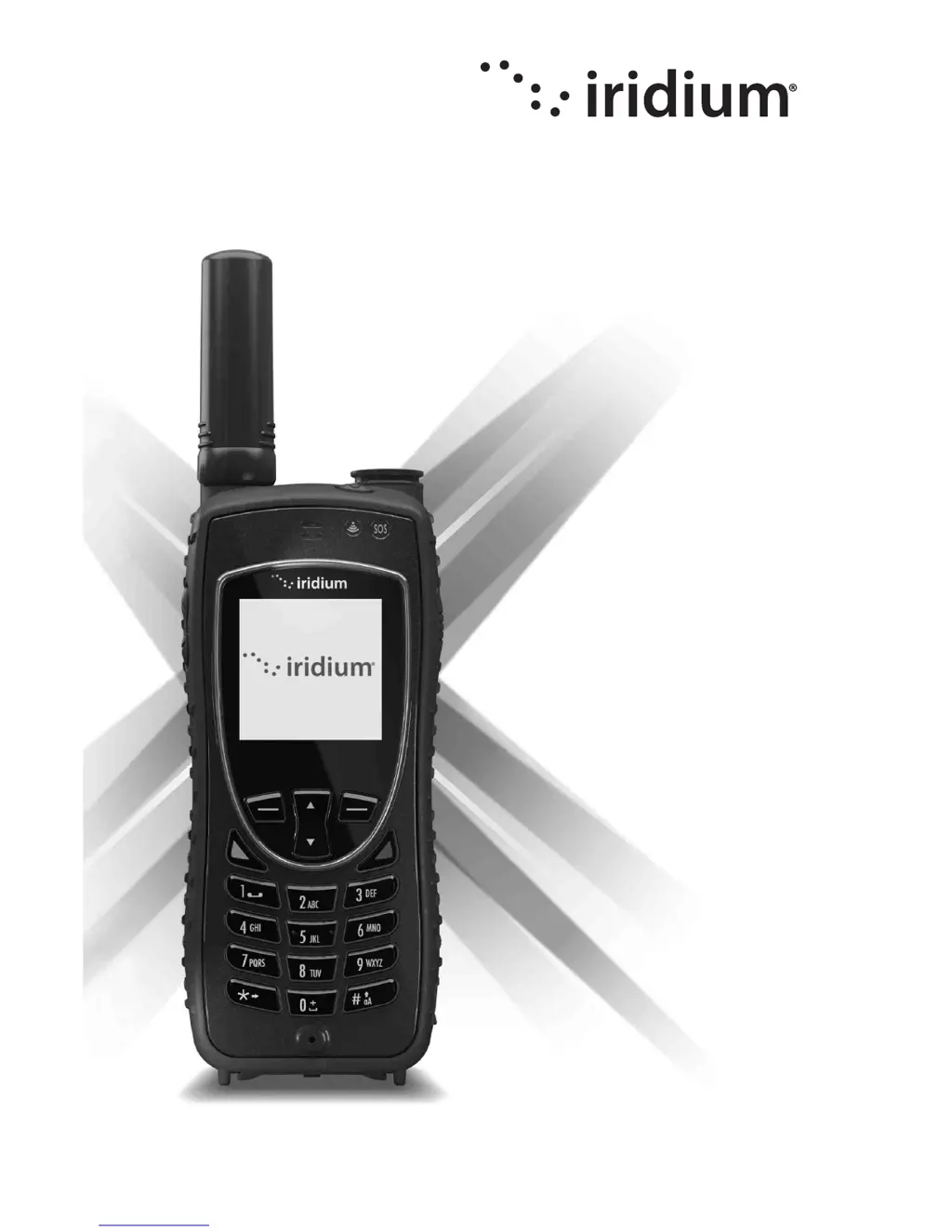
What does it mean if the message indicator is flashing on my Iridium Telephone?
- Bbrandon25Sep 4, 2025
If the message indicator is flashing, it means there isn't enough memory to store another message. Use the messages menu to delete some messages.
What does it mean if the message indicator is flashing on my Iridium Telephone?
If the message indicator is flashing, it means there isn't enough memory to store another message. Use the messages menu to delete some messages.
What to do if I can’t make calls on Iridium Telephone?
If you can't make calls on your Iridium Telephone, check that the antenna is correctly fitted and angled, and ensure you have a clear, unobstructed view of the sky, free from buildings, trees, or other objects. Also, check the Call Barring setting and ensure that no new restrictions have been imposed on your account. Finally, verify if call restriction is enabled, as this would limit calls to numbers or prefixes on the list.
Why does my Iridium Telephone say 'Check Card'?
If your Iridium Telephone displays 'Check Card,' 'Insert Card,' or 'Blocked' even with the SIM inserted, ensure the SIM card is correctly inserted. Also, the SIM card contacts may be dirty. Turn the phone off, remove the SIM card and rub the contacts with a clean cloth. Replace the card in the phone. If the problem persists, enter the PIN unblocking key or contact your service provider.
Why is my Iridium Telephone always searching for network?
If your Iridium Telephone states “Searching for Network”, ensure you are in an area with an open view of the sky. Extend the antenna and point it upright towards the sky directly above to receive a signal. You can wait for the phone to automatically exit the power saving mode within a minute or two or simply turn off your phone and turn it on again to accelerate the registration process.
What to do if my Iridium Telephone SIM card will not work?
If your Iridium Telephone SIM card isn't working, first, check that the SIM card is installed correctly. If the contacts are dirty, clean them with an antistatic cloth. If problems persist, return the card to your service provider.
What to do if Iridium Telephone is not responding?
If your Iridium Telephone is not responding to user controls, including the power keys, remove the battery from the phone and then reattach it to cycle power and reset.
Explains the conventions and icons used throughout the user manual for safety.
Discusses compliance with RF exposure regulations and international standards.
Provides crucial safety instructions for handling and using batteries.
Explains how to make emergency calls in different regions.
Safety precautions for using the phone in potentially explosive environments.
Safety considerations for users with medical implants or hearing aids.
Explains the meaning of different LED indicators on the phone.
Instructions on receiving, caring for, and using the SIM card.
Step-by-step guide for inserting and removing the SIM card.
Details battery safety precautions and warnings.
Provides instructions for charging and disposing of the battery.
Guides on how to remove and install the battery pack.
Instructions on how to charge the battery and important charging notes.
Explains how to check battery level and understand low battery warnings.
Guidance on normal phone operation and tips for efficient use.
Step-by-step instructions for dialing numbers and placing calls.
Procedures for receiving calls with the antenna extended or stowed.
Steps to lock and unlock the phone's keypad to prevent accidental use.
Explains traditional text entry methods using the keypad.
Steps to enable predictive text features like WordWise and LetterWise.
Detailed explanation of how to use LetterWise for text input.
Detailed explanation of how to use WordWise for text input.
Step-by-step guide to add new contacts to the phonebook.
Instructions on how to initiate a call to a contact from the phonebook.
How to send text messages to contacts using the phonebook.
Guide on how to modify existing contact information.
Steps to remove contacts from the phonebook.
Instructions for sending SMS messages to email addresses.
Steps to send SMS messages to contacts saved in the phonebook.
How to receive voicemail notifications and check messages.
How to view received, missed, and dialed calls.
Features for tracking airtime, call duration, and usage.
Resets all phone settings to their original default configurations.
Personalizes settings for the programmable SOS button.
How to initiate or cancel emergency mode.
Defines call/message actions and emergency beep settings.
Sets contacts for emergency notifications via message or call.
Steps to lock and unlock the phone to prevent unauthorized use.
Instructions for changing phone PIN, SIM PIN, SIM PIN2, and Call Barring PIN.
Solutions for issues where the phone does not power on.
Troubleshooting steps for call connection and reception problems.
Solutions for unresponsive controls, incorrect language, or network search issues.
Troubleshooting for battery drain, charging problems, and warmth.
Details the product warranty period, coverage, and claim process.
Lists circumstances and conditions not covered by the limited warranty.
Outlines terms of use and limitations on Iridium's liability.
| Ingress Protection | IP65 |
|---|---|
| Data Speed | 2.4 kbps |
| Satellite Network | Iridium |
| Tracking | Yes |
| Voice Communication | Yes |
| Battery Standby Time | 30 hours |
| Battery Talk Time | 4 hours |
| Emergency Button | Yes |
| Messaging | Yes |
| GPS | Integrated |