Chapter 8 ADJUSTMENT MODE
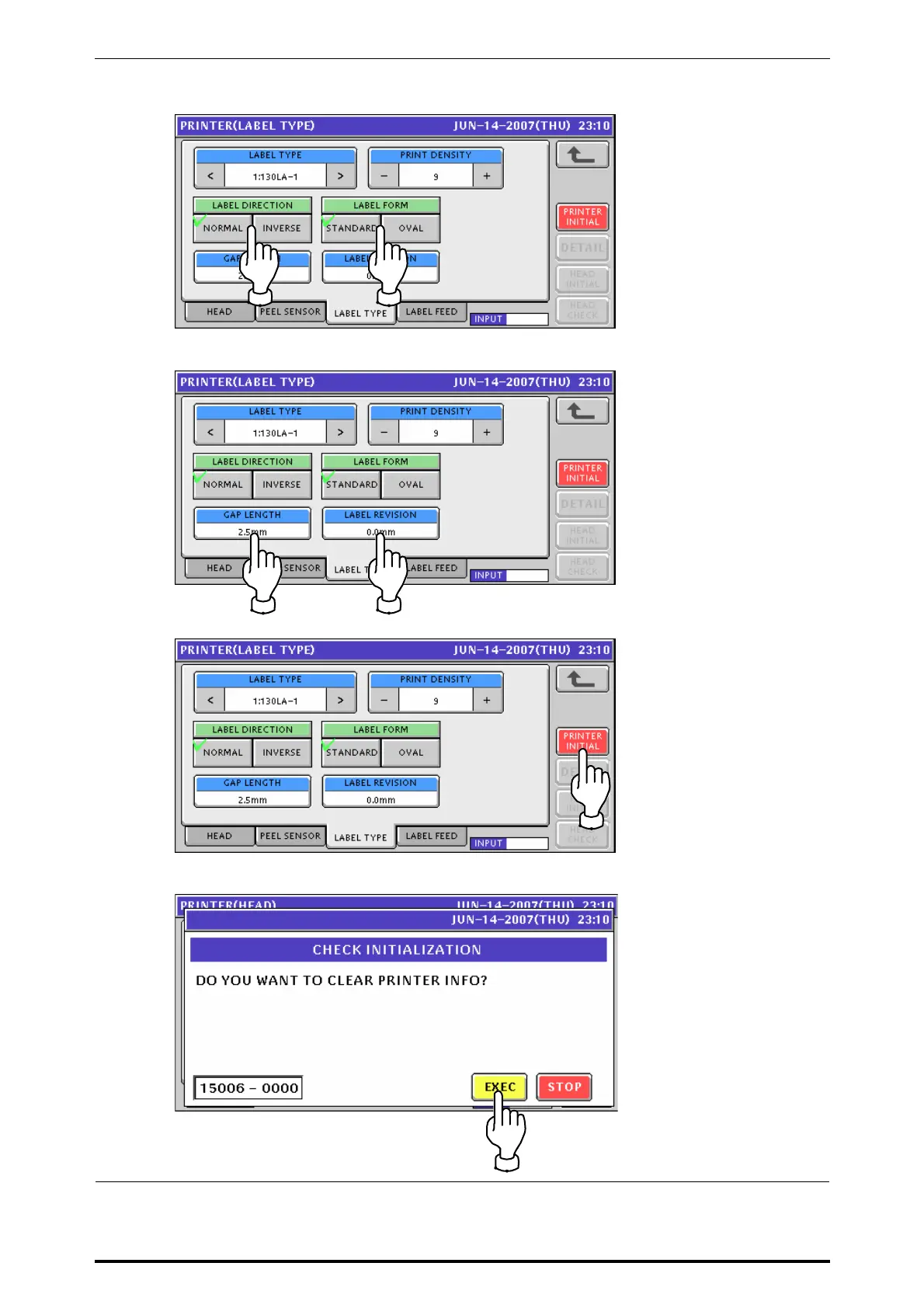
Press to select a desired field for each item.
Enter a desired numeric value for each item and press the corresponding field.
When initializing the printer, press the [PRINTER INITIAL] button.
Press the [EXEC] button for execution.
UNI-7 Service Manual 8-13



 To Next Page