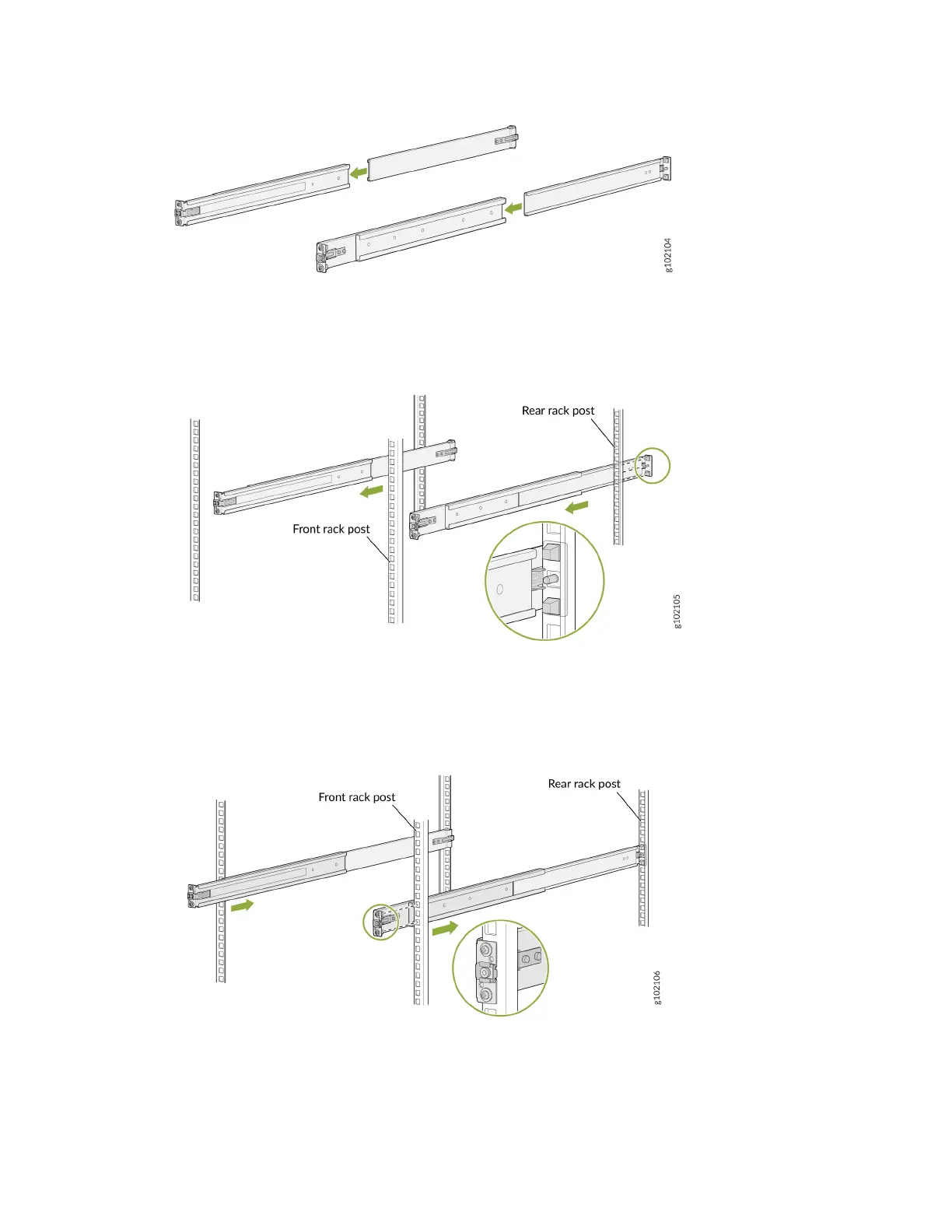
4. Align the guide blocks of the rear-mounng rail with the rear-post holes. Pull the rear-mounng rail
toward the front of the rack to lock the rail in place. You'll hear a disnct click when the latch locks
into the rack holes.
5. Align the guide blocks of the front-mounng rail with the front-post holes. Push the front-mounng
rail toward the rear of the rack to lock the rail in place. You'll hear a disnct click when the latch locks
into the rack holes.
6. Ensure that the front and rear latches on the mounng rails are locked in place.
3












 To Next Page