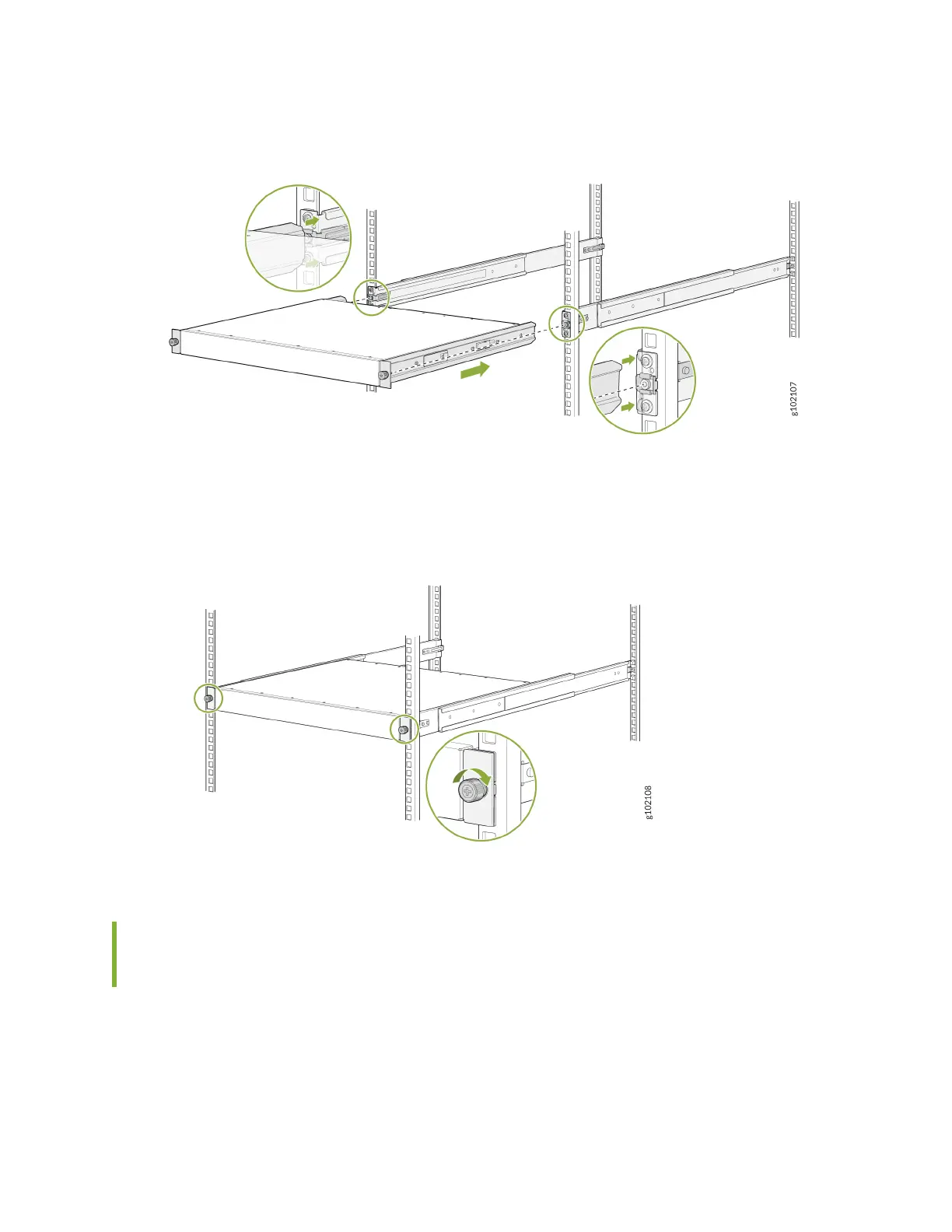
Figure 20: Slide the Device into the Rack
7. Tighten the two thumbscrews to secure the device.
Figure 21: Tighten the Thumbscrews
Mount your Device by Using the JNP-4P-TL-1RU-RMK Rack Mount Kit
on a Threaded-Hole 4-Post Rack
Ensure that you have the following tools and parts available:
• An ESD grounding strap—not provided.
• A Number 2 Phillips (+) screwdriver—not provided.
49












 To Next Page