Chassis Status LEDs
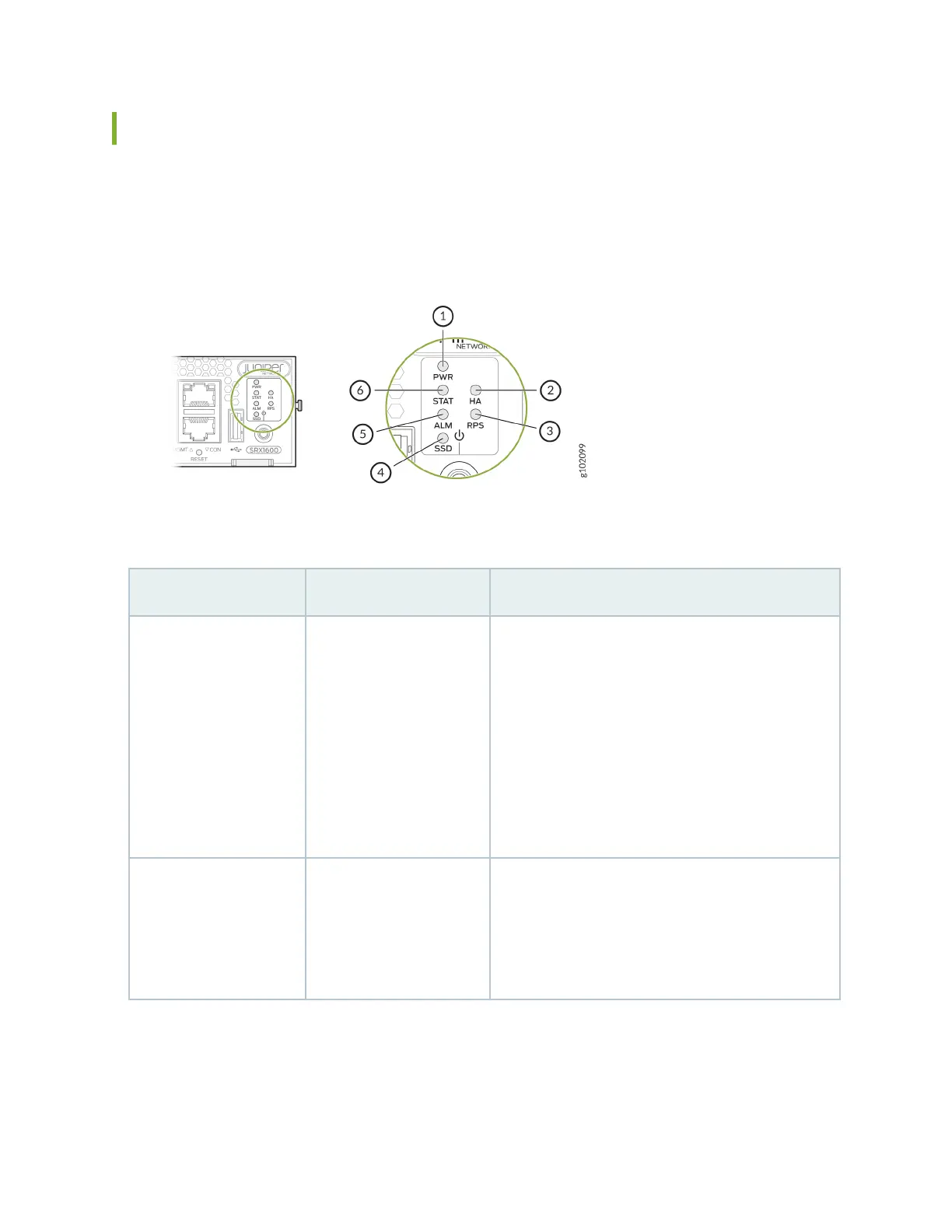
Figure 3 on page 15 shows the LEDs on the front panel.
Figure 3: SRX1600 Front Panel Status LEDs
Table 7: SRX1600 Front Panel LEDs
Callout LED Descripon
1 PWR
• Solid green—The device is powered on.
• Blinking green—The device is powered on. The
device is in the bootup phase before OS
inializaon.
• Red—The power supply has failed and must be
replaced.
• O—The device is powered o.
2 HA
• Solid green—All HA links are available.
• Red—Device is inoperable due to a monitor failure.
• O—HA is disabled.
15












 To Next Page