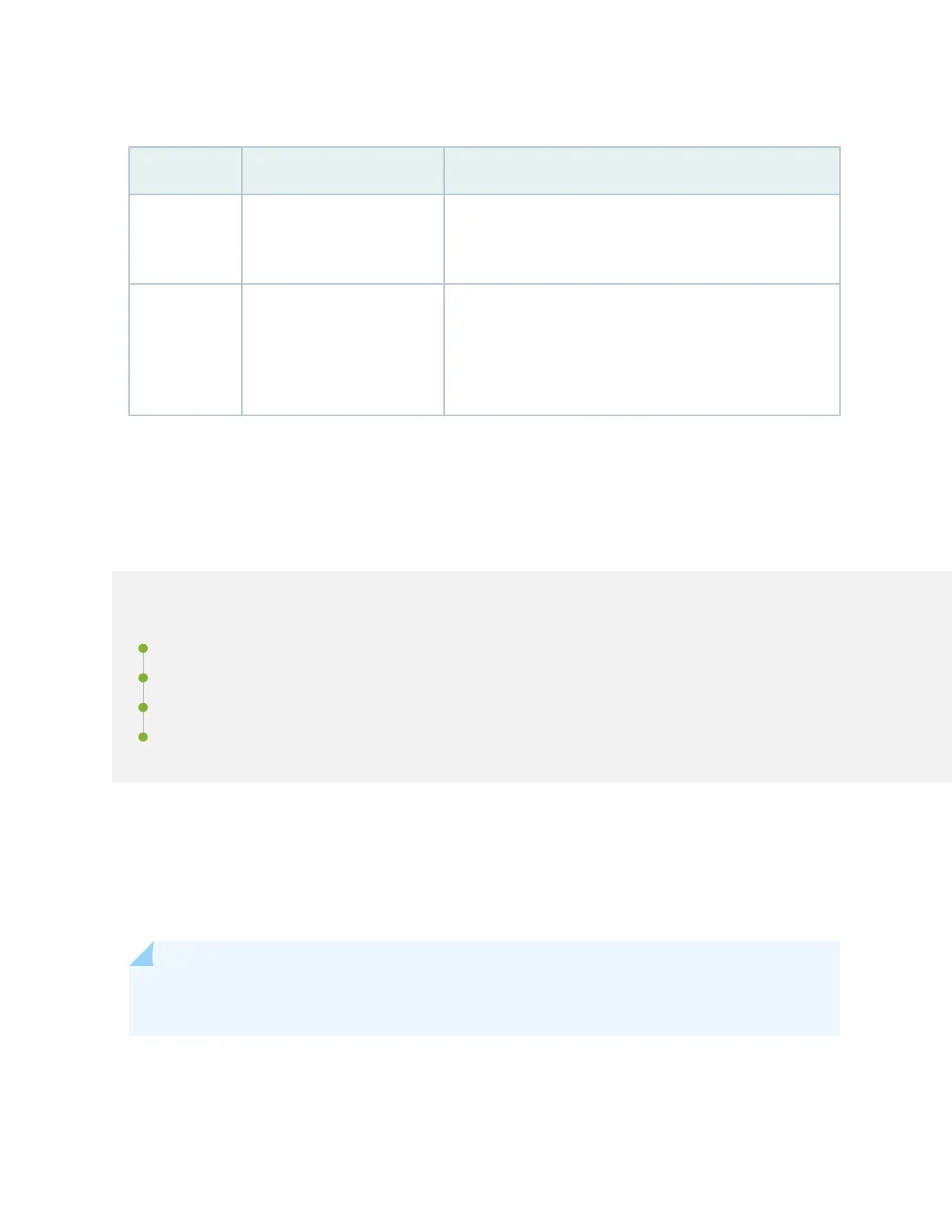
Table 12: Fan Module LEDs
LED Color LED State Descripon
Green On steadily The fan is operang normally. The system has veried that
the module is engaged, that the airow is in the correct
direcon, and that the fan is operang correctly.
Red On steadily The system has detected an error in the fan module. Replace
the fan module immediately. Either the fan has failed, or it is
seated incorrectly.To maintain proper airow through the
chassis, leave the fan module installed in the chassis unl you
are ready to replace it.
SRX1600 Power System
IN THIS SECTION
AC Power Supply for SRX1600 Firewalls | 24
Supported AC Power Cords | 25
DC Power Supply for SRX1600 Firewalls | 26
PSU LEDs on SRX1600 Firewalls | 28
The SRX1600 is powered by two power supplies for 1 + 1 redundancy. The SRX1600 has hot-removable
and hot-insertable power supply units (PSUs). If one PSU fails, you can replace it without powering o or
disrupng the device funcon. The second PSU balances the electrical load without interrupon. A fan
in each power supply provides cooling.
NOTE: We ship the SRX1600 with only one PSU. You can order the second PSU separately if
required.
23












 To Next Page