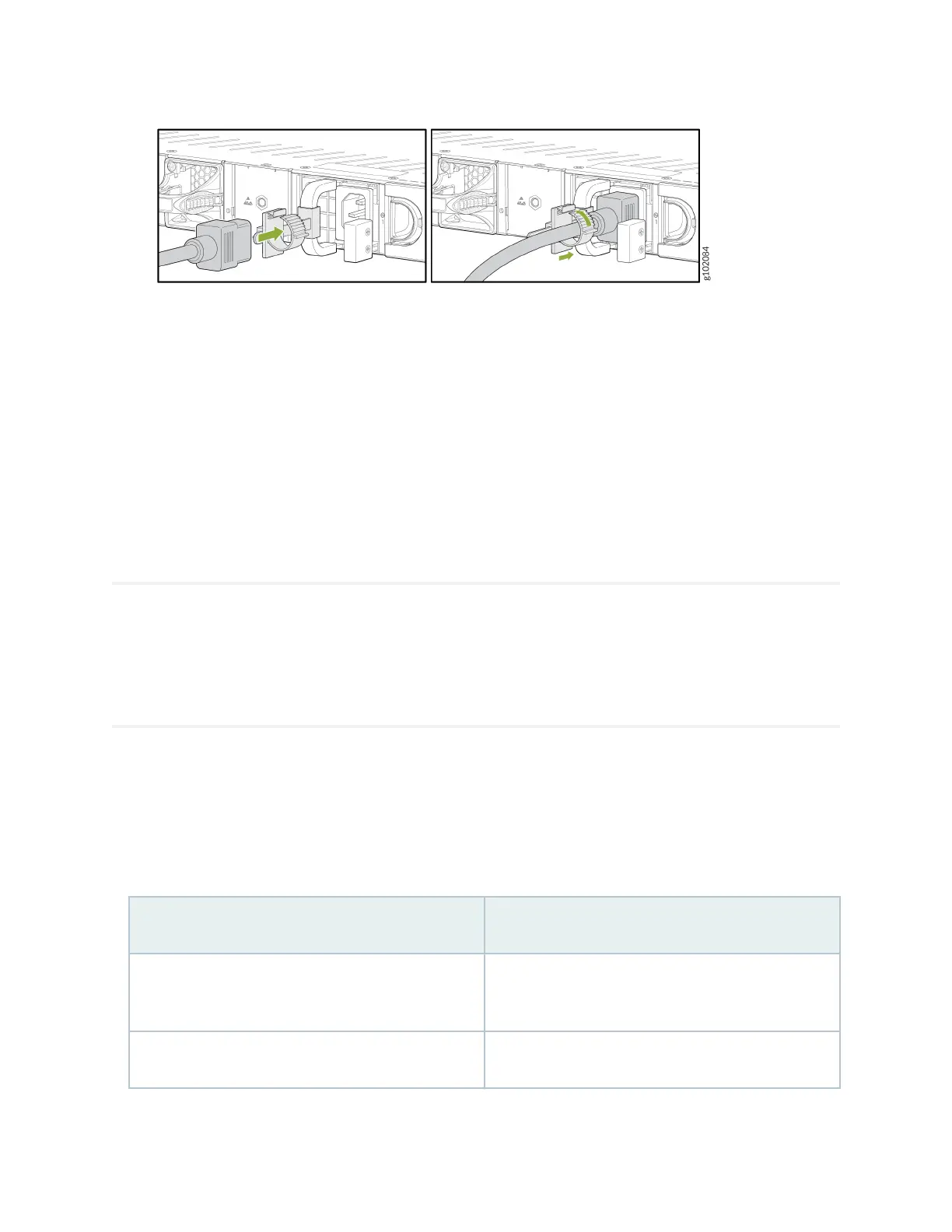
4. If the AC power source outlet has a power switch, turn it o.
5. Plug the power cord into an AC power source outlet.
6. If the AC power source outlet has a power switch, turn it on. The rewall doesn't have a power
switch and powers on as soon as you plug it in.
Claim, Onboard, and Congure SRX1600
SUMMARY
This topic provides you the pointers to onboard and congure SRX1600 rewalls using Juniper®
Security Director, or congure SRX1600 rewalls using J-Web or Junos OS CLI.
If you have a Juniper® Security Director license, you can follow a few simple steps to get an SRX1600
up and running on the Juniper® Security Director Cloud portal. See Table 1 on page 6 for more
informaon.
Table 1: Onboard and
Congure SRX1600 Using Juniper® Security Director
If you want to Then
Claim and onboard to Juniper® Security Director
Cloud
See Onboard SRX Series Firewalls to Security Director
Cloud
Congure addional features See Juniper Security Director Cloud User Guide
6












 To Next Page