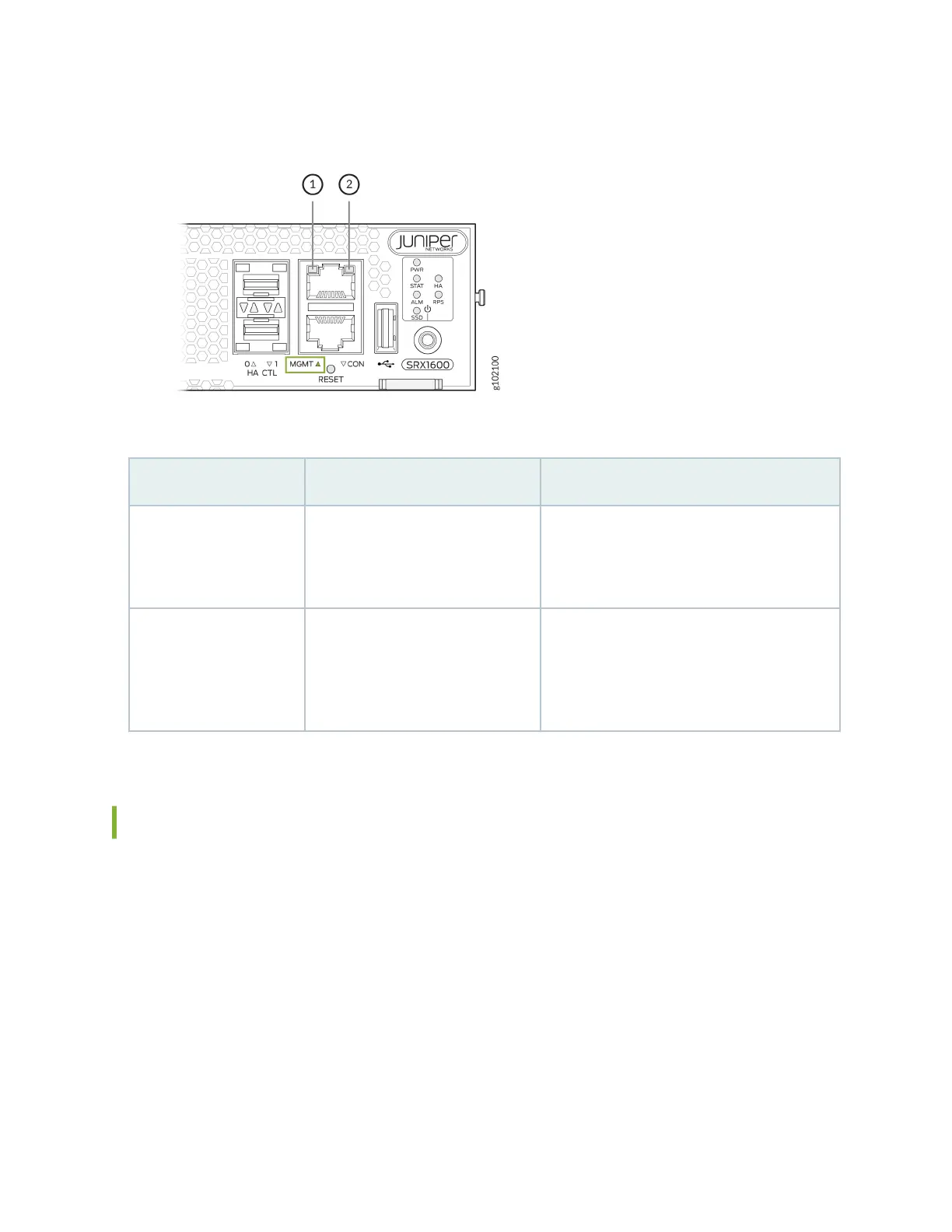
Figure 4: SRX1600 Management Port LEDs
Table 8: Management Port LEDs
Callout LED Descripon
1 Link (LED on the le)
• Solid green—A link is established.
• O—No link established.
2 Acvity (LED on the right)
• Blinking green—There is acvity on the
link.
• O—There is no link acvity.
Network Port LEDs
The BASE-T and SFP ports have two LEDs to indicate the link acvity and status. Figure 5 on page 18
shows the locaon of the LEDs on the network ports and Table 9 on page 18 describes the LEDs.
17












 To Next Page