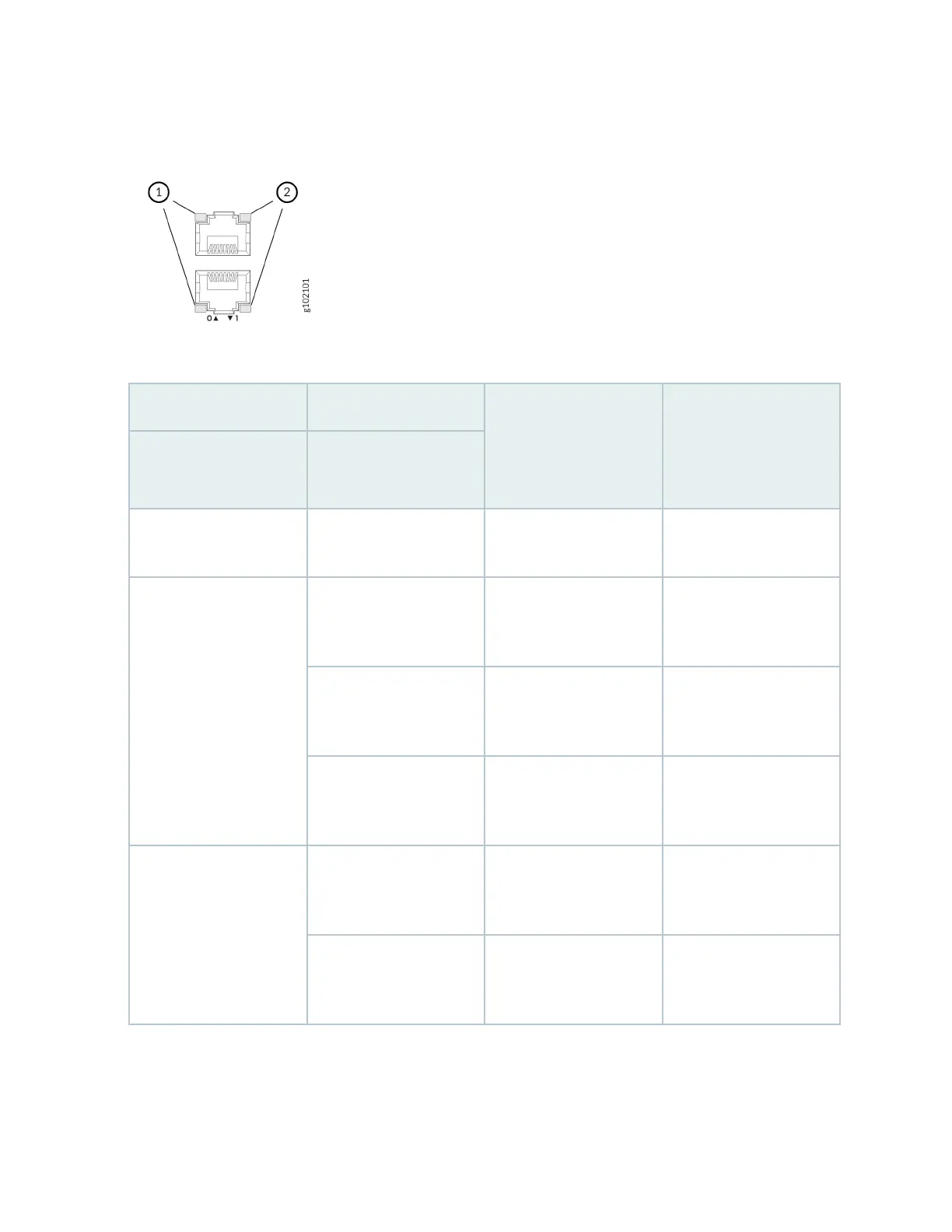
Figure 5: LEDs on the Network Ports
Table 9: LEDs on the Network Ports
Callout 1 Callout 2 Descripon (for RJ-45
ports)
Descripon (for SFP, SFP
+, and SFP28 ports)
Link and Acvity LED
(Right LED)
Status LED (Le LED)
O O Default (power on with or
without Transceiver)
Default (power on with or
without Transceiver)
Solid Green Solid Green 1 Gbps link is up but
there is no trac on the
port.
25 Gbps link is up but
there is no trac on the
port.
Blinking Green 100 Mbps link is up but
there is no trac on the
port.
10 Gbps link is up but
there is no trac on the
port.
O 10 Mbps link is up but
there is no trac on the
port.
1 Gbps link is up but
there is no trac on the
port.
Blinking Green Solid Green 1 Gbps link is up and
there is trac on the
port.
25 Gbps link is up and
there is trac on the
port.
Blinking Green 100 Mbps link is up and
there is trac on the
port.
10 Gbps link is up and
there is trac on the
port.
18












 To Next Page