Connect Your Device to a Network for Out-of-Band Management
Ensure that you have an Ethernet cable that has an RJ-45 connector at each end.
You can monitor and manage your device by using a dedicated management channel. Use the
management port to connect your device to the management device. The management port accepts an
Ethernet cable that has an RJ-45 connector.
To connect a device to a network for out-of-band management:
1. Aach an electrostac discharge (ESD) grounding strap to your bare wrist and connect the strap to
one of the ESD points on the chassis.
2. Connect one end of the Ethernet cable to the management port on the device.
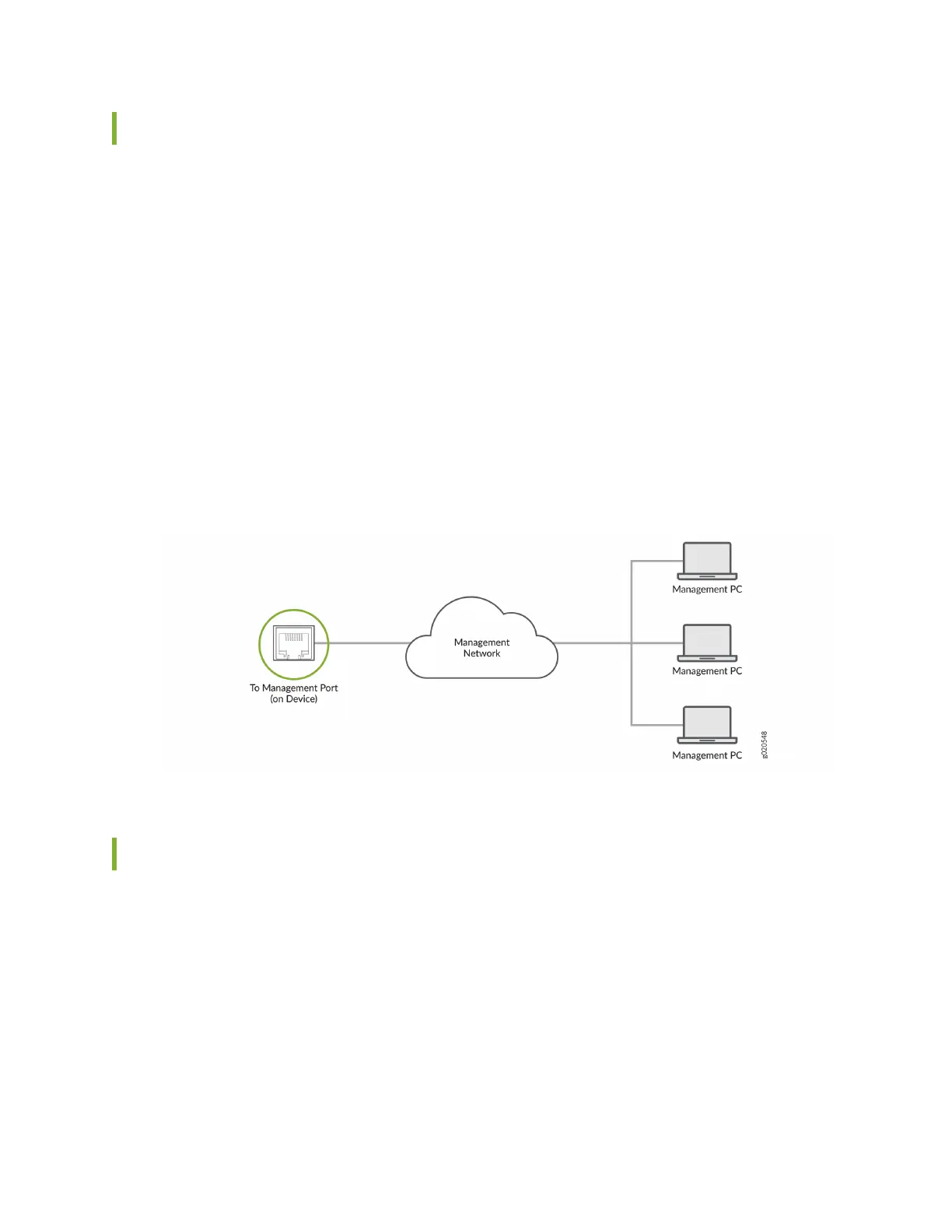
3. Connect the other end of the cable to the management device (see Figure 37 on page 63 ).
Figure 37: Connecng Your Device to a Network for Out-of-Band Management
Connect Your Device to a Management Console
Ensure that you have an Ethernet cable that has an RJ-45 connector at either end. You will also need the
appropriate adapter (not provided) depending upon your console server or management console. If you
require a console cable, you can order it separately with the part number JNP-CBL-RJ45-DB9 (DB-9 to
RJ-45 adapter with a CAT5E copper cable).
You can congure and manage your device by using a dedicated management channel. Use the console
port to connect your device to the console server or management console. The console port accepts an
Ethernet cable that has an RJ-45 connector.
To connect the device to a management console:
63












 To Next Page