OPERATOR'S STATION
1-85
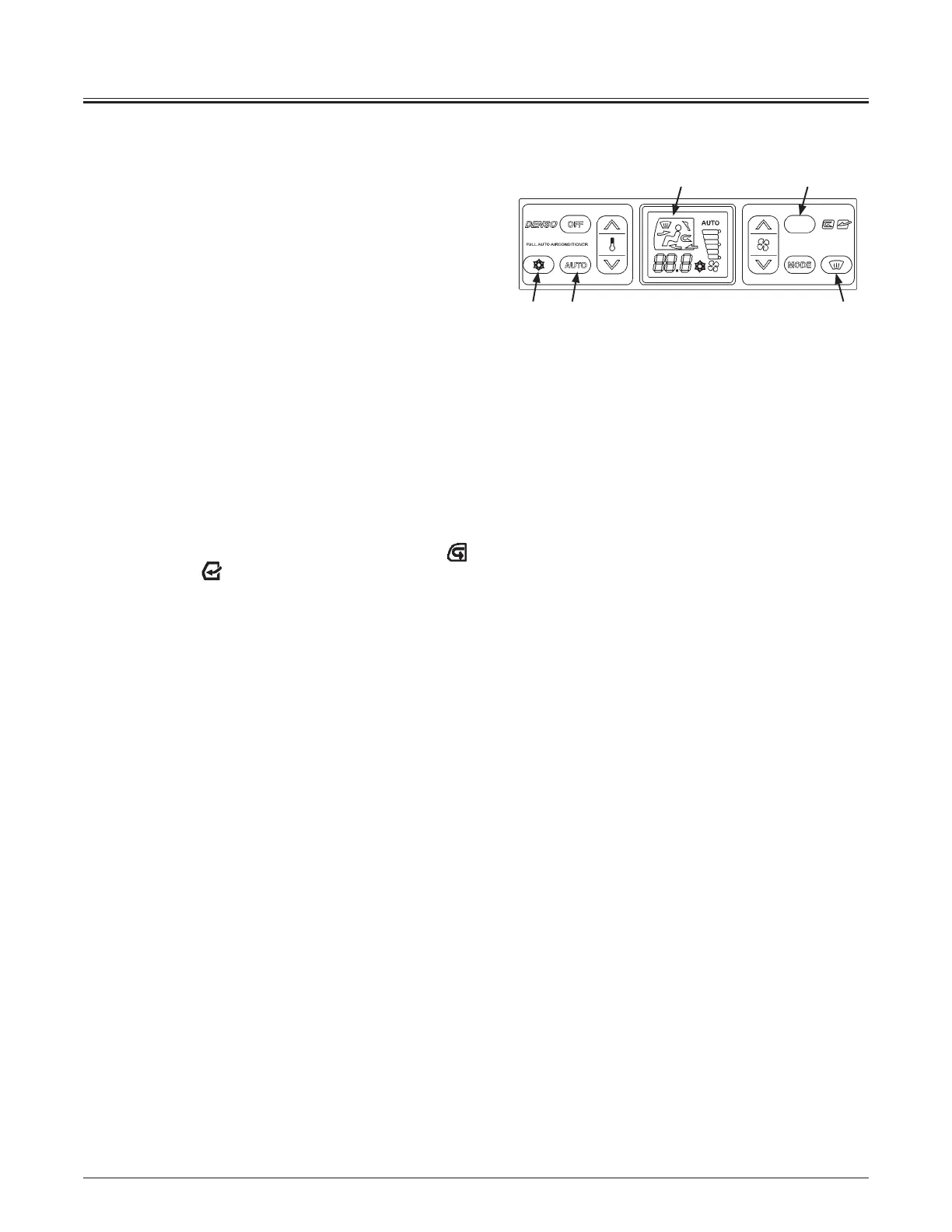
yAUTO Switch (11)
Selects the air conditioner operation mode in either AUTO
or MANUAL.
x AUTO Operation Mode
Press AUTO switch (11). When the indicator comes ON,
the AUTO operation mode is selected. In response to
the set-temperature, the blower speed, vent mode, and
ventilation mode are automatically controlled.
x MANUAL Operation Mode
Press AUTO switch (11). When the indicator goes OFF, the
MANUAL operation mode is selected. Air temperature,
blower speed, vent mode, and ventilation mode can be
selected as desired.
x Air Conditioner Switch (12)
The air conditioner will turn on and the air conditioner
indicator will be lit when air conditioner switch (12) is
pressed when blower switch (7) is also turned on (any of
the blower indicators is ON).
yCirculation/Fresh Air Switch (13)
It switches over the air intake port to circulation mode and
fresh air mode.
Icon of the selected mode will light. Circulation mode
,
Fresh air mode: .
yDefroster Switch (14)
Press defroster switch (14) to select defroster vent mode.
MNDB-01-011
138
12 11 14



 To Next Page