EasyManua.ls Logo

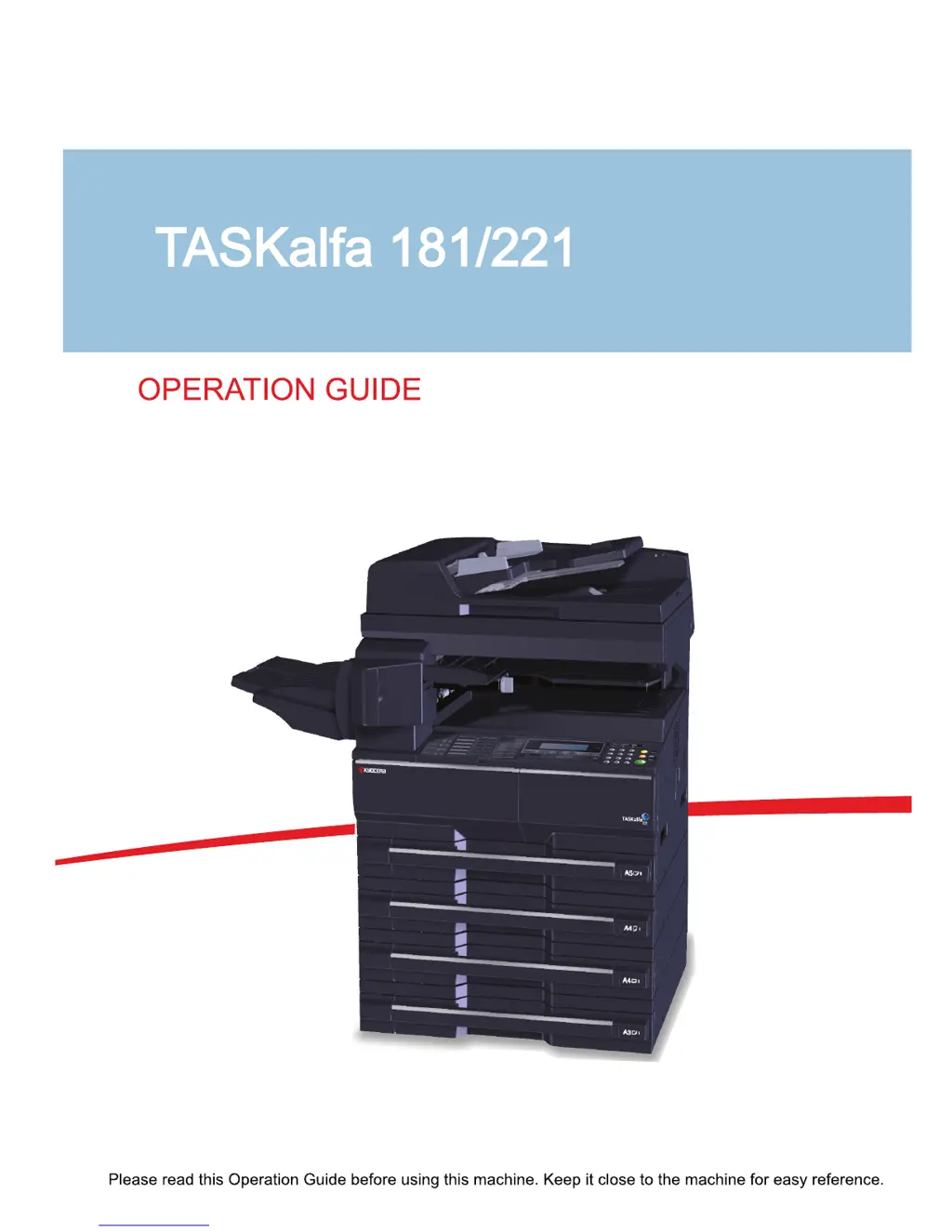
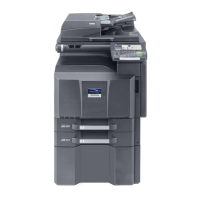
Kyocera TASKalfa 181 - User Manual

Kyocera TASKalfa 181
276 pages
Print Icon
To Next Page IconTo Next Page
Loading...

Table of Contents

Other manuals for Kyocera TASKalfa 181

Questions and Answers

  • R
    Rebecca OlsonAug 29, 2025
    Why are the printouts from my Kyocera TASKalfa 181 All in One Printer wrinkled?
    • L
      Lisa BurkeAug 29, 2025
      Wrinkled printouts from your Kyocera All in One Printer can be due to: * A dirty paper separator on the paper feed unit, so clean the paper separator. * Damp paper, so replace the paper with new paper. * Improper paper orientation, so change the orientation in which the paper is positioned.
  • P
    Patrick WalshSep 6, 2025
    What to do if Kyocera TASKalfa 181 says 'Remove paper from Finisher. Press START key.'?
    • T
      Tiffany ClaytonSep 6, 2025
      If your Kyocera All in One Printer displays 'Remove paper from Finisher. Press START key.', there are already 250 sheets of paper stored in the optional finisher during copying. Remove the paper.
  • C
    Christina AndersonAug 28, 2025
    What to do if my Kyocera TASKalfa 181 All in One Printer says 'Add paper in cassette'?
    • C
      Cameron Phillips DVMAug 29, 2025
      If your Kyocera All in One Printer displays 'Add paper in cassette', it means the print data does not match the size or type of paper in the cassette. To resolve this, press the Paper Selection key to select the desired paper source, and then press the Enter key.
  • M
    mwillisSep 15, 2025
    What does 'MemoryCard err Press GO' mean on Kyocera All in One Printer?
    • K
      Kara HernandezSep 15, 2025
      If your Kyocera All in One Printer displays 'MemoryCard err Press GO', an error has occurred in writing to or reading from the memory card. Press the Print key, select GO, and then press the Enter key. The error will be cleared.
  • R
    richardsamandaSep 7, 2025
    What to do if Kyocera All in One Printer says 'Remove paper from Top tray. Press START key.'?
    • S
      stacyholmesSep 7, 2025
      If your Kyocera All in One Printer displays 'Remove paper from Top tray. Press START key.', the output tray capacity is exceeded during copying. Remove the paper.
  • T
    Tara ReeseSep 10, 2025
    What does 'Set Toner Container' mean on Kyocera TASKalfa 181?
    • M
      Matthew WilliamsSep 10, 2025
      The 'Set Toner Container' message on your Kyocera All in One Printer means that the toner container is either not set or is not set properly.
  • J
    Justin AndersonSep 14, 2025
    What does 'Format error Memory card' mean on Kyocera TASKalfa 181?
    • G
      Gary GilesSep 14, 2025
      If your Kyocera All in One Printer displays 'Format error Memory card', the memory card inserted in the machine must be formatted. Format the memory card.
  • T
    tlongSep 23, 2025
    What does 'RAM disk error Press GO' mean on Kyocera TASKalfa 181?
    • J
      Jennifer WoodSep 23, 2025
      If your Kyocera All in One Printer displays 'RAM disk error Press GO', an error has occurred in writing to or reading from the RAM disk. Press the Print key, select GO, and then press the Enter key. The error will be cleared.
  • M
    martinezdylanAug 26, 2025
    What to do if Kyocera TASKalfa 181 says 'Memory Full'?
    • X
      xcurryAug 26, 2025
      If your Kyocera All in One Printer displays 'Memory Full', you have several options: * Press the Enter key and select Yes to transmit the documents that have already been completely scanned. * Select No to completely cancel the transmission. If you do not press the Enter key, the Auto Clear function will erase all data from memory after a certain time. After canceling, you can try the transmission again once memory is available.
  • A
    adamstroyAug 25, 2025
    What does 'Load XX paper in cass.' mean on my Kyocera All in One Printer?
    • C
      Carla CooperAug 26, 2025
      The 'Load XX paper in cass.' message on your Kyocera All in One Printer means that you need to load paper of the size indicated in the message display. This can occur because the Fixed Size mode is selected in the Paper Feed Selection setting or because the sizes of the received documents and the paper in the selected drawer are not compatible for printing. Load paper of the same size as that of the received documents.

Summary

Preparation before Use

Loading Paper

Instructions for loading various paper types into cassettes and MP tray.

Loading Originals

Procedures for placing originals on the platen or in the document processor.

Basic Operation

Printing from Applications

Guide to printing documents from computer applications.

Copying Functions

Printing Functions

Using This Machine as a Network Printer

Steps for setting up the machine for network printing.

Job Accounting

Maintenance

Toner Container and Waste Toner Box Replacement

Step-by-step guide for replacing toner and waste toner.

Troubleshooting

Solving Malfunctions

A table listing common symptoms, checkpoints, and corrective actions.

Responding to Error Messages

Guidance on interpreting and resolving displayed error messages.

Clearing Paper Jams

Detailed instructions for clearing paper jams in various machine locations.

Kyocera TASKalfa 181 Specifications

General IconGeneral
Print TechnologyLaser
TypeMonochrome
Print Resolution600 x 600 dpi
Copy Resolution600 x 600 dpi
Scan Resolution600 x 600 dpi
Duplex PrintingManual
Memory64 MB
FunctionsPrint, Copy, Scan
Print Speed18 ppm
Copy Speed18 cpm
Paper Capacity250 sheets
ConnectivityUSB 2.0
Supported Operating SystemsLinux

Related product manuals