User Guide
Leviton D4200 LCD Ver 2.0 Architectural Lighting Controller Page 18 of 80
Checking the Version and Network ID
To display the version and ID information:
Step 1: Press the Menu/Cancel button.
Step 2: Press the Up button once and the desired menu
appears on the LCD display.
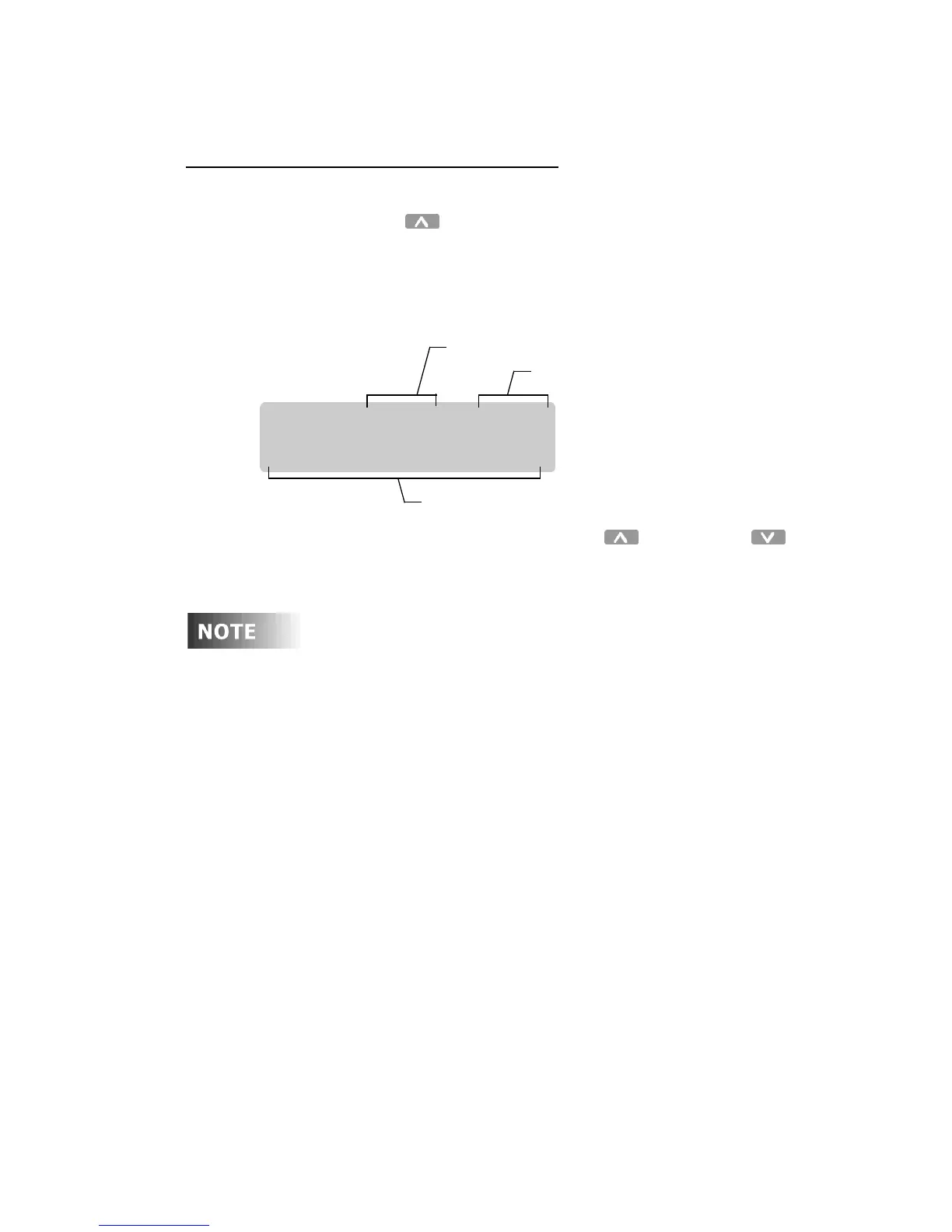
The current version information and the Network ID are
displayed in the following format:
Step 3: Press the Menu/Cancel or the Up and Down
buttons to exit this menu.
Your version number should be the same or greater than
this manual.
You are now ready to proceed with Initial Setup and Programming.
D4200 V 2.01 ID001
BUILD:0209010815
Network ID
Software version number
Date and time software was built



 To Next Page