User Guide
Leviton D4200 LCD Ver 2.0 Architectural Lighting Controller Page 54 of 80
Overview of Unit Controls
Functions
With the Dimension 4200 Control Station, you can program up to
sixteen different Scenes. Each Scene controls lighting levels for up to
32 lighting channels, or Zones.
Once you adjust the lighting levels for the Zones you are using and
record these light levels as one of the sixteen Scenes, you can name
the Scenes and schedule Events activating those Scenes. For
example, for a restaurant setting you could record and name Scenes
for “BREAKFAST, LUNCH and DINNER.”
You can lock the control station to prevent modifications (see
LOCKS
)
or to prevent all operation (see
Enabling the Station Lock
). The unit
can be locked by a code number, or by a key switch or other remote
device.
If you lock the unit by key switch or remote device, the locked
operation will not function until the key switch or remote lock is
released.
Controls
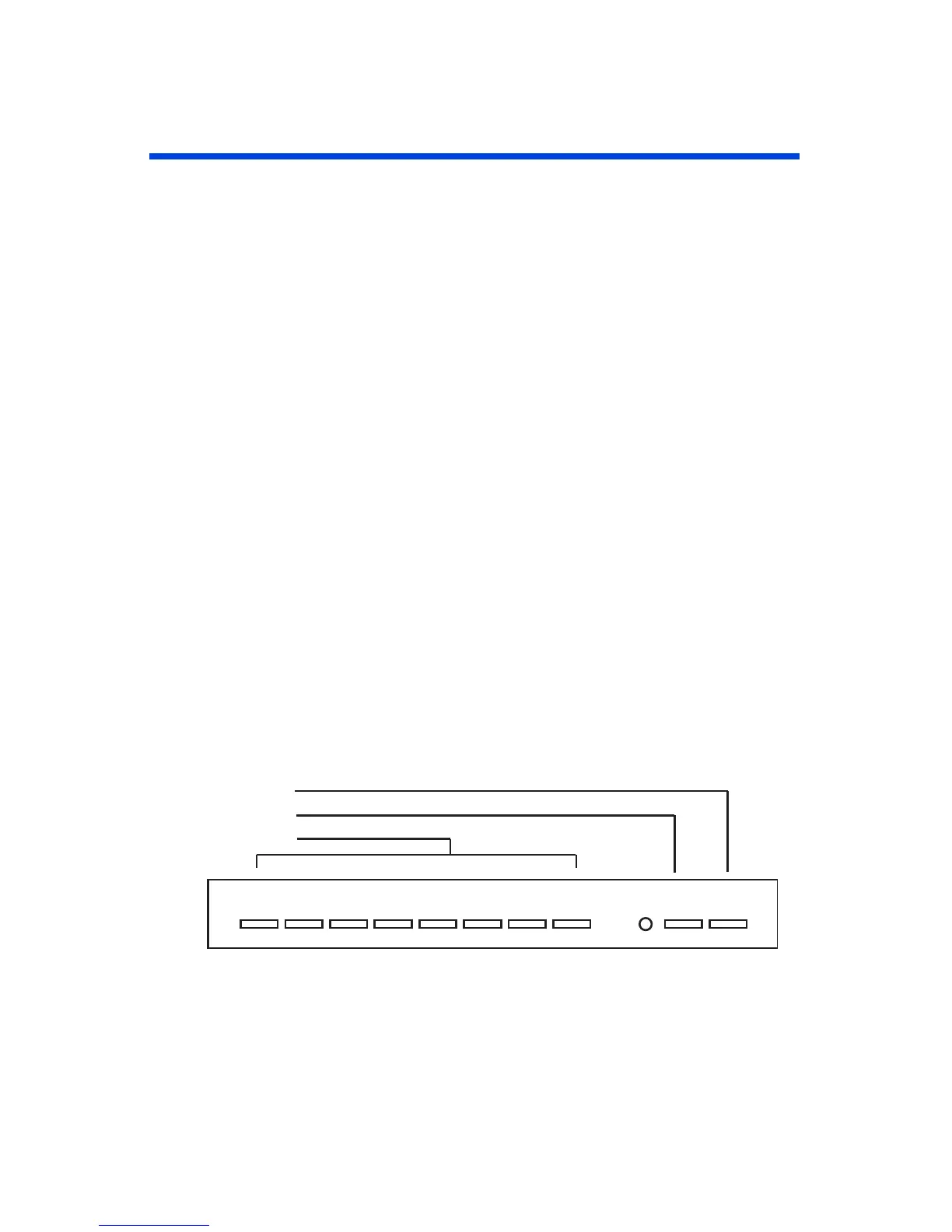
With the cover closed, you can access the first eight SCENE buttons
and the MAX and OFF buttons.
Figure 14 - Scene, MAX and OFF button Locations
• SCENES 1-8. Selects a new Scene, and causes a pre
programmed set of lighting levels to fade in while the
previously selected Scene fades out. Tapping a Scene button
twice (if enabled) causes the lighting levels to change
24567813 90
MAX.
OFF
Off Button
Max Button
Scene Button



 To Next Page