User Guide
Leviton D4200 LCD Ver 2.0 Architectural Lighting Controller Page 60 of 80
Checking Zone Names and Lighting Levels
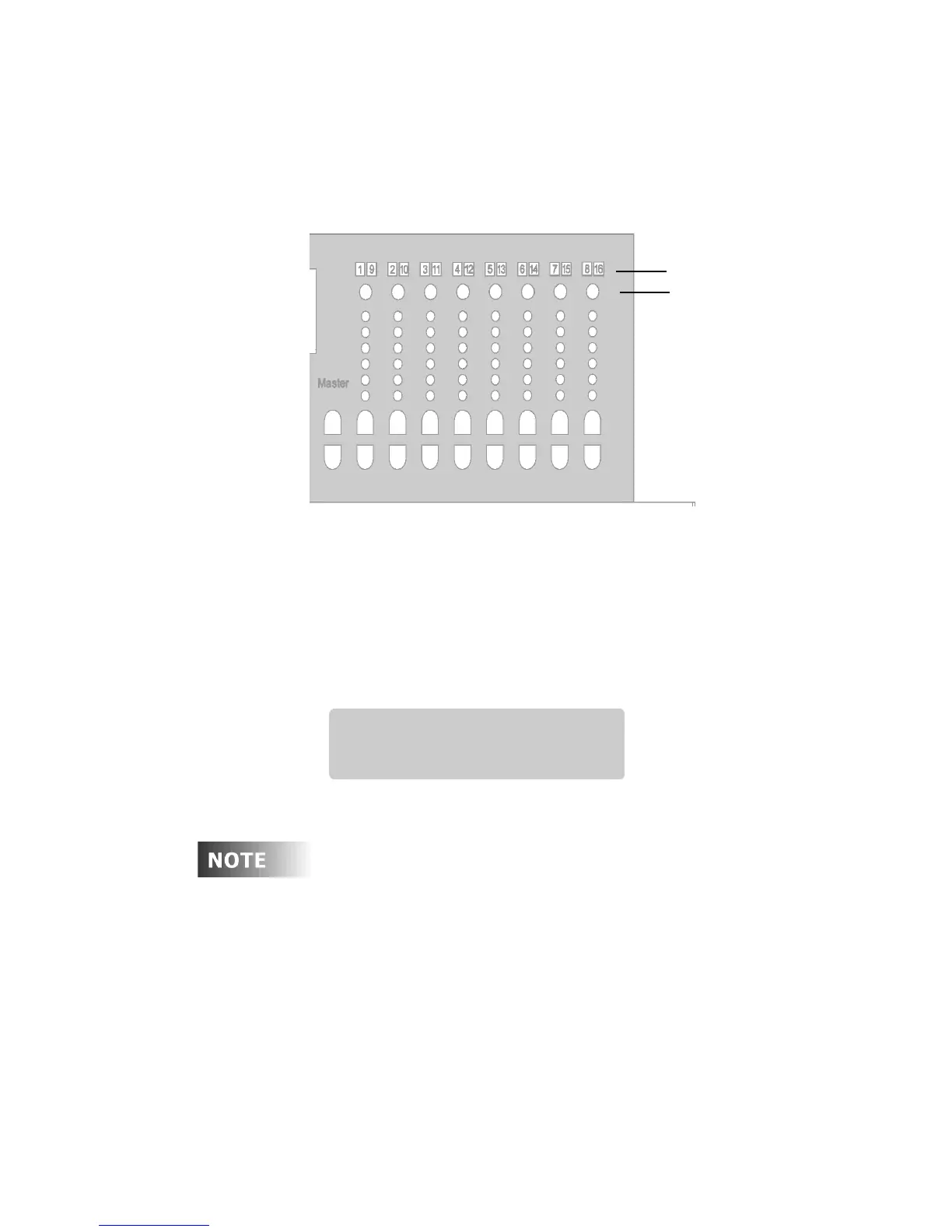
The Zone Status buttons are located above the Zone LED level
indicators.
Figure 18 - Zone Status Buttons
To check a Zone:
Step 1: Press a Zone status button.
The LCD display shows the Zone number or name (if you
have programmed one); the precise lighting level is displayed
as a percentage. Current lighting levels are not affected.
The LCD display returns to normal after a few seconds.
Just to the right of the “Zxx:” symbol on the 2nd line is a
field that is normally blank. If this Zone is excluded from
the current scene, a minus sign (“-”) appears in this
position.
Zone LED Indicator
Zone Status Buttons
ZONE:08
Z08: LEVEL= 26%



 To Next Page