User Guide
Leviton D4200 LCD Ver 2.0 Architectural Lighting Controller Page 23 of 80
Create a different sheet for each personality that you are
going to use.
Navigating Menus
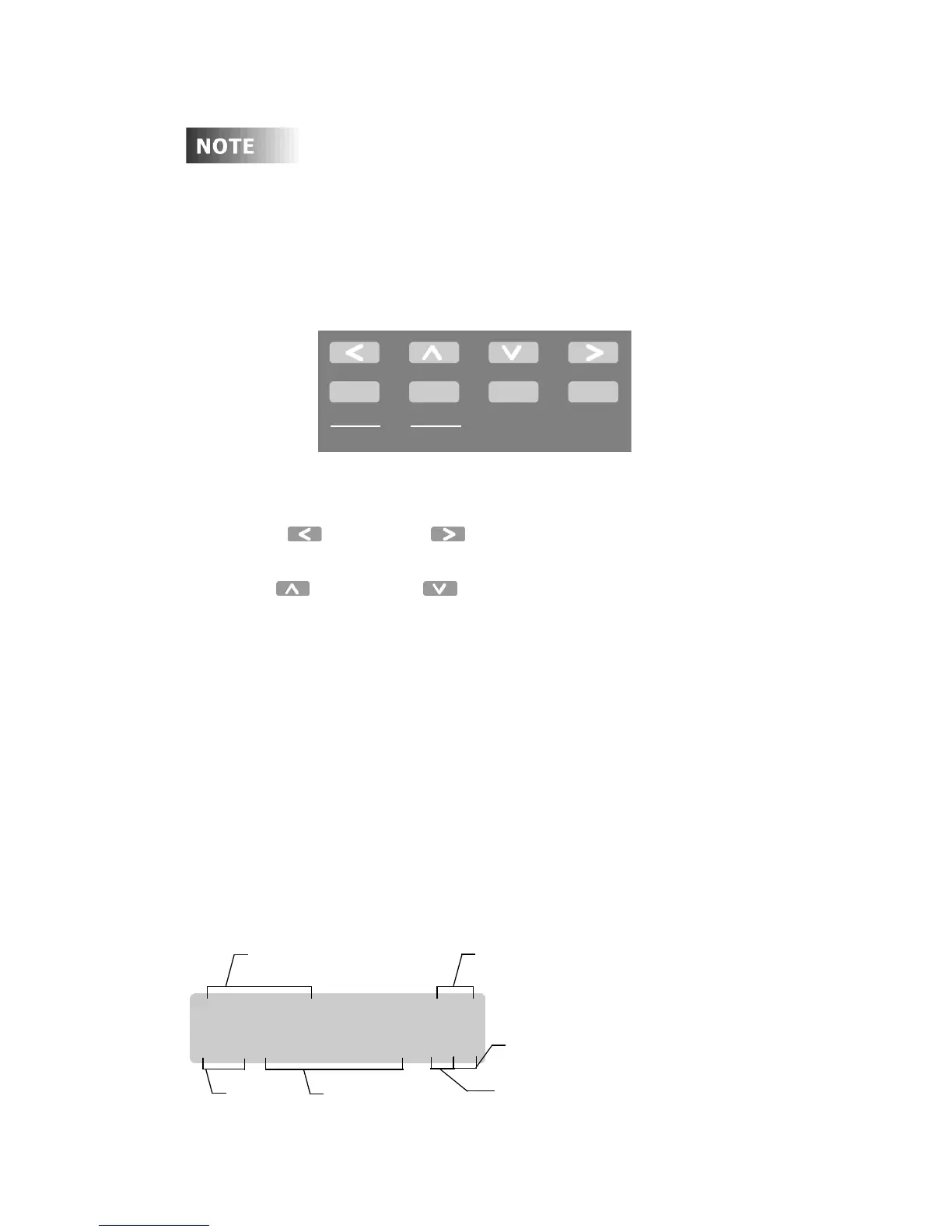
To navigate the menus, use the programming/navigation buttons:
Figure 11 - Programming Buttons
• Left and Right . Moves the cursor back and forth, or
to the previous or next item.
• Up and Down . Scrolls through menus and
submenus; changes selected values.
• Select/Save. Selects a value to be modified; saves the
modified value.
• Menu/Cancel. Enters menu mode; exits submenus; exits
menu mode.
• Clear. Clears or returns a selected value to zero.
• Page Zones. Alternates the Zone numbers between 1-8 and
9-16, 17-24 and 25-32. The LCD will indicate which Page you
are currently in. P1 refers to Zones 1-8, P2 indicates Zone 9-16,
P3 indicates Zone 17-24 and P4 indicates to Zones 25-32 are
active.
Select
Save
Menu
Cancel
Clear
Page
Zones
Breakfast P1
S01 TUE 04:29p LE
Page Number - P1 = Zones 1-8
Days of week
Scene #
Indicates Schedule is active
P2 = Zones 9-16
Scene Name
Indicates Station is Locked
P3 = Zones 17-24
P4 = Zones 25-32



 To Next Page