User Guide
Leviton D4200 LCD Ver 2.0 Architectural Lighting Controller Page 22 of 80
You will need the following information to setup the station:
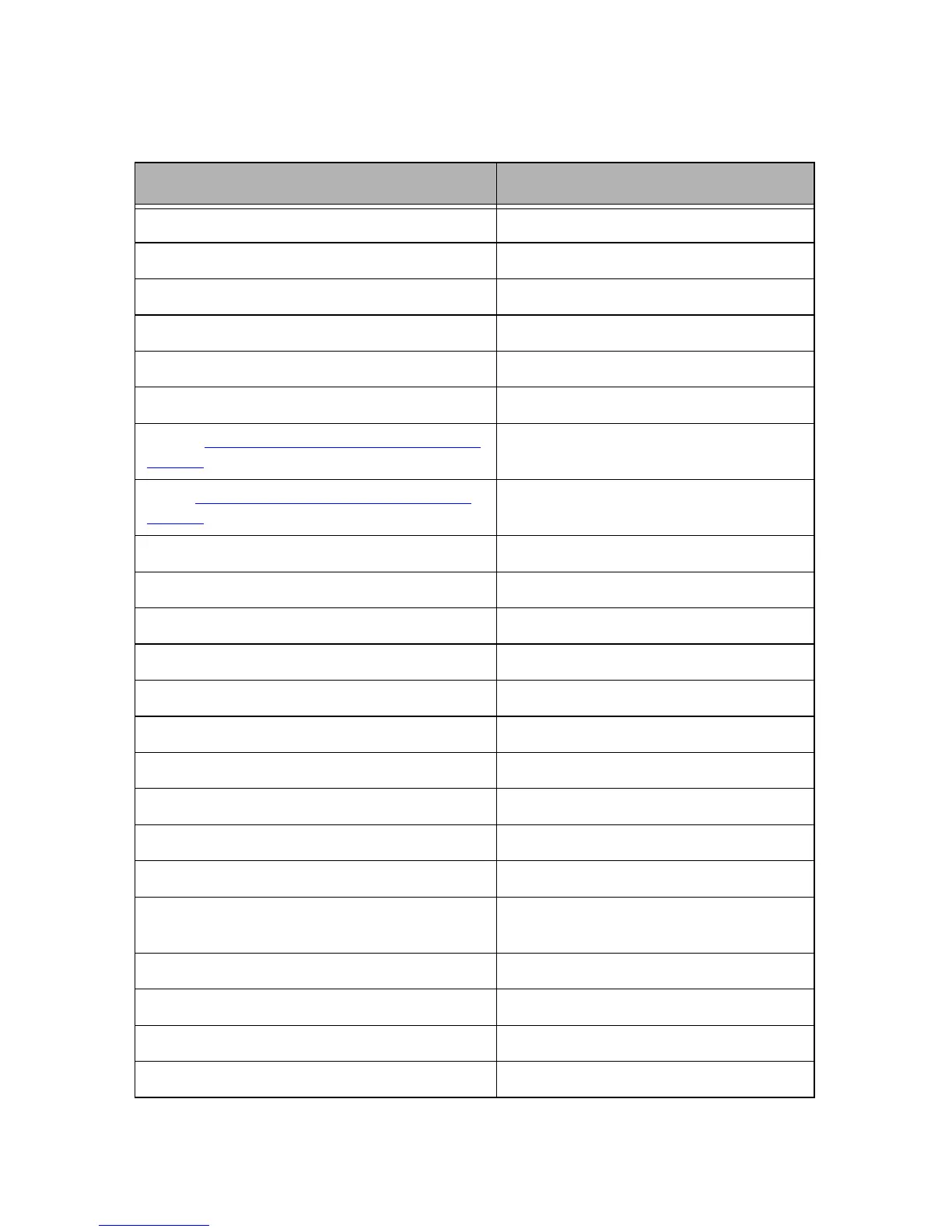
Table 6 - User Setting’s for Easy Setup
Function User Setting’s
2nd Level Settings:
Network/Luma-Net Address (Edit Network)
Assign Zones/ Patching Information Use Zone Patching and Label Chart
Personality - *
Astronomical Clock (Yes or No)
Latitude (See Appendix for Chart)
Sunrise (www.srrb.noaa.gov/highlights/sunrise/sun-
rise.html)
Sunset(www.srrb.noaa.gov/highlights/sunrise/sun-
rise.html)
Max Number of Zones (8, 16, 24 or 32)
Main Menu Level Settings:
Scheduling Information Use Scheduling Chart
Scheduler: ON or OFF
Sequencing Information Use Sequencing Chart
Sequencer: ON or OFF
Zone Labels Use Zone Patching and Label Chart
Zone Exclusions Use Zone Patching and Label Chart
Scene Labels Use Scene Label Chart
Daylight Savings Location (North America or Euro-
pean Union or Off)
Record Lock: ON or OFF
Station Lock: ON or OFF
Record Lock Code: (Default-000)
Station Lock Code: (Default-000)



 To Next Page