User Guide
Leviton D4200 LCD Ver 2.0 Architectural Lighting Controller Page 57 of 80
Operation
Controlling Lighting Levels
You can control the lighting levels in two ways. You can change all the
lights at once, or change individual lighting levels without changing
the programmed settings.
Minimum and Maximum Lighting Levels
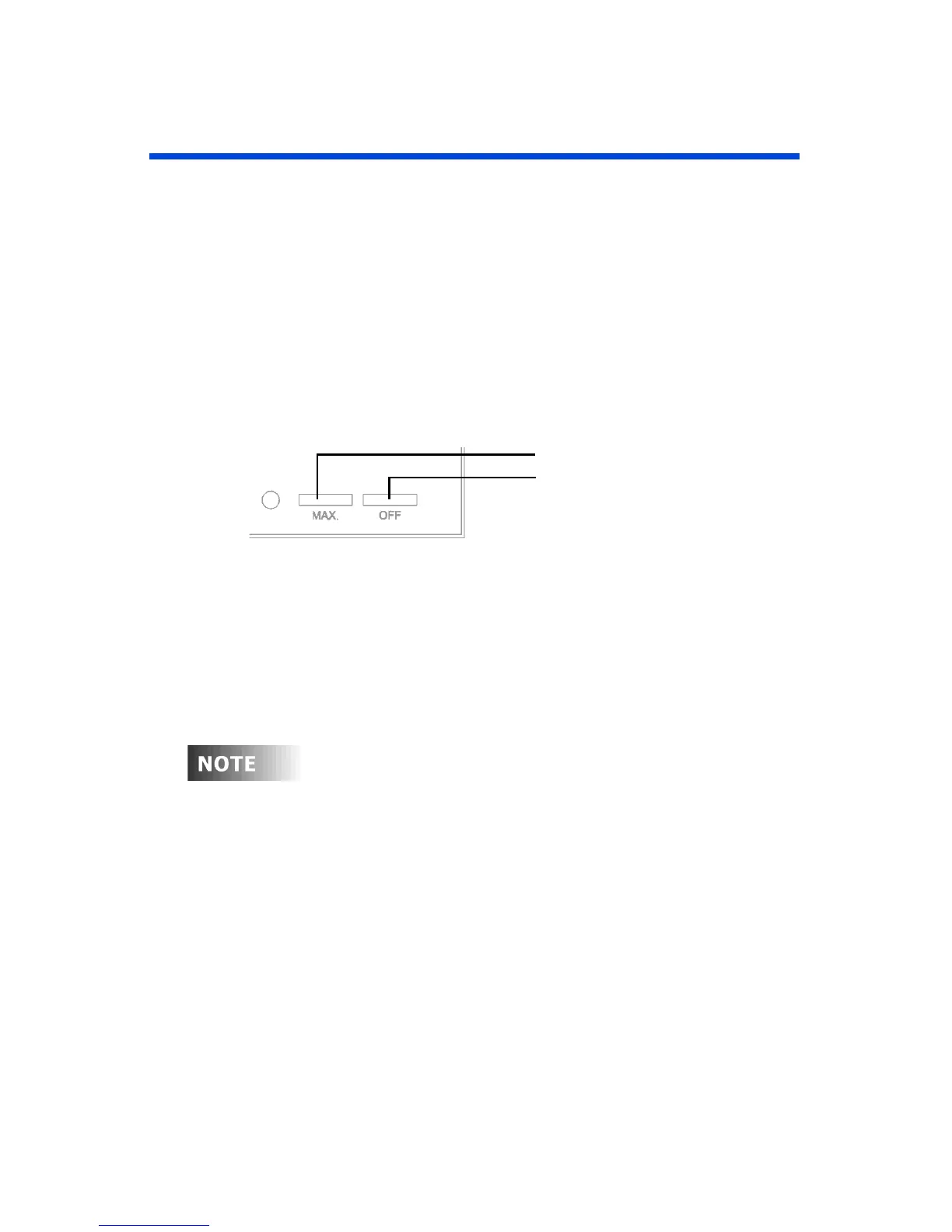
To bring all lighting to the maximum or minimum level, use the MAX
or OFF button on the lower panel.
Figure 16 - MAX and OFF Buttons
• To gradually bring all lighting levels to the maximum or
minimum level, press the MAX or OFF button once,
respectively.
• To immediately bring all lighting levels to the maximum or
minimum level, tap the button twice.
The OFF button can be modified from the default value of
no light (see
Changing the MAX and OFF Lighting
Levels
).



 To Next Page