User Guide
Leviton D4200 LCD Ver 2.0 Architectural Lighting Controller Page 50 of 80
LOCKS
The D4200 has two types of Locks:
• Record Lock
- Record Lock prevents any data stored in the
station's memory from being altered. You must enter the
Record Lock code when recording Scenes and editing any data.
• Station Lock - Station Lock restricts access to the controller.
You must enter the Station Lock Code when recording Scenes
and editing any data. Setting the Station Lock also sets the
Record Lock. When you turn the Station Lock OFF, The Record
Lock stays ON.
Setting the Record Lock Code
The Record Lock code must be a number between 000 and 999. The
default code is 000.
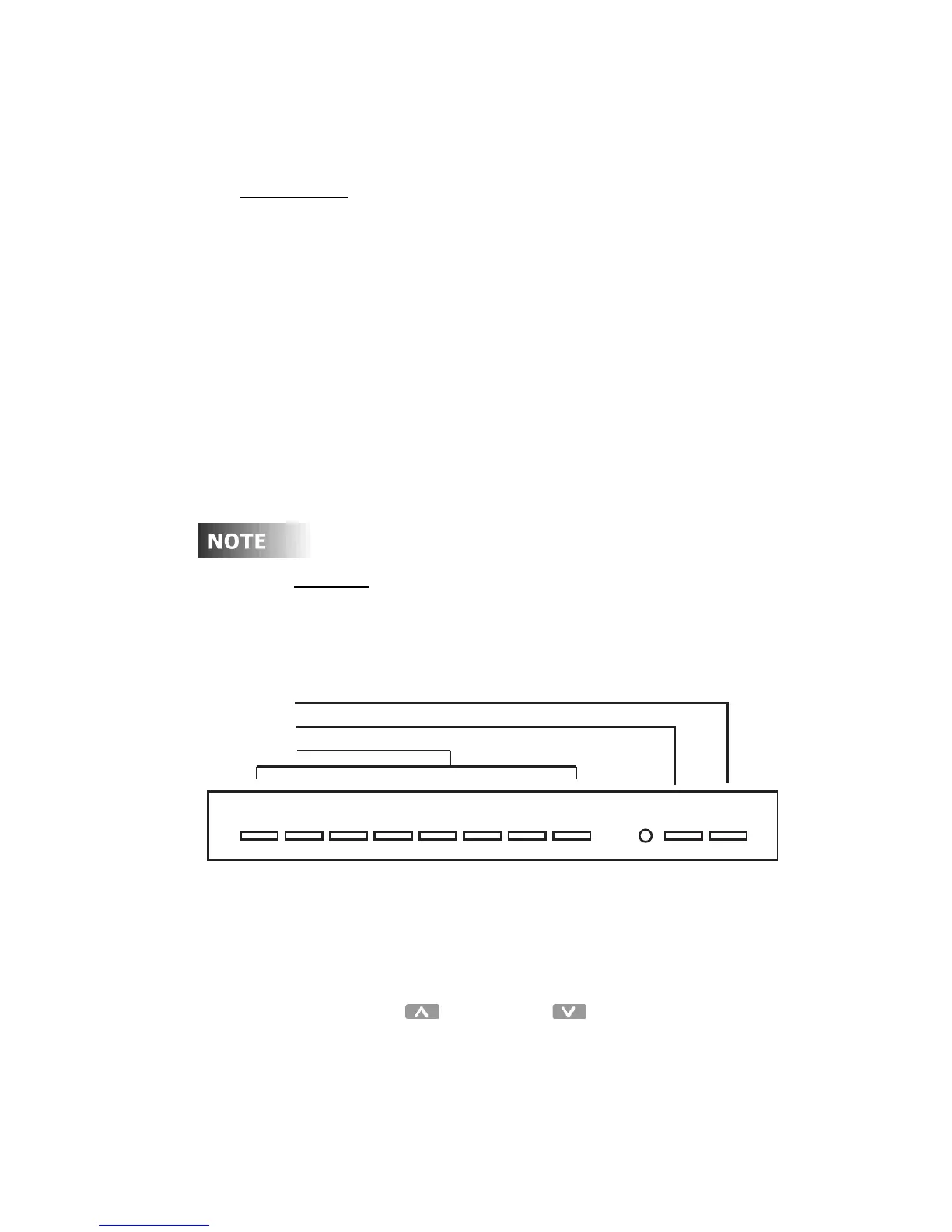
Shortcut
: Use a code number between 000 and 999, as
the Preset - Scene buttons 1 to 8 and MAX (9) and OFF
(0) can be used to enter the code in directly.
Figure 13 - Shortcut Buttons
To set the Record Lock code:
Step 1: Press the Menu/Cancel button.
Step 2: Press the Up and Down buttons until SET
RECORD LOCK? flashes on the LCD display.
Step 3: Press the Select/Save button.
The CODE field flashes
24567813 90
MAX.
OFF
Off Button
Max Button
Scene Button



 To Next Page