User Guide
Leviton D4200 LCD Ver 2.0 Architectural Lighting Controller Page 55 of 80
immediately, bypassing the fade time. When Scenes are
named, the name appears on the LCD display when the button
is pressed, for example, “BREAKFAST, LUNCH, or DINNER.”
•
MAX. Brings all assigned lighting levels gradually to the
maximum level. Tapping the button twice brings all assigned
lighting levels immediately to the maximum level, bypassing
the fade time. This button can be programmed for custom
lighting levels, for example, reducing the maximum light level
to conserve energy, or providing longer lamp life.
•
OFF. Brings all lighting levels gradually to the minimum level
(the default value is no light). Tapping the button twice brings
all assigned lighting levels immediately to the minimum level,
bypassing the fade time. This button can be programmed for
custom lighting levels, for example, keeping a minimum light
level for safety reasons.
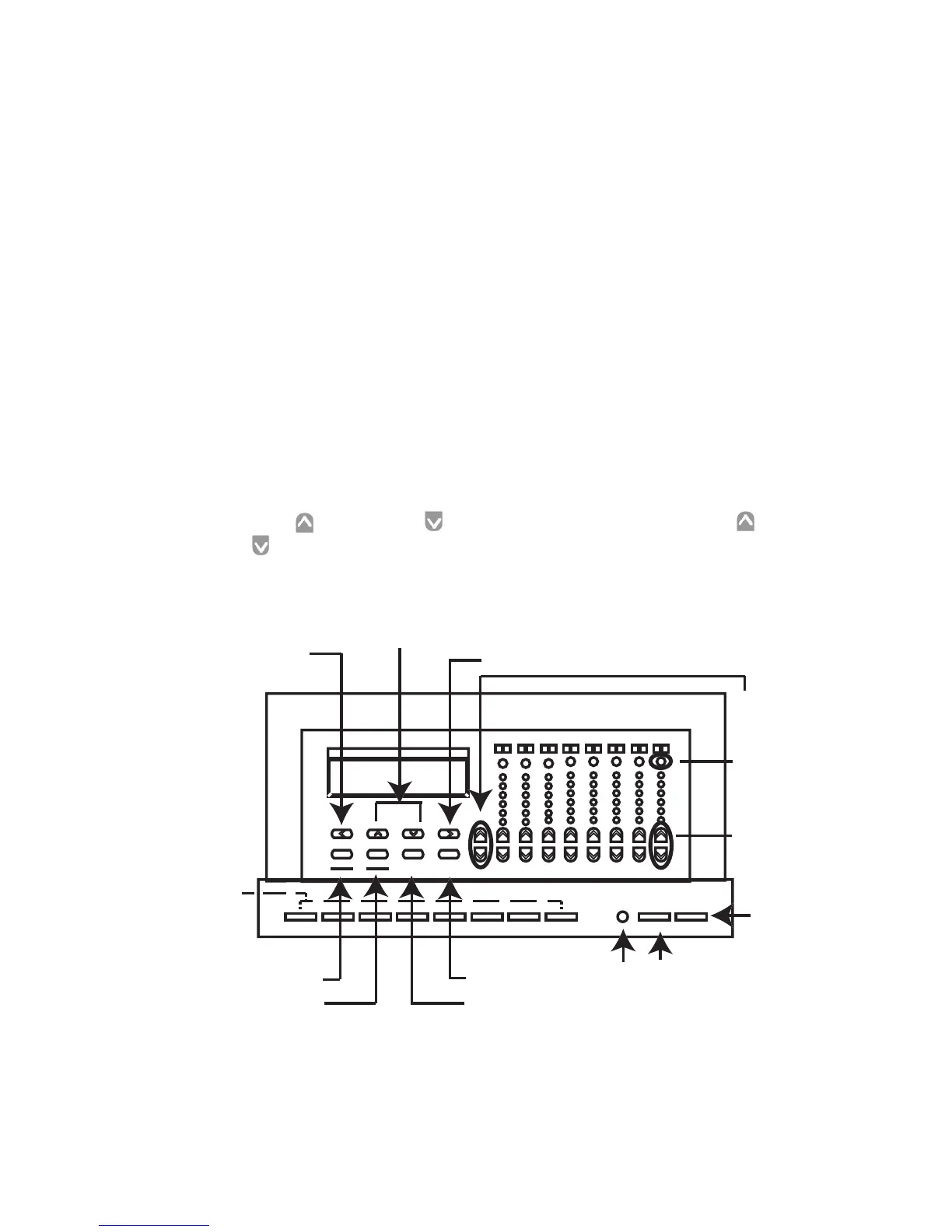
With the cover open, you can also access the LCD display, the
Master Up and Down buttons, the individual Zone Up and
Down buttons, the Zone identification and status buttons, the
Zone level indicators, and the programming/navigation buttons.
Figure 15 - D4200 Buttons
1 9 2 10 3 11 4 12 5 13 6 14 15 16
M
as
t
e
r



 To Next Page