User Guide
Leviton D4200 LCD Ver 2.0 Architectural Lighting Controller Page 46 of 80
Step 1: Press the Menu/Cancel button.
Step 2: Press the Up and Down buttons until EDIT
LABELS? flashes on the LCD display.
Step 3: Press the Select/Save button.
Step 4: Press the SCENE, MAX, OFF, Zone ID or Up or
Down button you want to edit.
Step 5: Press the Left and Right buttons to select a
character to edit,
or proceed to the next step if you want to change the
current character.
Step 6: Press the Up and Down buttons to scan
through the alphanumeric values.
Press
Clear
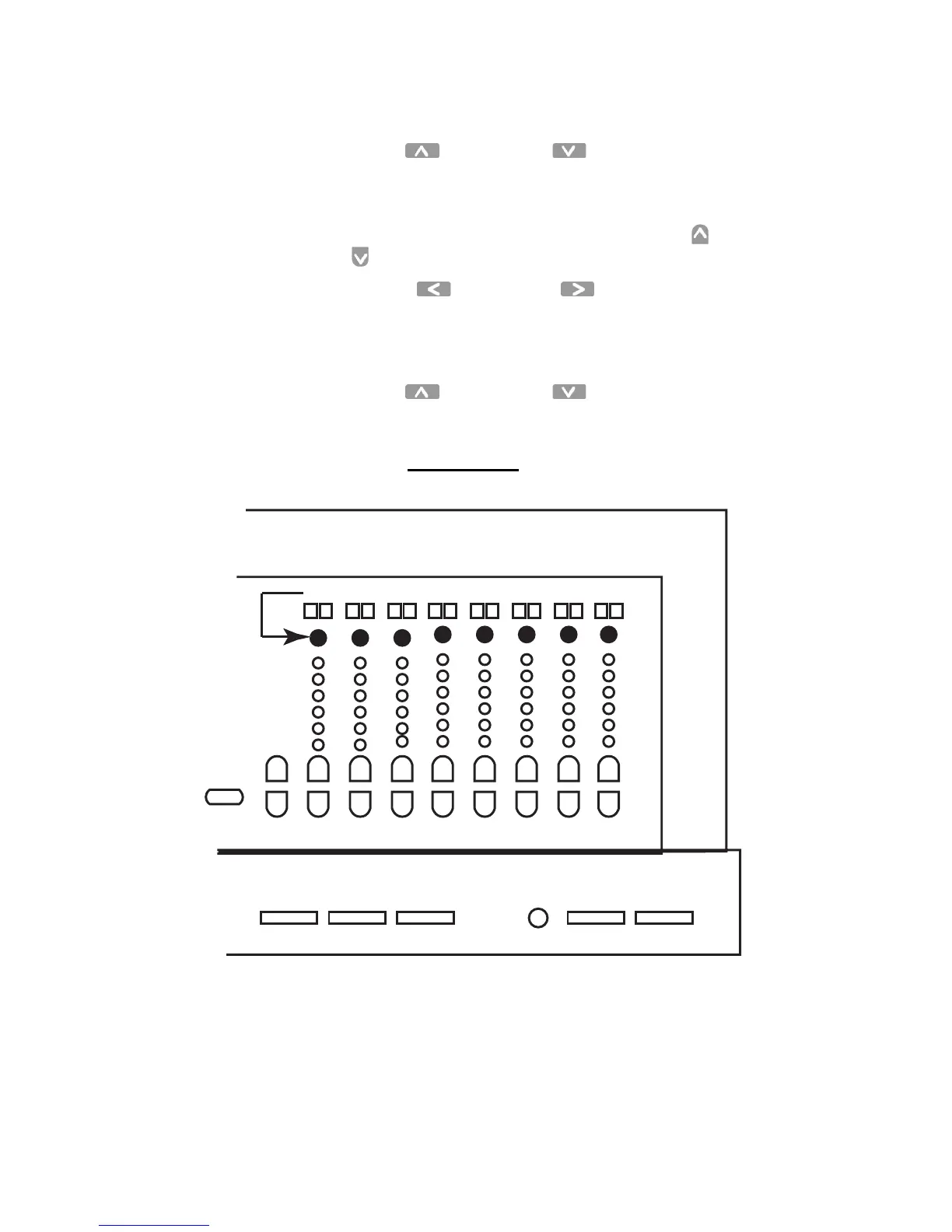
to clear the entire value. See the Graphic below
for a shortcut to Alpha Keys
.
Figure 12 - Shortcut for Alpha Keys
Step 7: Press the Select/Save button to save the value and edit
the label.
1 9 2 10 3 11 4 12 5 13 6 14 15 16
Master



 To Next Page