User Guide
Leviton D4200 LCD Ver 2.0 Architectural Lighting Controller Page 65 of 80
or by the event timer (scheduler). The sequence can be sub-divided
into groups of events simply by the use of commands that start it
(GOTO a specific step).
To view the sequencer:
Step 1: Press the Menu/Cancel button.
Step 2: Press the Up and Down buttons until VIEW
SEQUENCER? flashes on the LCD display.
Step 3: Press the Select/Save button.
The Event number flashes.
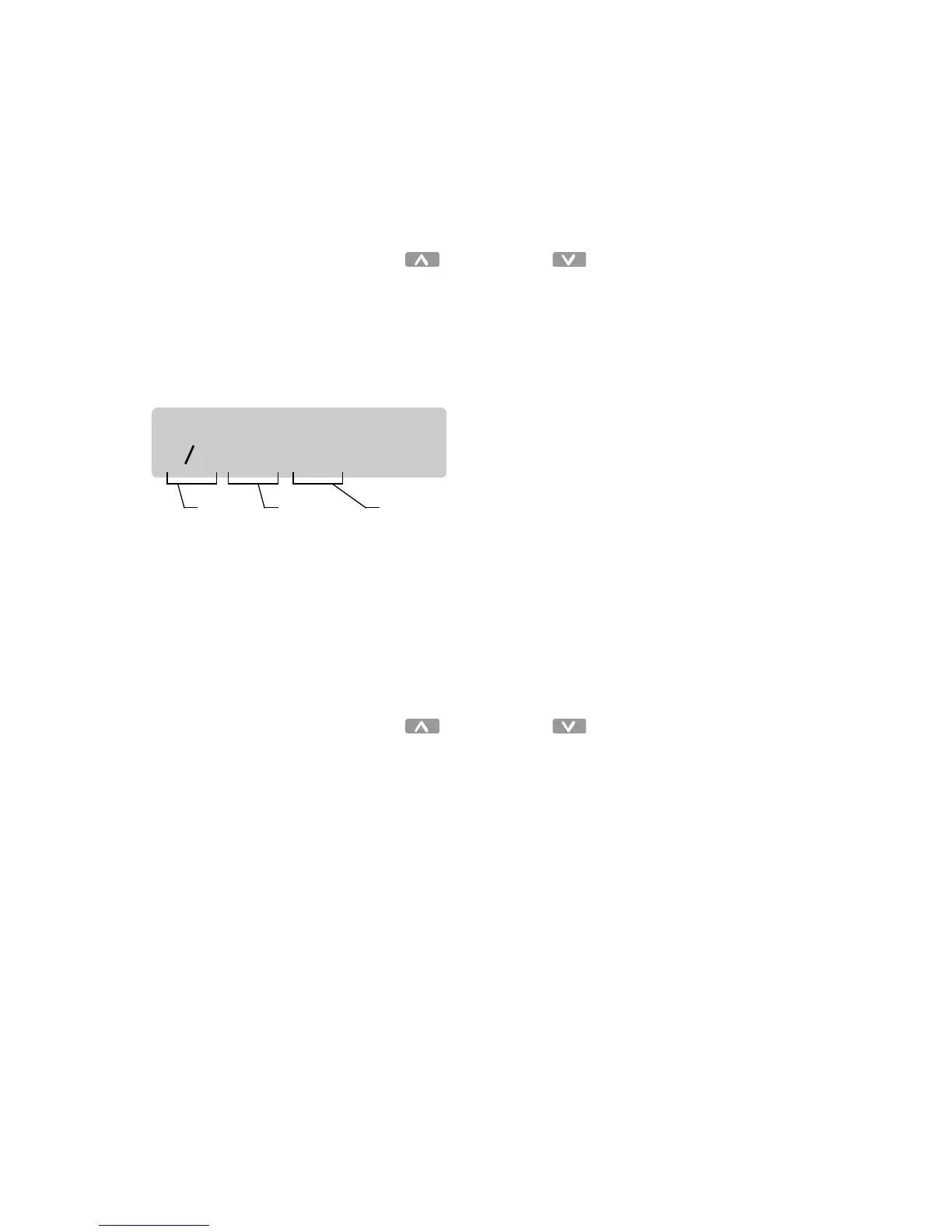
The sequence Events are displayed in the following format:
STOP
indicates the end of the sequence and the sequencer is
disabled after a
STOP
Event is executed.
LOOP
indicates the sequencer will immediately restart the
sequence and will run continuously. Events after a
START
or
LOOP
command are not executed.
Step 4: Press the Up and Down buttons to scan
through the possible Events.
Step 5: Press the Menu/Cancel button to exit this menu.
SEQUENCER:
E01: OFF 01s
Event
number
Scene or
command
Time until
next step



 To Next Page