8-2
Windows Software Reference (Single Chamber Mode)
Baud Rate:
38400 bps
Data Bits: 8
Parity: None
Stop Bits: 1
Flow Control: None
Double-click on the LI-8100A program icon to launch the program; the Main
Window appears.
Connecting
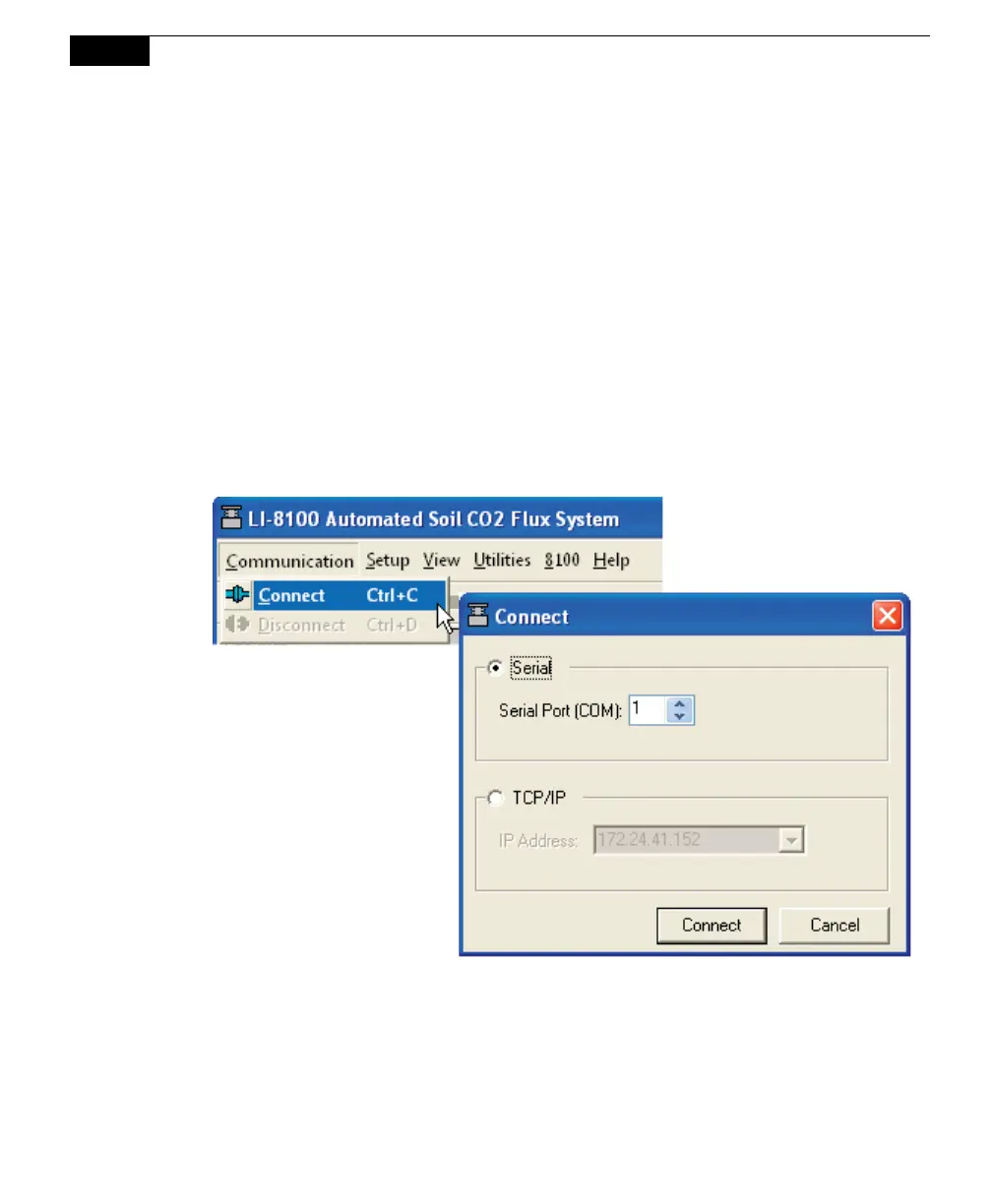
Select Connect from the File menu or click on the connect icon on the toolbar,
beneath the File menu. You are asked to select the serial port to which the
LI-8100A is connected or the IP address of the LI-8100A, if the LI-8100A is
connected to a wired or wireless network (see Remote Networking below).
Choose a COM port or enter the IP address, and click Connect. If the instrument is
connected properly, data will begin to appear in the Main window (below):



 To Next Page