10-78
Using the LI-8150 Multiplexer
The Setup Menu
Measurement Preset
Opens the Measurement Preset page, where you can define up to 19 different
configurations containing measurement setup parameters. These parameters can
be saved and recalled for later use, without the need to redefine experimental
parameters before each experiment. For example, individual parameters for
different types of soil chambers can be defined (e.g. 10 cm and 20 cm survey
chambers), and saved as unique measurement presets; switching between
chambers can then be easily done by simply loading the appropriate preset and
starting the measurement.
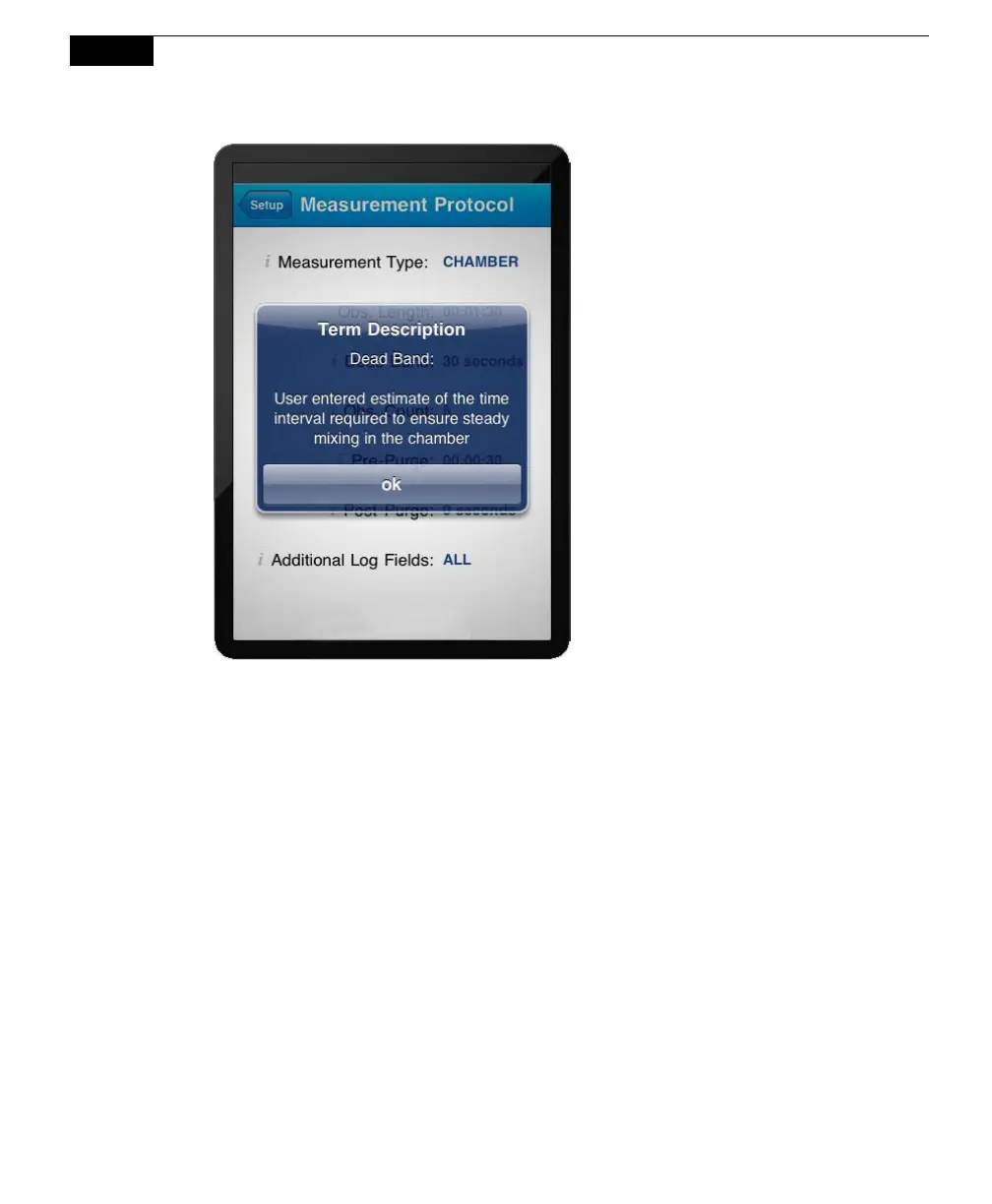
Each preset contains the experimental parameters defined on the Measurement
Protocol page, as well as the Area, Volumes and Flow Rate, Start Measurement,
and Instrument Settings pages.



 To Next Page