Windows Software Reference (Single Chamber Mode)
8-5
the window. After you have finished defining the chamber’s configuration, be sure
to click the Apply to Port button.
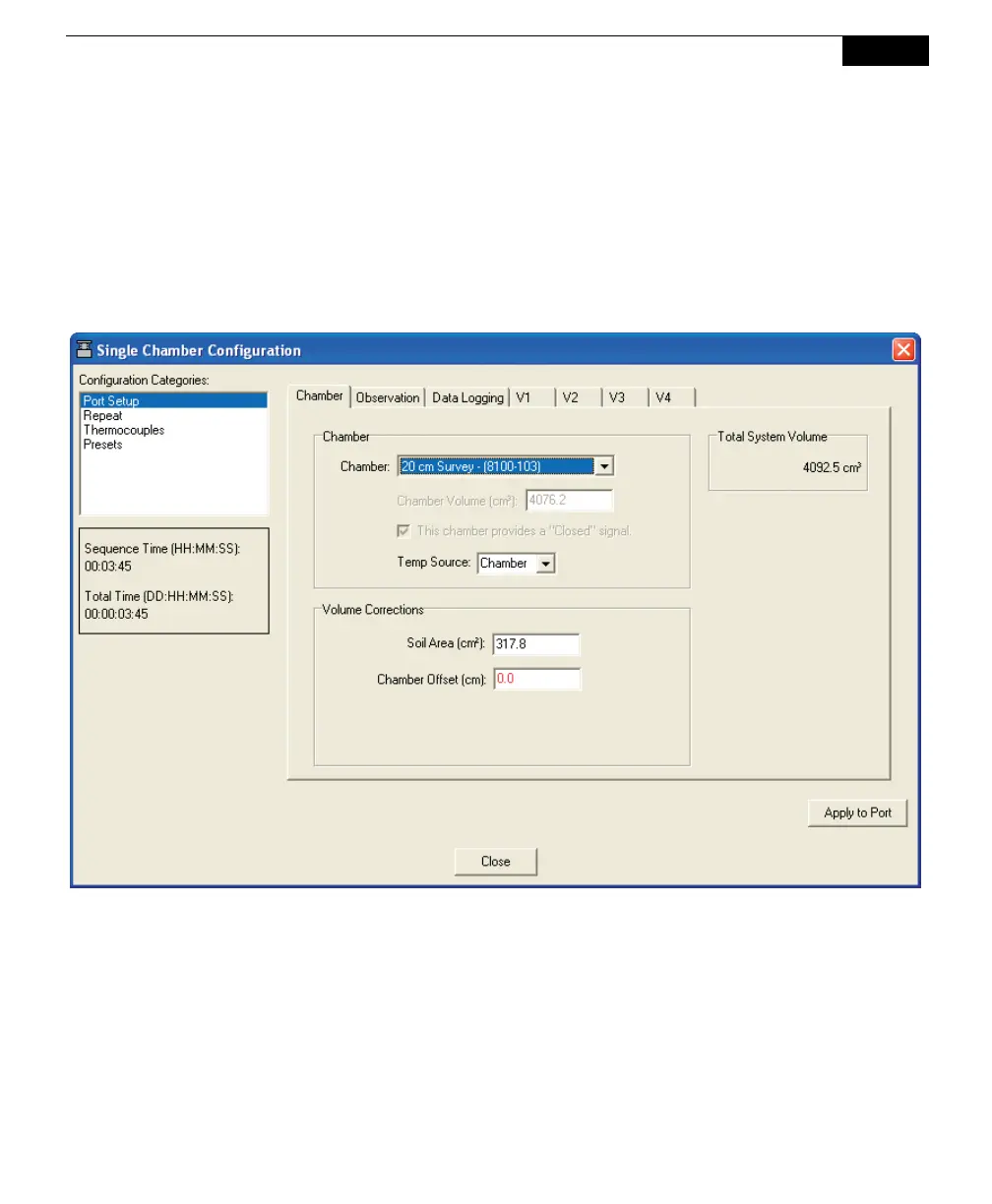
Port Setup: Chamber
The Chamber tab contains options for choosing the type of chamber that is
connected to the LI-8100A, as well as entering any Volume Corrections, including
chamber offset and soil area.
Choose the type of chamber that is connected from the Chamber pull-down menu.
The choices are:



 To Next Page