Using the LI-8150 Multiplexer
10-99
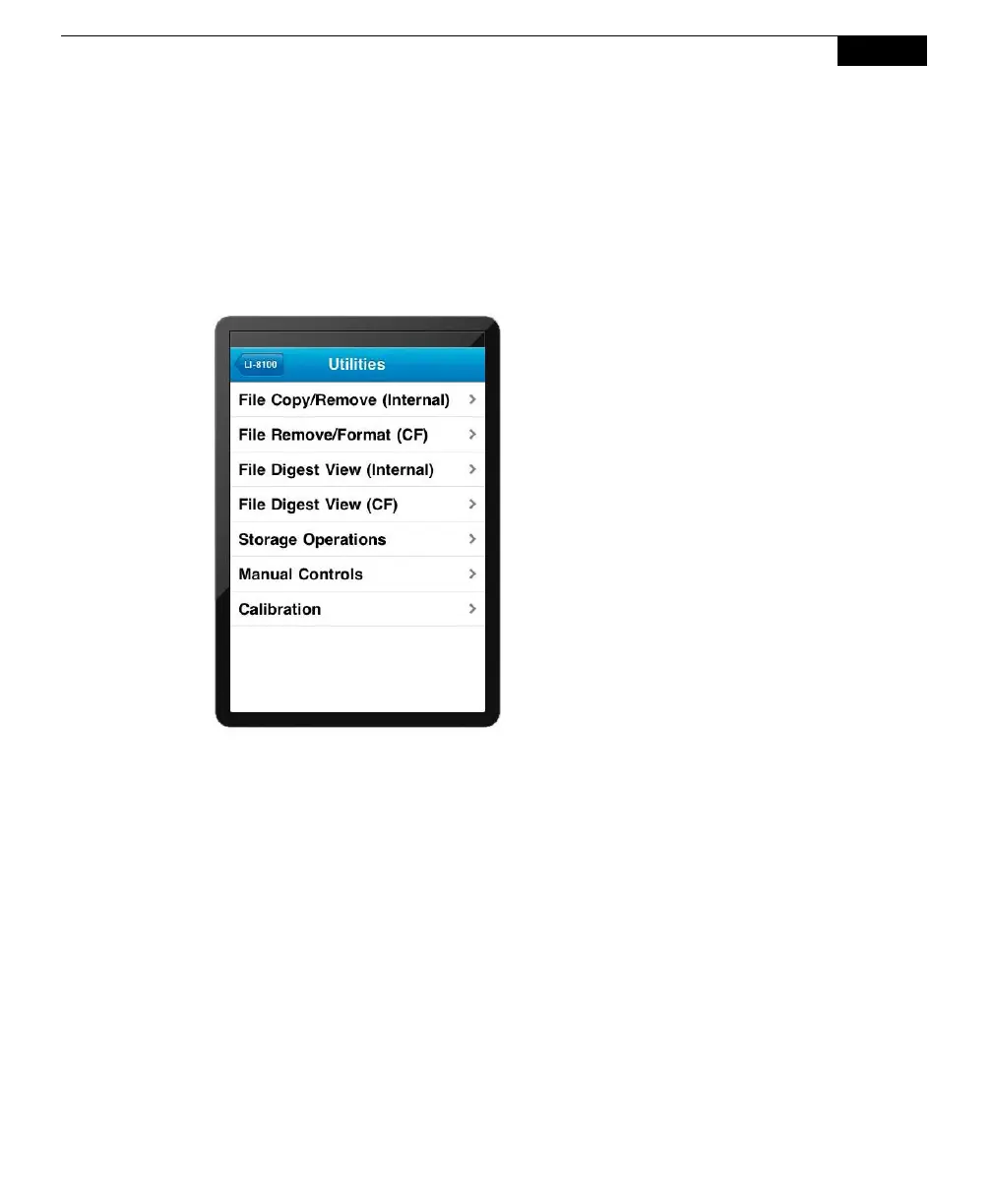
The Utilities Menu
The Utilities menu has file and/or storage options for existing data files, options for
manually controlling air flow through the system and opening and closing the soil
chambers, as well as calibration functions.
Tap File Copy/Remove (Internal) to copy and/or delete selected files from the
LI-8100A internal memory. Tap File Remove/Format (CF) to format or delete
selected files from the compact flash card.
Tap File Digest View (Internal) to display a list of files on the LI-8100A internal
memory, or File Digest View (CF) to display a list of the files on the Compact Flash
card. You can select a file from the list, and view the data from each observation
associated with that file.



 To Next Page