9-24
Apple iOS Software Reference (Single Chamber Mode)
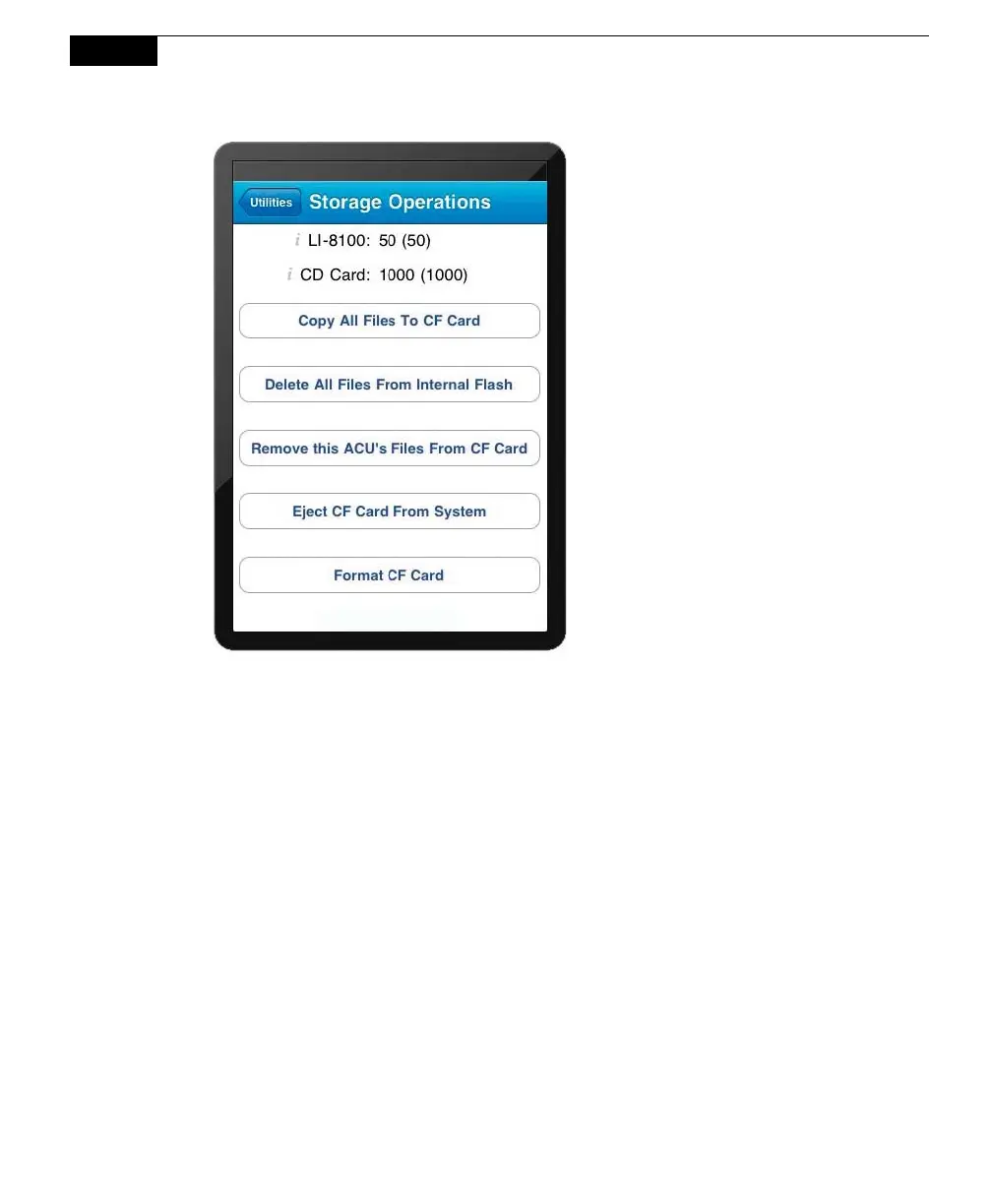
Copy All Files to CF Card: Copies all files from the LI-8100A internal memory to
the optional compact flash card.
Delete All Files From Internal Flash: Removes all files from the LI-8100A internal
memory.
Remove this ACU's Files From CF Card: When files are copied to the compact
flash card, the LI-8100A creates a directory on the card with the instrument name.
This operation removes that directory and its contents from the card.
Eject CF Card from System: Unmounts the compact flash card safely; you should
always eject the card before removing it from the PC card slot to ensure the
integrity of the data.
Format CF Card: Deletes all files from the compact flash card.
Manual Controls
Opens the Manual Controls page, where you can use manual chamber controls to
open or close the survey or long-term chambers, turn the flow to the chamber on or
off, or turn the survey chamber bellows pump off. Controlling the chamber flow



 To Next Page