9-12
Apple iOS Software Reference (Single Chamber Mode)
GPS Latitude Decimal degrees, hemisphere (+) north or (-) south
GPS Longitude Decimal degrees, hemisphere (+) east or (-) west
GPS Status A = Valid position, V = NAV receiver warning
Speed Speed over ground, 0000.0 to 1851.8 km/h
GPS Course True course over ground, 000.0 to 359.9 degrees
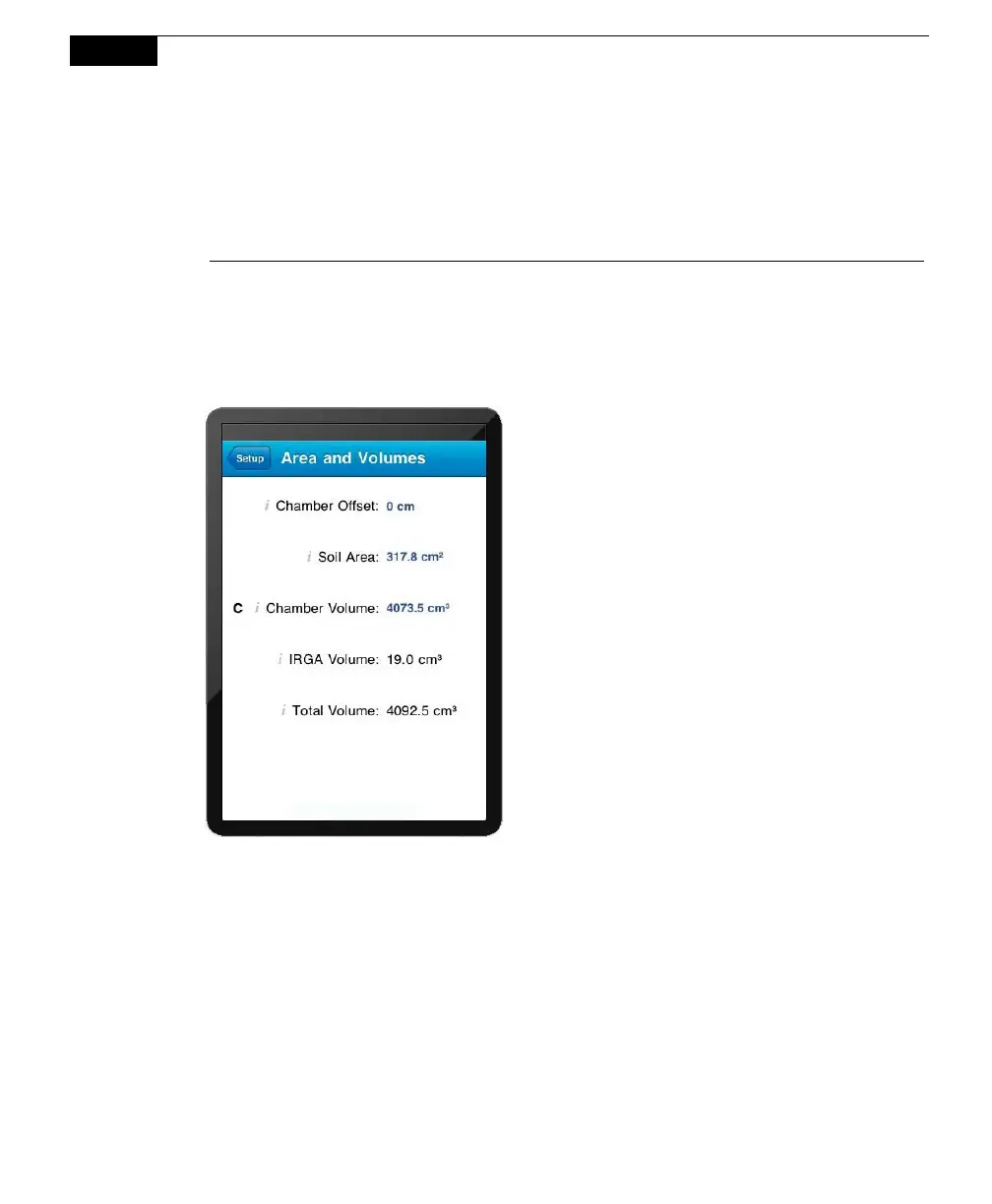
Area and Volumes
Opens the Area and Volumes page, where you can set the chamber offset and flow
rate, and choose the default soil area and chamber volume values, which
determine the total system volume of air.
The Total Volume value is computed
and displayed after the Chamber Offset,
Soil Area, and Chamber Volume values
are entered. IRGA Volume is set at
“Instrument Settings” and is displayed
here.
Chamber Offset
The Chamber Offset is the distance (in cm) between the soil surface and the top of
the soil collar, and is dependent upon the depth that the collar is inserted into the
ground (discussed in Section 2, Initial Setup). The soil CO
2
flux measurement
requires an accurate estimate of the Total System Volume. The LI-8100A software
uses the Chamber Offset and the Soil Area values to calculate the volume of air
inside of the soil collar. This value is, in turn, added to the Chamber Volume to
obtain the Total Volume. Measuring the Chamber Offset is described in Section
2, Using Soil Collars.



 To Next Page