8 Windows
®
Software
Reference (Single
Chamber Mode)
Installing the PC Communications Software on Your Computer
Automated Soil
CO
2
Flux System
Application Software V2.0.0
Embedded Code V2.0.0
Run Setup.exe
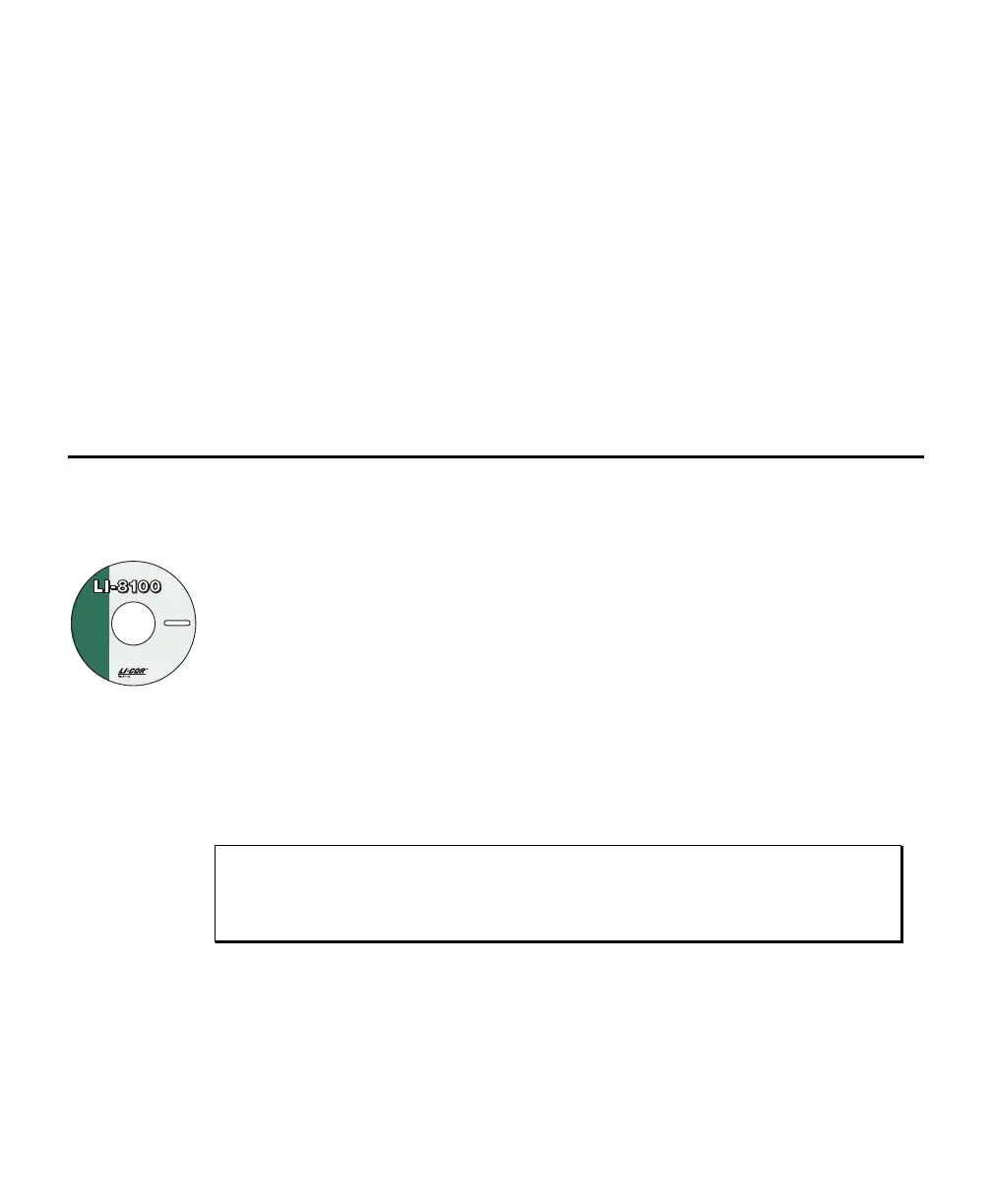
The PC Communications Software that comes with the LI-8100A is used to
transfer data and setup files between the LI-8100A and the PC.
The software is shipped on CD, and requires that your computer have an RS-
232 serial (COM) interface, and Windows
®
XP/Vista/7.
Insert the CD into your CD-ROM drive. If installation does not auto-matically
start, select
Run from the Windows Start menu, and select the Setup.exe file
on the CD. When the software has finished the installation procedure, the
LI-8100A program icon will be placed on your desktop and in the Programs
menu.
NOTE: To remove the software, go to the Control Panel and select
Add/Remove Programs. Choose LI8100A from the list of programs and click
the Add/Remove button.
Operation - Using the LI-8100A Software
Data from the LI-8100A can be transferred to a computer for analysis, printing or
storage using the RS-232 or Ethernet interfaces. The LI-8100A RS-232 port is
configured as Data Terminal Equipment (DTE) with no hardware handshaking, and
is bi-directional, meaning information can be transferred both into and out of the
LI-8100A. The LI-8100A communication parameters are as follows:



 To Next Page