10-50
Using the LI-8150 Multiplexer
entire data set is placed in a single file, as defined by the measurement
configuration. Large files can be split into smaller files, in increments of 1 day, or 1
week. Files split by the day are appended with a date, beginning at 12:00 a.m.
each day; files split by the week are appended with a date, and are also split at
12:00 a.m each day. Click the ‘Append data to an existing file’ button to add new
measurement data at the end of the currently defined file.
Destination
Data collected by the LI-8100A can be stored to the instrument's internal memory,
or to an optional Compact Flash card; you can log to one or the other, but not both
at the same time. Data stored to the internal memory can be transferred to a
Compact Flash card or to the PC when a measurement is not active. Note that data
files can be large, and the internal memory is limited; in most cases it is
recommended that you log to a Compact Flash card.
Measurement Start
Enter a Start time. You can start the measurement immediately or choose to begin
the measurement at a specified date and time.
View Menu
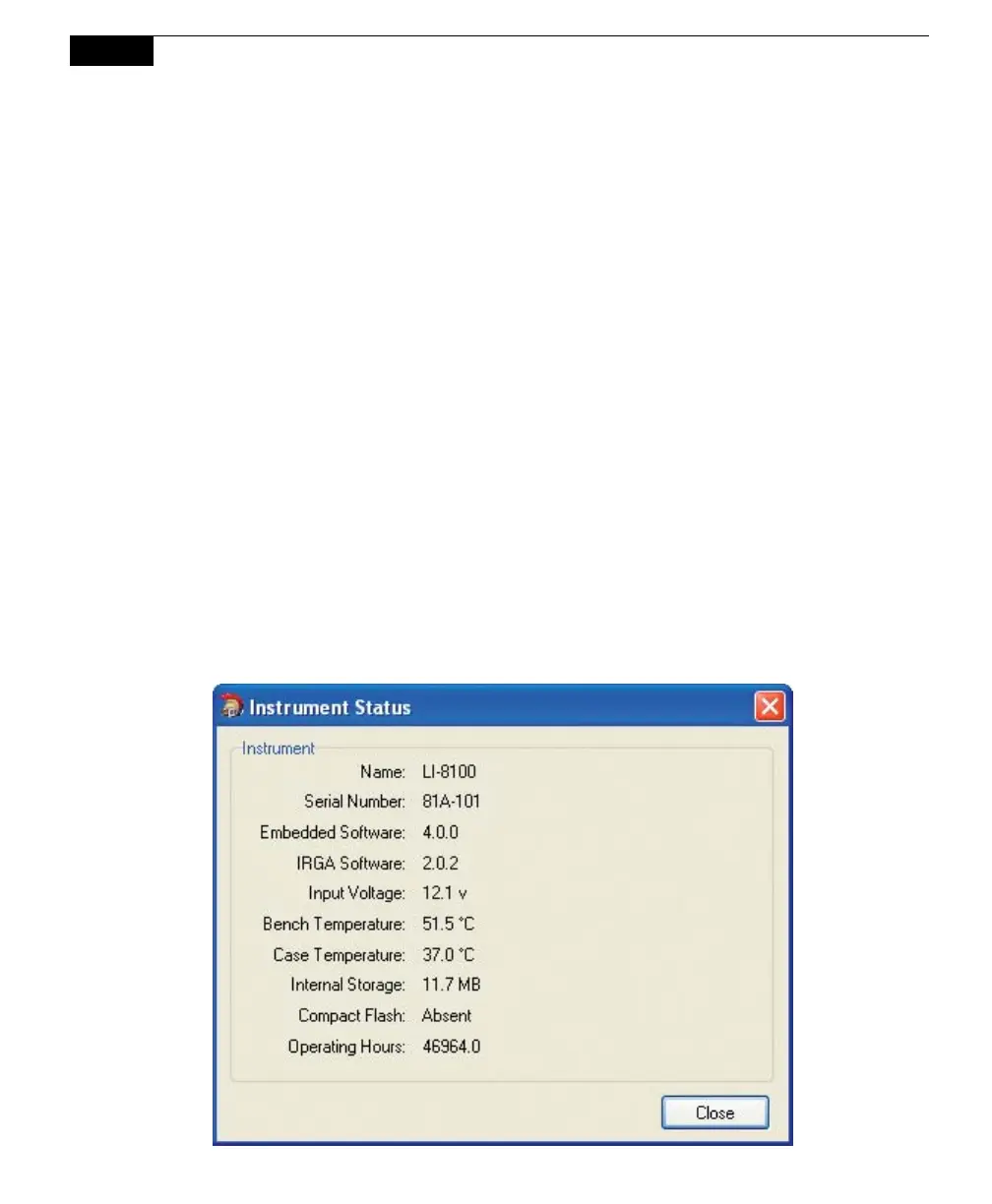
Instrument Status
Opens a window that displays the current operating state of the LI-8100A.



 To Next Page