9-34
Apple iOS Software Reference (Single Chamber Mode)
Send RS-232 Data Every
Sets the frequency at which to log data (seconds).
TCP/IP Output Fields
Tap on the TCP/IP field to configure the data values to be sent via the wireless card
or Ethernet port, if desired. Note that you can configure the TCP/IP (wireless)
and/or RS-232 options while the other is enabled; changes will not take effect until
data logging is stopped and restarted, however. For example, if you are currently
logging data to the PC, you can configure the wireless/Ethernet output, but you
must first stop logging data to the PC before beginning wireless output with the new
configuration.
The data values that can be output are as shown above at RS-232 Output, with the
addition of GPS values (latitude, longitude, GPS status, speed, and course).
Send TCP/IP Data Every
Sets the frequency at which to log data (seconds).
The Help Menu
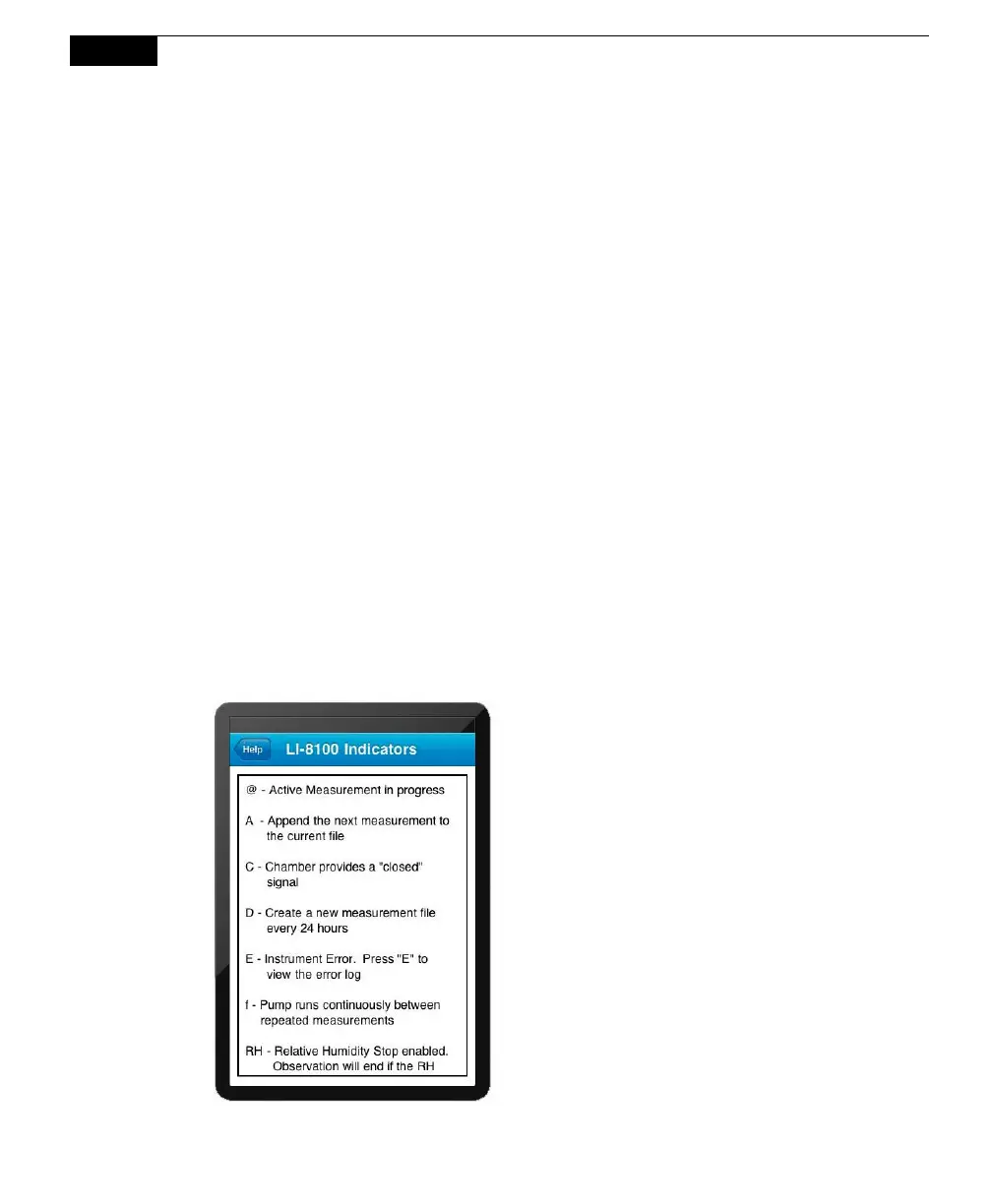
Indicators
Opens the Indicators page, where you can view definitions of indicators that may
appear on the screen.



 To Next Page