12-40
Maintenance
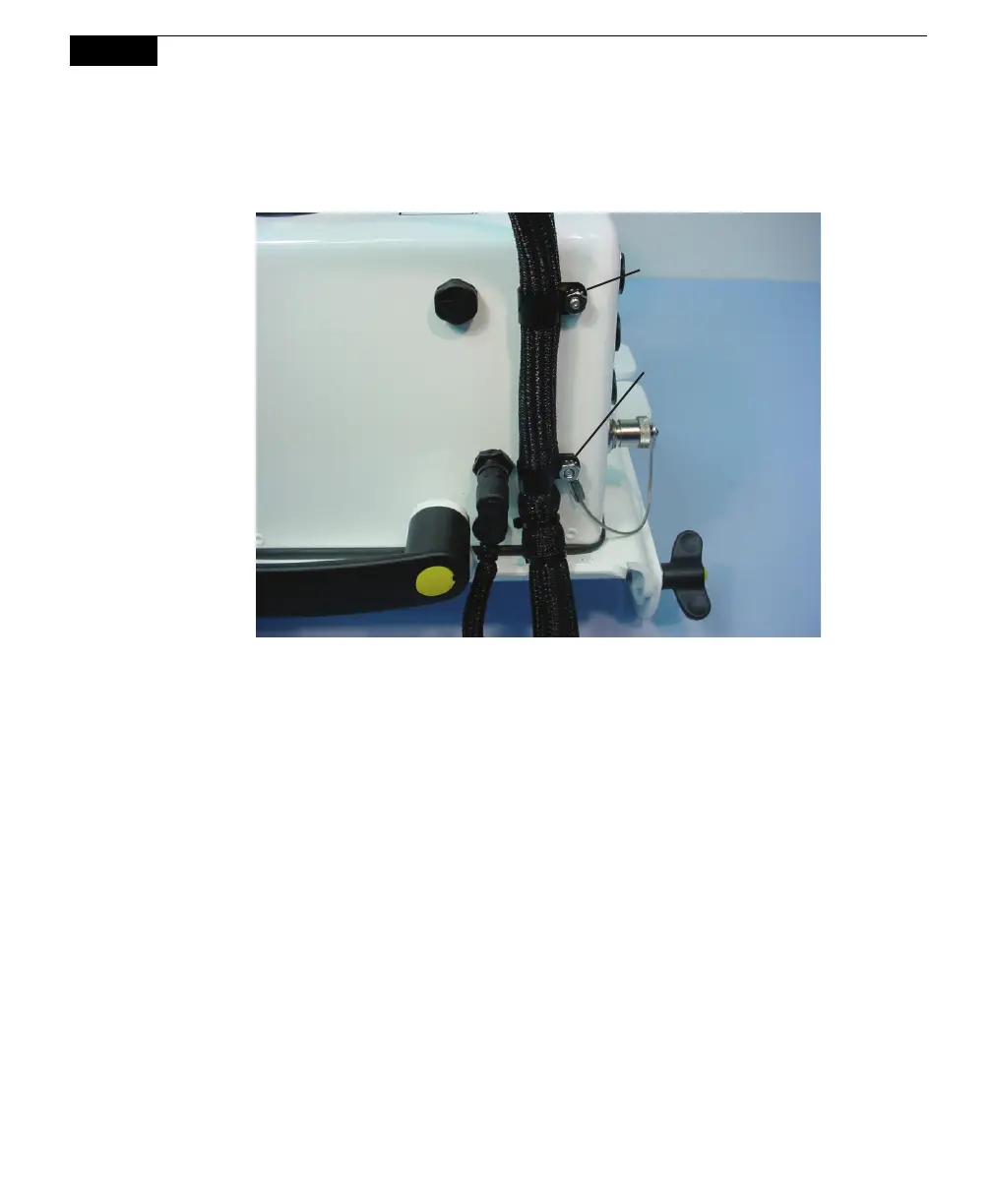
9. Loosely install the upper cable clamp. Adjust the clamps if necessary, and
tighten the nuts.
Upper Cable
Clamp
Lower Cable
Clamp
Replacing the Thermistor Assembly (p/n 9981-125)
The thermistor on the underside of the chamber may need replacement due to
mechanical damage, moisture damage, or because the chamber temperature values
are consistently erroneous. NOTE: There is also a replacement thermistor assembly
for the 8100-104C Clear Chamber under part number 9981-172.
Follow these steps to replace the temperature thermistor assembly:
1. Disconnect the temperature thermistor cable from the top of the chamber by
loosening the thumb nut and pulling the cable connector straight out.
Remove the plastic retaining nut with a 5/8” open-end wrench.



 To Next Page