Using the LI-8150 Multiplexer
10-77
Using the LI-8100APP for Apple iOS
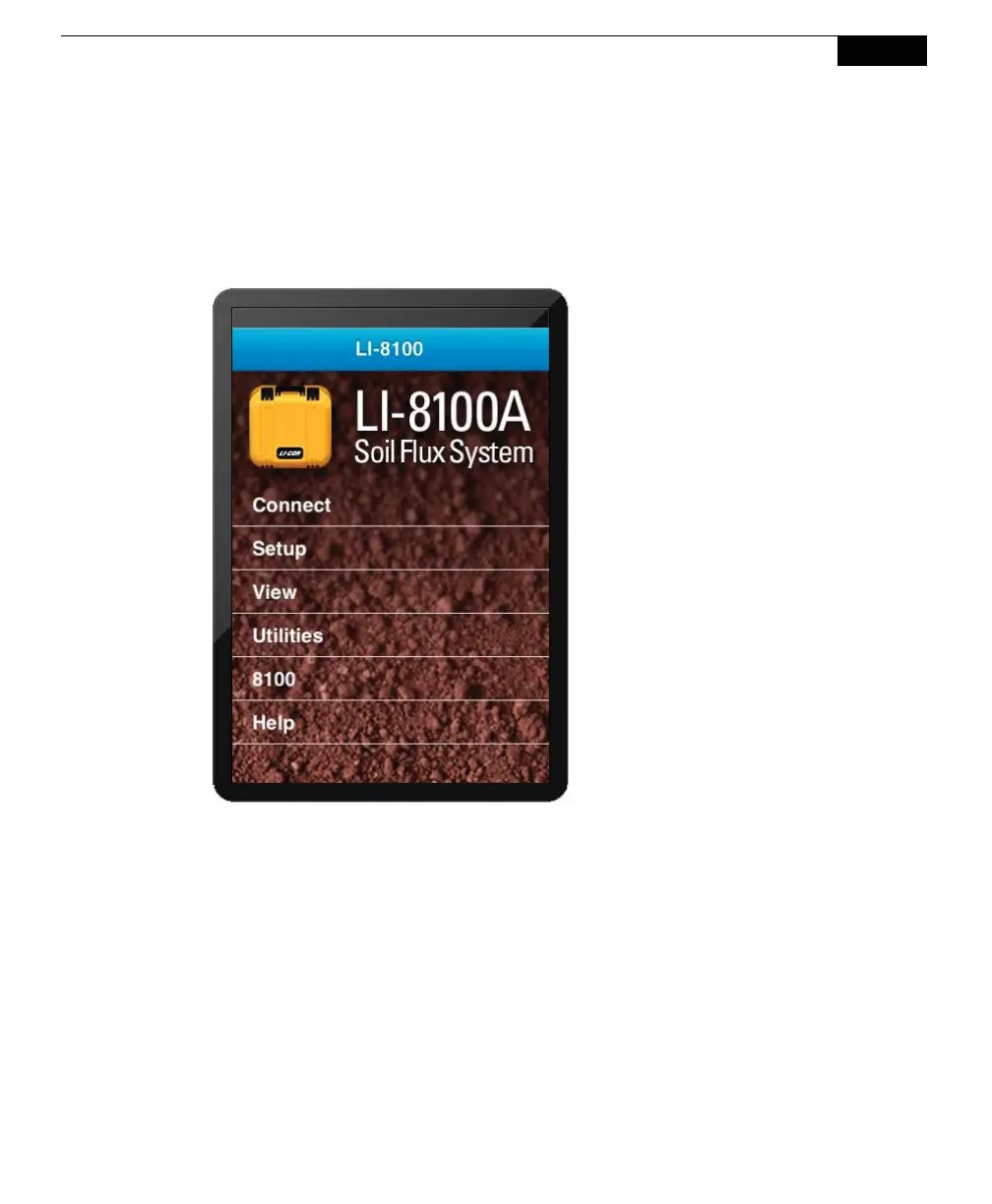
Locate the LI-8100A program icon and tap the icon to start the program. There are
six menus on the LI-8100APP main page; Connect, Setup, View, Utilities, 8100,
and Help. Tap Connect to view a list of instruments to which you can connect.
Accessing On-line Help
There are two ways to obtain on-line help. Tap the Help menu and choose
Indicators to see a list of the indicators that may appear on the PDA screen when
using the LI-8100A application. For example, if the @ indicator is visible on-
screen, it indicates that an active measurement is in progress. You can also tap on
the indicator itself to bring up a description.
Descriptions of most terms used in the LI-8100A application can be viewed by
tapping on the text of the term for which you want to view help. For example,
tapping the Dead Band term in the Measurement Protocol screen brings up the
following term description:



 To Next Page