6-6
Using the 10 and 20 cm Survey Chambers
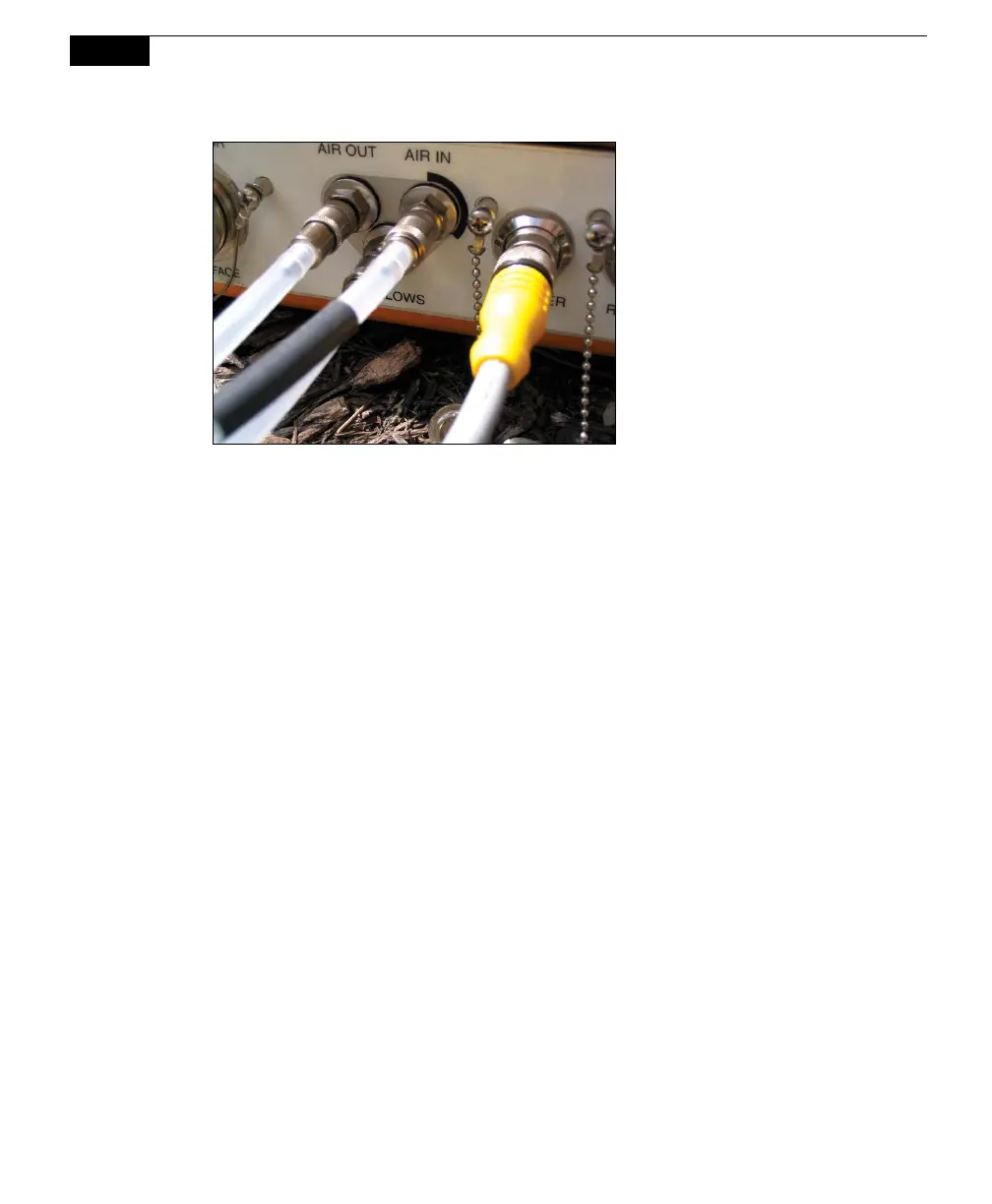
Figure 6-5. Survey Chamber hose connections.
Making Measurements
The following discussion assumes that you have already connected a Survey
Chamber, installed soil collars several hours or more before making a measurement
(see page 2-17), and have installed the Windows® and/or software for Apple iOS.
This discussion also assumes that you have connected your external sensors,
including soil moisture and/or soil temperature probes, to the Auxiliary Sensor
Interface as described in Section 2, Initial Setup. Although they are similar,
measurement protocols for both the LI-8100A Windows application software and
the software for Apple iOS are detailed below.
Connect the cables, battery, and chamber as described in Section 2, Initial
Setup.
Connect the LI-8100A to your computer using the appropriate serial cable, as
described in Section 2, Initial Setup.
Turn the LI-8100A on using the ON/OFF button on the inside panel of the
Analyzer Control Unit. Wait for the IRGA Ready light to illuminate. Note that
the chamber moves to its open (up) position at system startup.
Measure and record the height of the soil collar that extends above the soil
surface. Place the chamber on the soil collar.
Insert the soil temperature probe and/or soil moisture probes at the desired
depths and distances from the chamber.



 To Next Page