Apple iOS Software Reference (Single Chamber Mode)
9-13
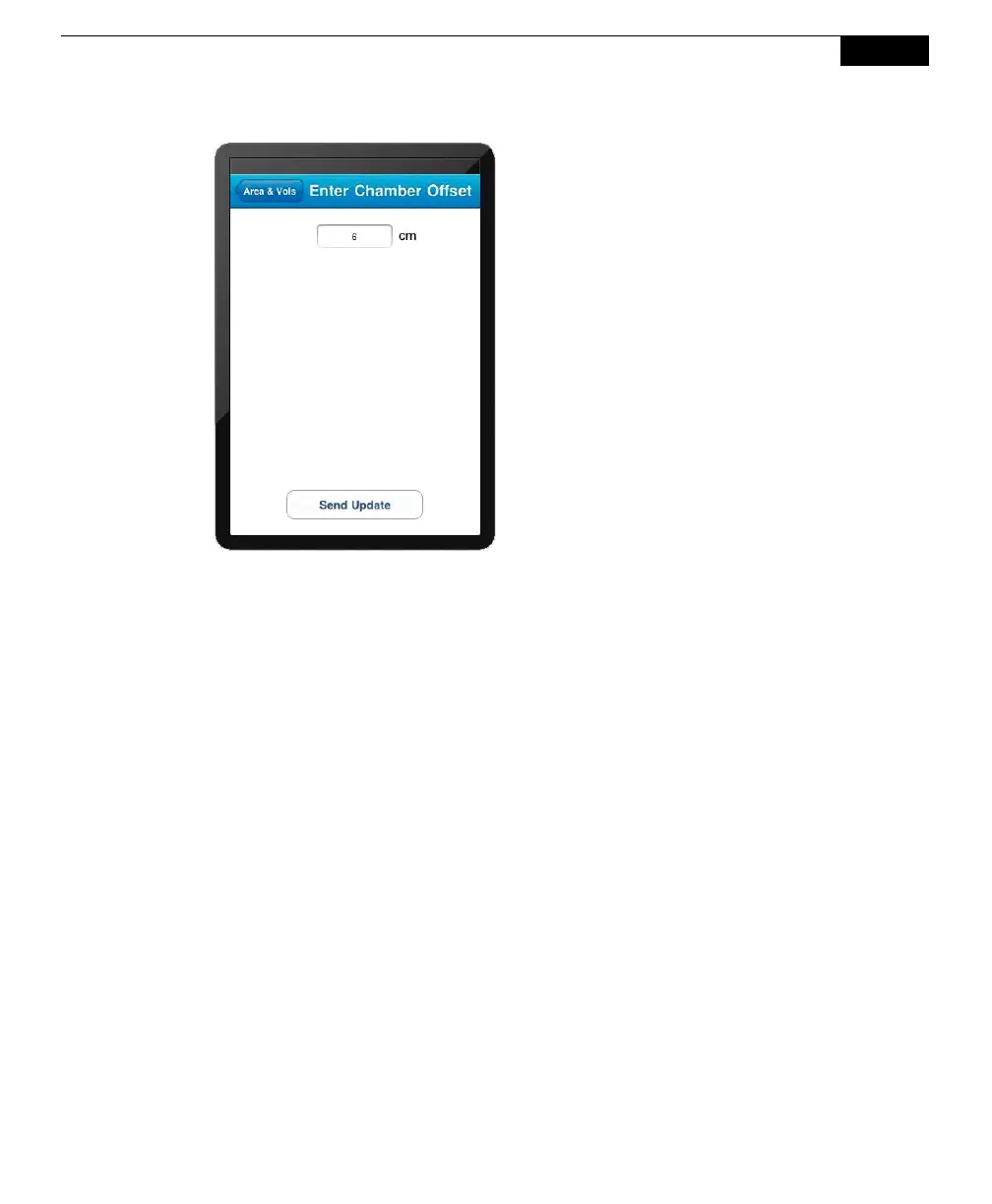
If you measured the Chamber Offset in
inches, remember to multiply by 2.54 to
convert the value to cm.
Soil Area
The Soil Area is the surface area of soil encompassed by the soil collar. Select 10
cm if you are using the Survey Chamber with a 10 cm soil collar from LI-COR, or
20 cm if you are using the 20 cm Survey Chamber or Long-Term Chamber with a
20 cm soil collar from LI-COR; the soil area is calculated automatically and is
shown in the window.



 To Next Page