9-28
Apple iOS Software Reference (Single Chamber Mode)
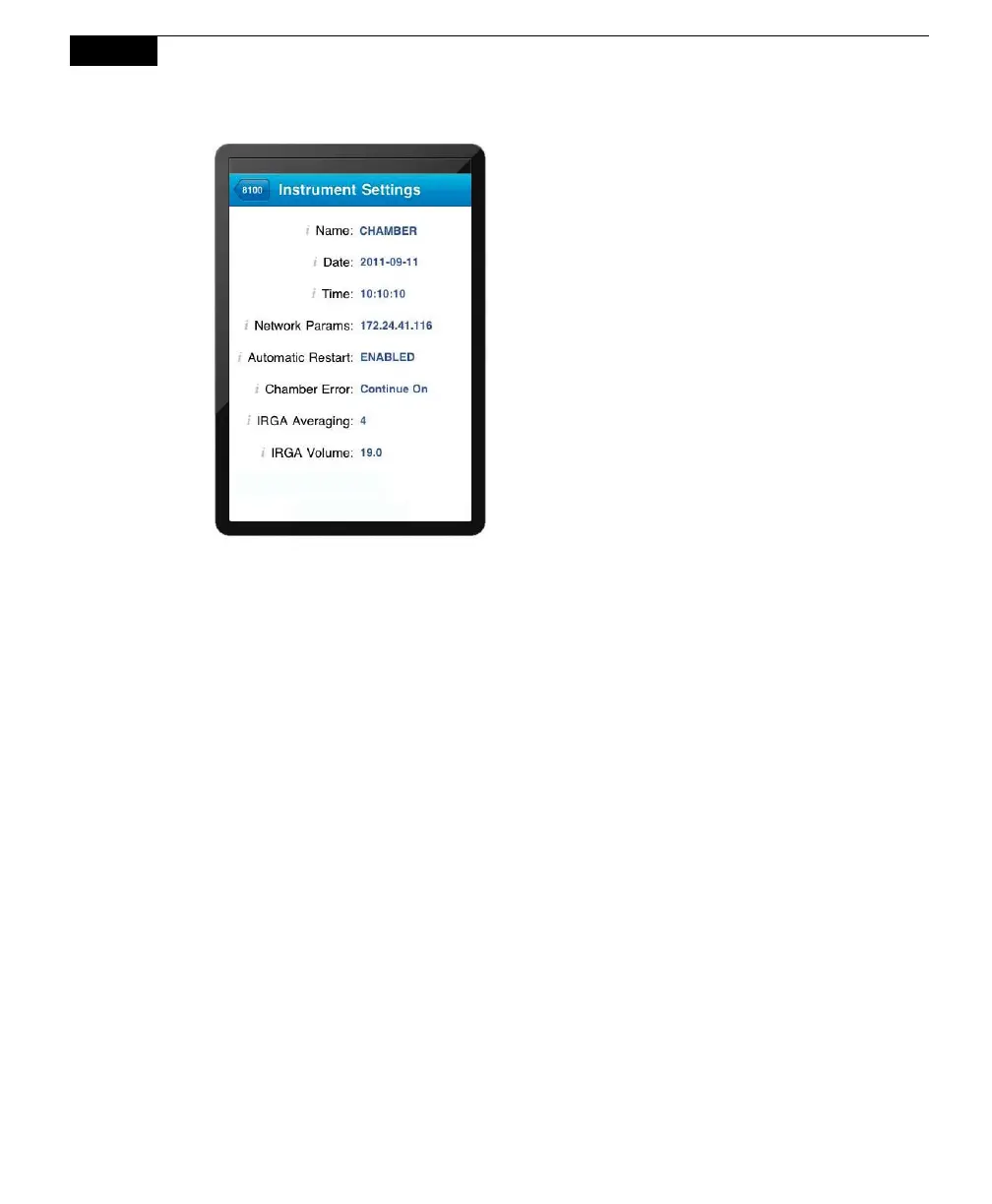
Name: The instrument name to which the iOS device is connected. The
instrument name is limited to 30 characters. Files copied to a Compact Flash card
are put into a directory with this name.
Date: Current date, in YYYYMMDD.
Time: Current time, in HHMMSS.
Network Parameters: The IP address of the wireless or Ethernet card in the
LI-8100A.
Automatic Restart: When enabled, allows the measurement to restart following a
power interruption to the instrument. This is not the default option, as it requires
that a hardware jumper be installed; contact LI-COR for more information.
Chamber Error: Determines how an error condition affects the measurement; you
can choose to log the chamber error and continue the measurement, or log the
error and stop the measurement. Tap Send to enable this function.
IRGA Averaging: The amount of averaging of the CO
2
and H
2
O signals from the
IRGA. The IRGA in the LI-8100A is sampled at 2 Hz. With 4 second signal
averaging (the default), 8 data points are averaged for each CO
2
or H
2
O value. As
more data are received, previous data are dropped from the average. The
minimum value is 1 second, and the maximum value is 20 seconds.



 To Next Page