Using the LI-8150 Multiplexer
10-3
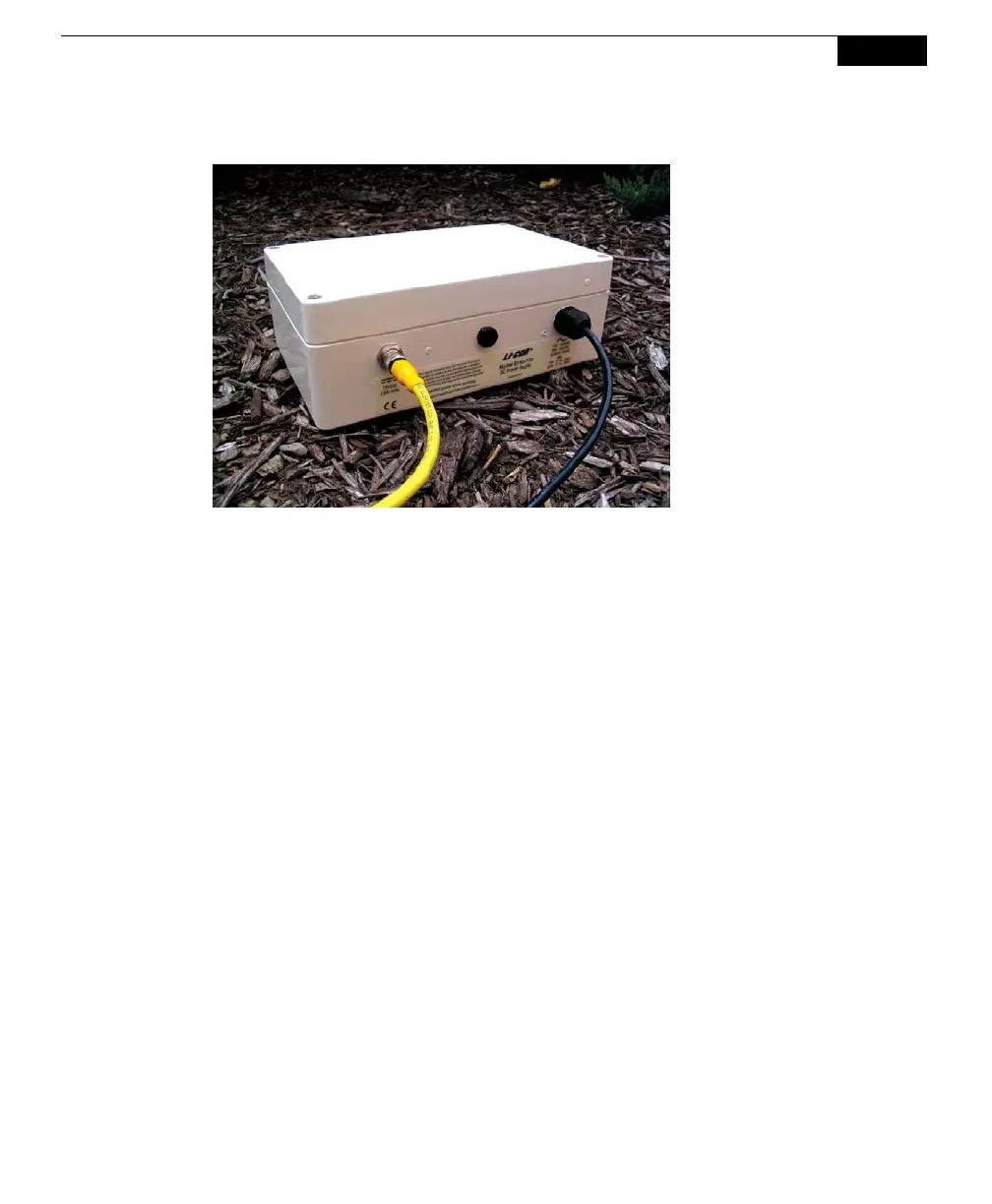
Figure 10-2. 8150-770 AC Power Supply.
The 8150-770 has an input voltage range of 115-120 or 230-240VAC; the range is
switch-selectable, and must be configured before applying power. Loosen the 4
screws in each corner on the top panel of the power supply. Slide the top cover
away from the supply; note that the cover is attached via a grounding wire and
cannot be fully removed. Verify that the switch is in the correct position for your
mains power supply (choose 115 for 115-120VAC, or 230 for 230-240VAC).
Note that the voltage switch is pre-configured at the factory; if you need to move
the voltage switch, it is likely that you will need to change the fuse, as well. Use a
flathead screwdriver to loosen the cap on the fuse holder (see below) and check to
see that the proper fuse is installed. A 1A fuse (p/n 439-08924) is used when the
voltage selector switch is set to 230VAC, and a 2A fuse (p/n 439-08923) is used
when the voltage selector switch is in the 115VAC position. Spare fuses can be
found in the 8150-770 spares kit.



 To Next Page