Using the LI-8150 Multiplexer
10-31
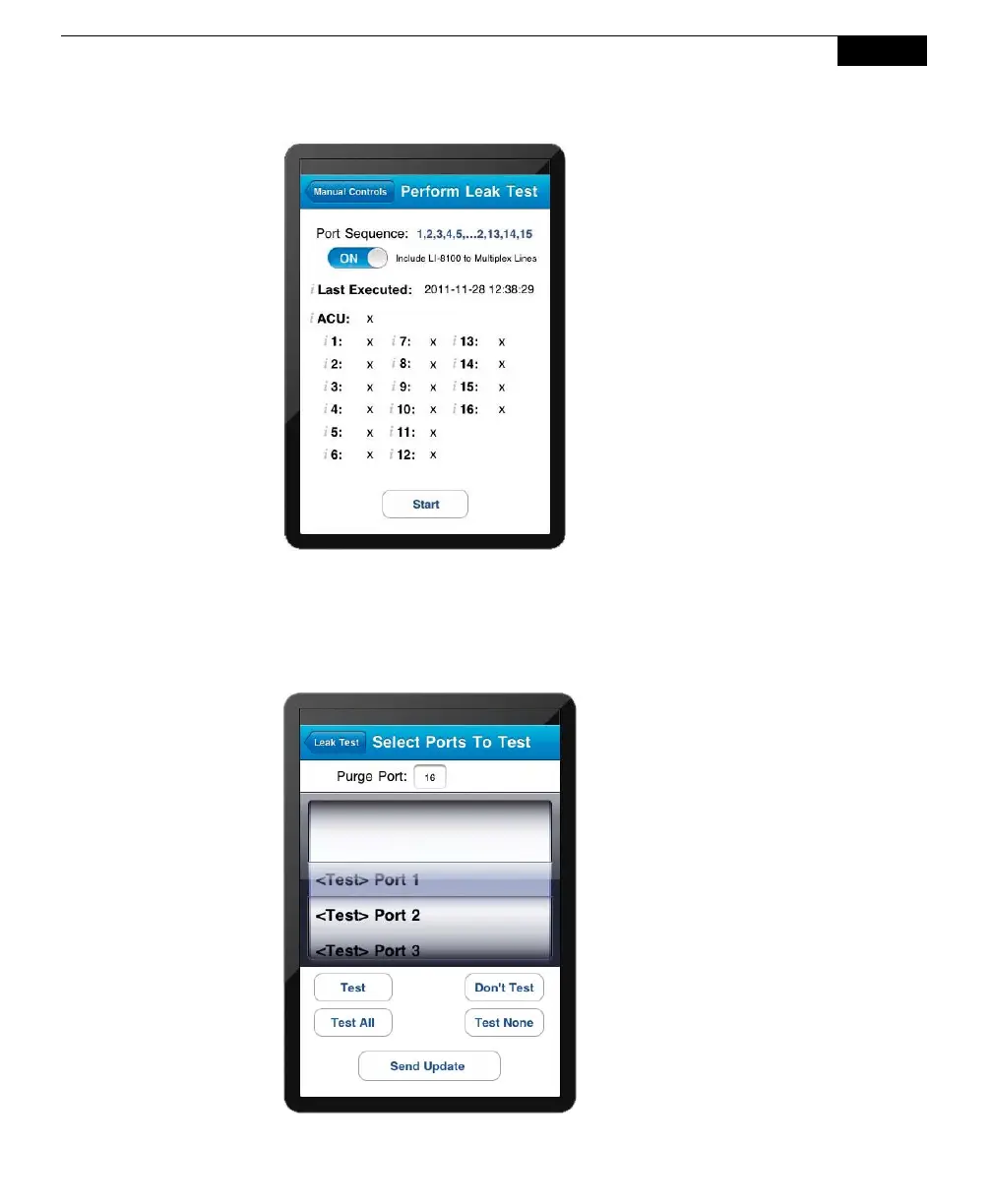
The Leak Test page will
display the results of the test,
using the following symbols:
p = pass
f = fail
x = cancelled
o = in queue
- = not tested
c. Tap
Test to enable the ports to be tested. Choose a purge port to be left
open (#16 in the example below). Tap
Send Update. The results of the
test are shown in the Perform Leak Test page shown above.



 To Next Page