10-88
Using the LI-8150 Multiplexer
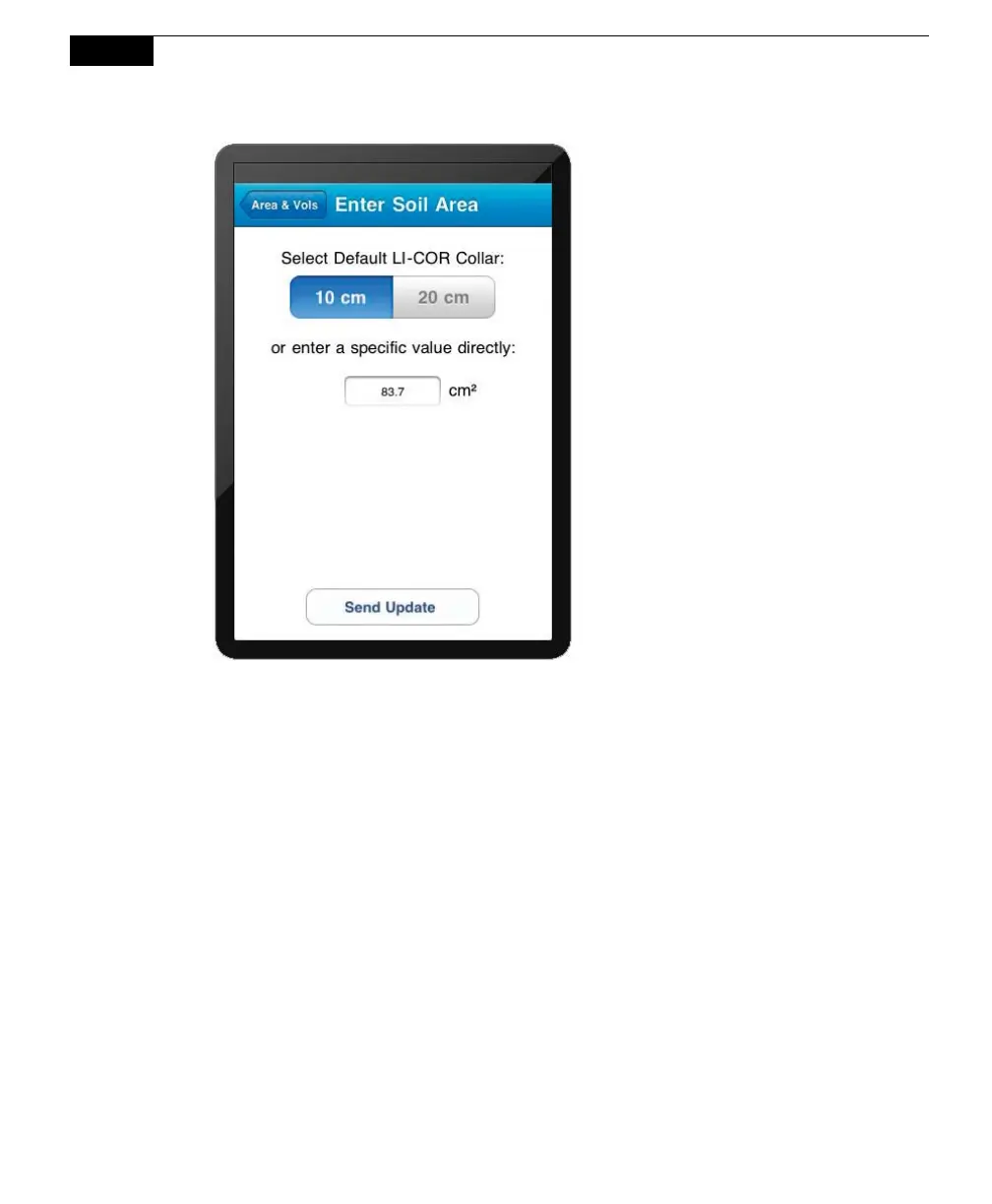
Alternatively, if you are using a collar of your own making, you can enter the soil
area (in cm
2
) manually.
Chamber Volume
The Chamber Volume is the volume of air within the soil chamber. Tap on the
arrow next to Select and choose the chamber connected to the instrument. Choose
Long-term 101 for the 8100-101 Long-Term Chamber, Long-term 104 for the 8100-
104 Long-Term chamber, or Long-term 104C for the 8100-104C Long-Term
Chamber; the chamber volume (cm
3
) is calculated automatically and is shown in
the window. If you choose Custom Chamber, you will be required to manually
enter the chamber volume. Choose Instrument Settings to view the volume
currently active in the intrument.
Chamber temperature is measured at the chamber during normal operation. For
other applications, however, such as when using the LI-8150 to make flask
measurements, you may want to use an external thermistor to measure temperature
inside the flask. In this case, the thermistor would be connected to the Auxiliary
Sensor Interface, and measured on one of Auxiliary (Voltage) channels 1-4. Under
‘Chamber Temperature mapped to:’ choose Chamber during normal operation with



 To Next Page