11-2
Updating the Instrument Software
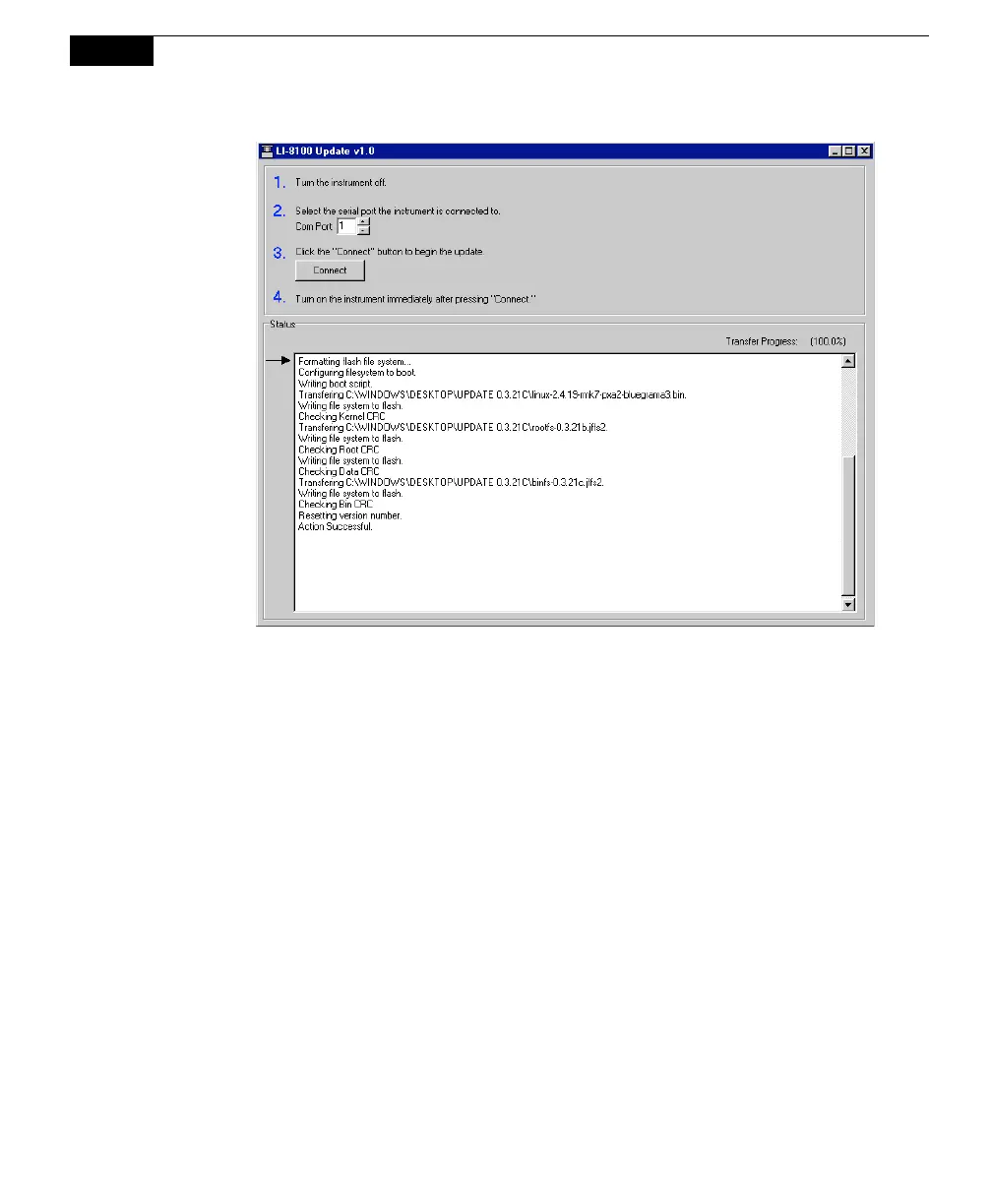
Figure 11-1. Progress messages appear in the Update window.
7. Wait for the message ‘Action Successful’ to appear. If the ‘Action Successful’
message does not appear after 10 or 15 minutes or more, it is likely that the
update was still successful; follow Steps 8-10 below, and then start the LI-
8100A Windows or PDA software application. Go to the View menu and
select Instrument Status to view the Embedded software version number to see
if the version that you were updating was installed. If it was not, you may
need to run the LI-8100_update program again.
8. Close the LI-8100A Update window.
9. Turn the LI-8100A OFF, and then back ON.
10. Wait 5 minutes or so, until the green Ready light on the LI-8100A keypad
turns on. The LI-8100A instrument software is now ready to use.



 To Next Page