2
Holiday Classic Owner’s Guide
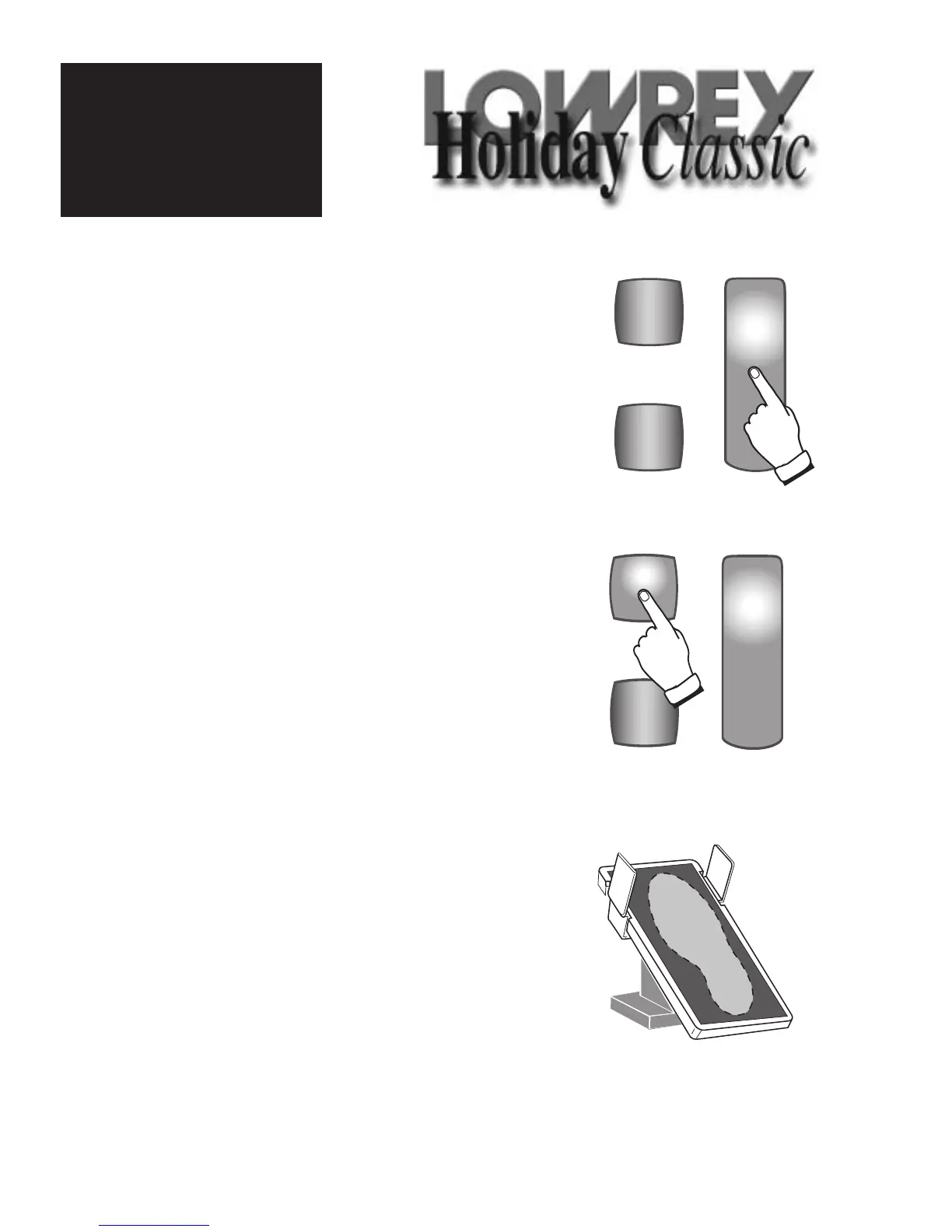
3. VOLUME PEDAL
Place your right foot on the VOLUME PEDAL while playing. Moving
this pedal controls the overall volume level of the Holiday Classic.
Pressing the pedal all the way down is maximum volume. Pressing
the pedal all the way back is minimum volume.
The
VOLUME PEDAL allows the player to add expression (changes
in the volume level) to their music.
2. ABC’s BUTTON
Press the blue ABC’S button. The musical alphabet
plus the sharp and flat symbols will light up, clearly
labeling each key. You will see a red light within the
button. Pressing the
ABC’S button again will make
the musical alphabet and the sharp and flat symbols
dimmer. The red button light will turn yellow. A third
press of the button causes the
ABC’S to completely
shut off.
1. POWER BUTTON
Turn the organ ON by pressing the long red POWER but-
ton down. This button is located on the left side of the
lower keyboard. This button will light as will several
other buttons on the button panel. Without touching
another button, the Holiday Classic gives you that
“Sweet Lowrey Sound” that is called the “Power-Up”
sound.
When you are ready to turn the organ off, simply touch
and hold the red button for just a moment.
Let’s Get
Started!






 To Next Page