37
Rhythm Plus Orchestration
How It Works:
BASIC styles use fewer musical elements and isolates the drum beat to make it more pronounced.
DRUMS ONLY
Note: The lights in the silenced buttons remain illuminated to show you what will be heard when the DRUMS
ONLY
button is turned off.
You can control the volume with the blue
RHYTHM VOLUME buttons. You can control the tempo with the
purple
TEMPO buttons.
How To Use It:
Press a blue style button and then press the DRUM ONLY button. To start the style play a full chord on the
lower keyboard or press the
START STOP button. You will only hear the drum beat, no “Easy-play” features
are on. The general, category, and bank presets can be used with this feature.
DRUMS
ONLY
DRUMS
ONLY
DRUMS
ONLY
What It Does:
DRUMS ONLY eliminates all but the drum portion of a style.
How It Works:
Pressing DRUM ONLY silences the GENIE & ORCH PLUS, AUTO BASS 1 & 2, and all
“Easy-Play” features (
MCS & MEMORY). It leaves only the drum sounds of the style.
ALTER
STYLE
ALTER
STYLE
ALTER
STYLE
ALTER STYLE
What It Does:
ALTER STYLE provides a moderate change to any style selected.
How It Works:
Press a style button, then press the ALTER STYLE button to change any of the 90 styles.
How To Use It:
Use the Alter Style feature to add even more variety to a style.
How To Use It:
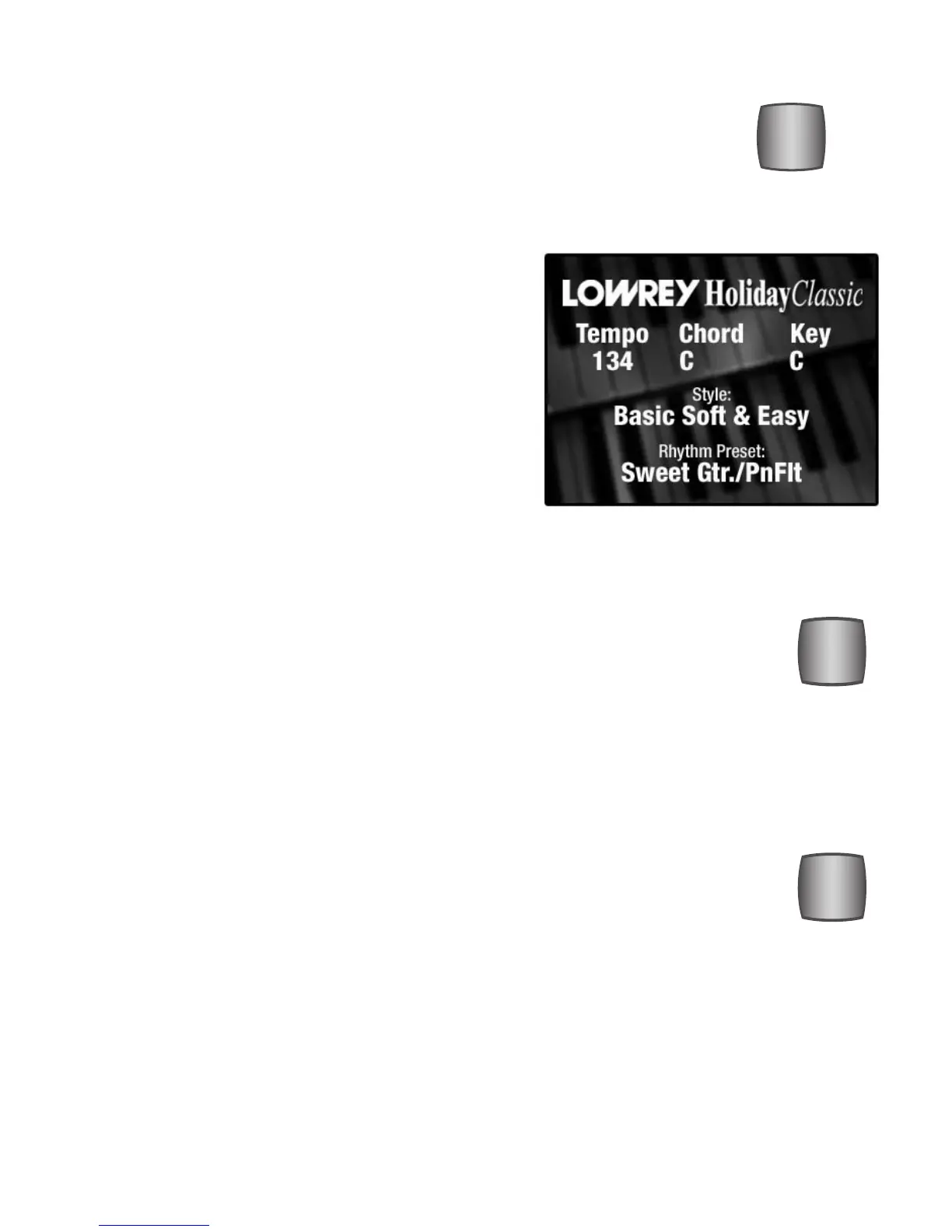
1. Press any one of the 18 style buttons. In the
example to the right the
SOFT & EASY button is used.
2. Press the BASIC button. The screen will display the
style name.
3. Start the style playing by playing a lower
keyboard chord, or by pressing the STOP/START button.
BASIC
What It Does:
The Holiday Classic has, in addition to style variations 0, 1, 2 and 3, a BASIC
VARIATION for each of the 18 core styles. BASIC is a simpler style that is very easy
to follow.






 To Next Page