69
Touch Bar
How It Works:
The touch bar is touch sensitive and is activated with to the touch of a finger.
The factory preset function of the TOUCH BAR is the FX feature.
How To Use It:
Use the touch bar to access features easily, with the touch of a finger.
See
FEATURE PAGE 12 - CONTROLLERS, on page 81, to see how to assign different functions to the touch
bar.
How It Works:
The PEDALS are preset from the factory to provide the deep Bass sounds for those wishing to play their own
pedals.
How To Use It:
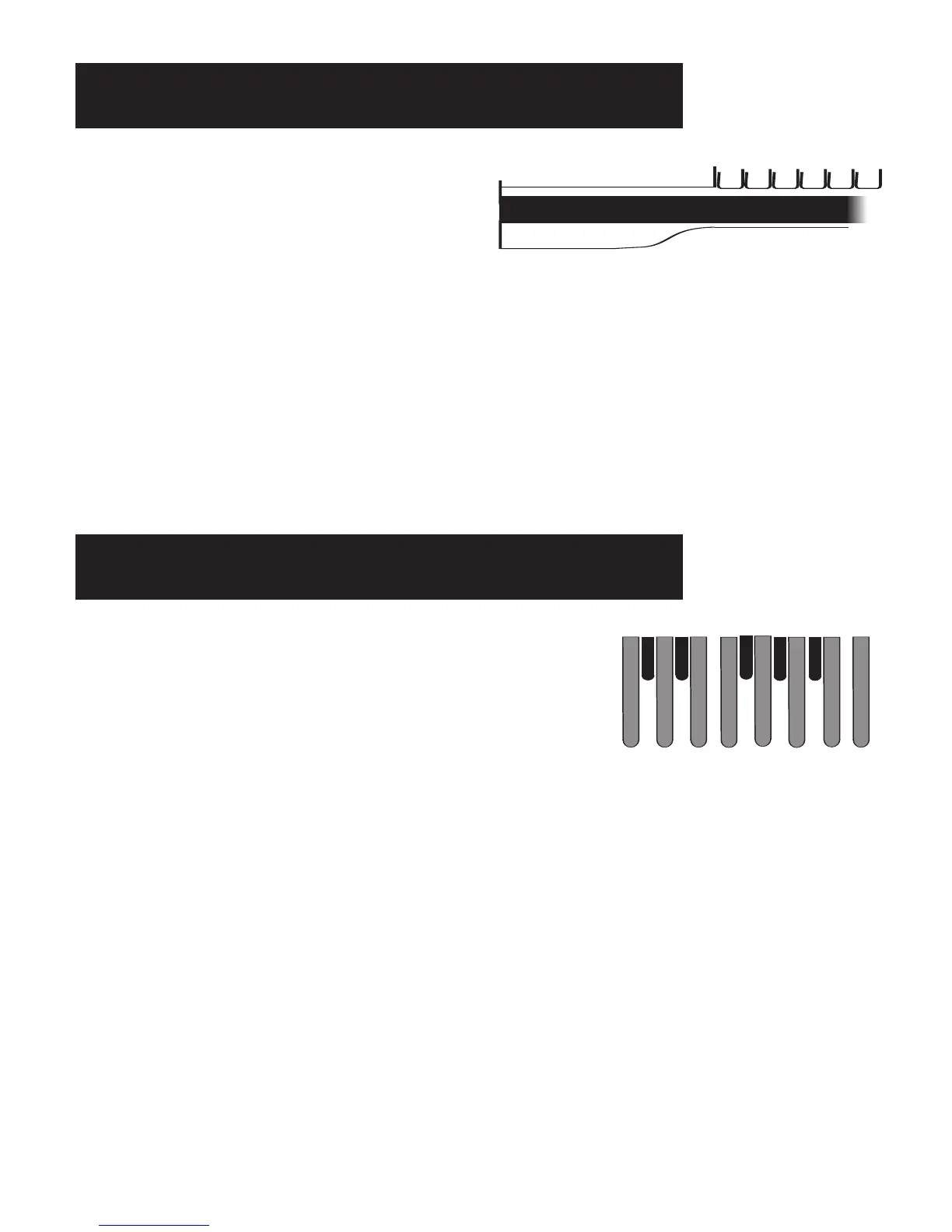
You can use the Pedals to play the low bass sounds of the organ. As you play a pedal the note will be dis-
played on the screen.
Pressing off the orange
BASS SUSTAIN button allows the player to play two pedals at once.
When you play the pedals while
AUTO BASS is on, the organ will play the notes your feet play and cancel
the auto bass. When you stop playing the pedals, auto bass will begin playing on the next Downbeat.
What It Does:
The BASS PEDALS are used to play the bass sounds of the organ.
The orange bass buttons provide a wide variety of sounds to play
on the pedals.
If you do not play the pedals that’s okay. The
AUTO BASS feature
will play the bass pedals for you.
The Pedals
What It Does:
The TOUCH BAR is the black strip below the lower
keyboard. The touch bar can be used to activate
the FX feature when a style is playing. A selection
of five functions may be assigned to the touch bar.
Touch Bar






 To Next Page