76
Holiday Classic Owner’s Guide
•Press either SCROLL button repeatedly to display the different effect parameters.
•Press the
SELECT button when the desired parameter is listed. The VALUE section of the screen will become
highlighted.
•Press the top
SCROLL button to increase the value of the selected parameter of the selected effect.
Press the bottom
SCROLL button to decrease the value. Each parameter has a range of 0 (no effect) to 100
(Maximum).
AMOUNT: How much of the effect do you want?
RATE: How fast or slow do you want the effect to be?
DEPTH - ACCELERATION: How deep, shallow, quick, or long do you want this effect to be?
SLOW/FAST: Choose a slow or fast setting for the Rotary effect.
Press the lighted
FEATURE(CLEAR) button to implement the selections/settings made and return to the
POWER-UP screen.
- SHORTCUT=FEATURE + ANY BLUE SOLO SOUND BUTTON
(NOT GENIUS)
PREVIEW:
SOLO EFFECTS FEATURE PAGE
provides six different animation effects that may be applied to solo sounds:
DELAY, AUTO PAN, TREMULANT, PHASER, CHORUS, ROTARY, OFF.
All solo effects are preset from the factory and may never need to be adjusted to fully enjoy the Holiday
Classic. When the need arises to adjust the effects follow these steps.
•Press the
SELECT button to highlight the EFFECT TYPE section of the screen.
•Press either
SCROLL button repeatedly to display the different types of effects that may be applied to
solo sounds: DELAY, AUTO PAN, TREMULANT, PHASER, CHORUS, ROTARY, OFF.
•Press the SELECT button when the desired effect is listed. The PARAMETER section of the screen will
become highlighted. Each effect has three different parameters that may be adjusted.
AMOUNT, DELAY TIME and FEEDBACK are parameters for the DELAY effect
AMOUNT, RATE and DEPTH are parameters for the AUTO PAN, TREMULANT, PHASER and CHORUS effects.
AMOUNT, SLOW/FAST and ACCELERATION are parameters for the ROTARY effect.
•Press either SCROLL button repeatedly to display the different effect parameters.
•Press the
SELECT button when the desired parameter is listed. The VALUE section of the screen will become
highlighted.
•Press the top
SCROLL button to increase the value of the selected parameter of the selected effect.
Press the bottom
SCROLL button to decrease the value. Each choice has a range of 0 (no effect) to 100
(Maximum).
How To Use It:
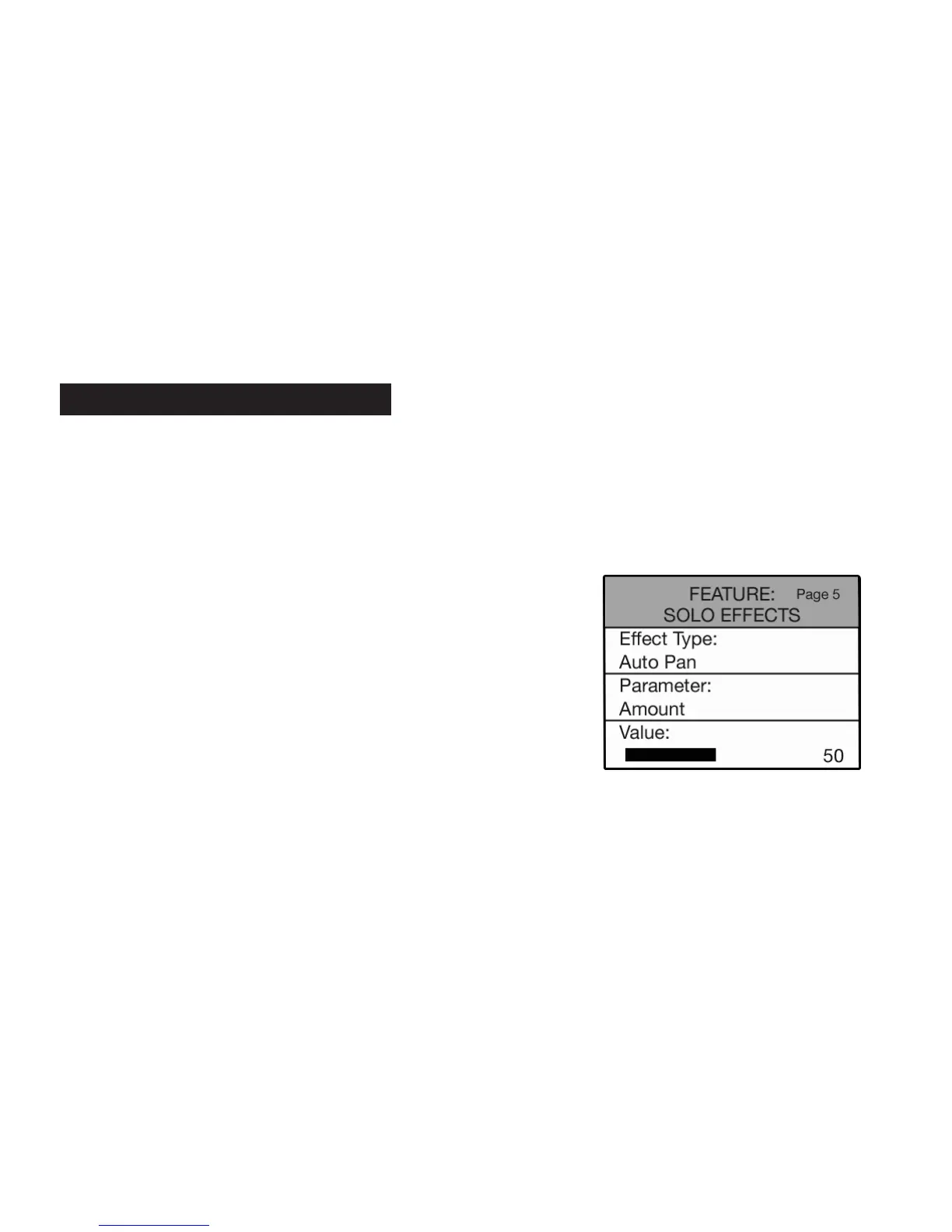
•Press the Feature (Clear) button and then press the top SCROLL
button repeatedly to highlight FEATURE: SOLO EFFECTS, as
illustrated to the right.
5. Solo Effects






 To Next Page