85
Feature Pages
•Press the lower keyboard key where you want the key split to be, or press either SCROLL button
repeatedly to change the split location. The screen will immediately change to reflect your selection. To
the right of the split point you will be able to use the lower keyboard as an additional melody keyboard.
The left side of the split point will function as normal-left hand, lower keyboard.
Press the lighted
FEATURE(CLEAR) button to implement the selections/settings made and return to the
POWER-UP screen.
PREVIEW:
LIGHT SHOW FEATURE PAGE provides the selection of two varieties of button panel light shows.
•Press the
SELECT button to highlight the CONTROL section of the screen.
•Press either
SCROLL button to select between Show 1 or Show 2.
•Press the SELECT button to highlight the Setting section of the screen.
•Press either SCROLL button to activate the light show.
-Light Show 1 leaves the
FEATURE PAGE visible on the screen.
-Light Show 2 hides the feature page and shows ‘LOWREY’ and ‘HOLIDAY CLASSIC.’
•To stop either light show press either SCROLL button.
Press the lighted
FEATURE(CLEAR) button to implement the selections/settings made and return to the
POWER-UP screen.
How To Use It:
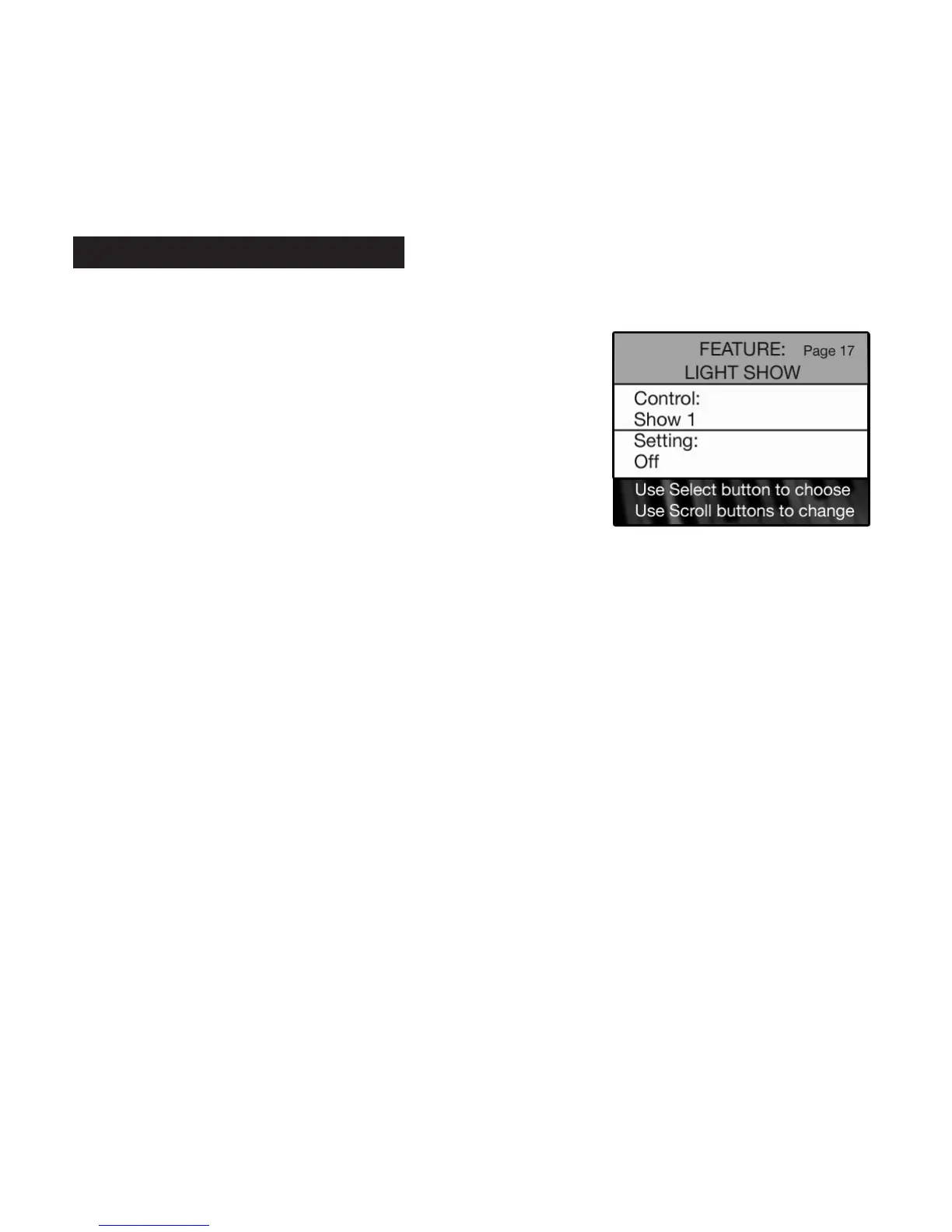
•Press the Feature (Clear) button and then press the bottom
SCROLL button to highlight FEATURE: LIGHT SHOW,as illustrated
to the right.
17. Light Show






 To Next Page