38
Holiday Classic Owner’s Guide
DRUM VOLUME
How To Use It:
The DRUM VOLUME is preset for each style and each rhythm preset. The feature allows you to adjust the vol-
ume of the drums to your liking.
How It Works:
Press a style button, then press the INTRO/ENDING button. The yellow light in the purple RHYTHM PRE-
SET
button has turned to red indicating the ENTIRE organ is ready to go. You don’t need to press another
button.
Play the first chord of the song to start the introduction playing. At the same time, the
COLOR DISPLAY will
display a count down to the final measure of the introduction, prompting you when to begin playing, with
the words:
READY... PLAY!
When you are finished playing your song, lift your left hand off the lower keyboard and press the same
INTRO/ENDING button to hear a professional sounding ending. The COLOR DISPLAY will confirm that the
ending is playing.
MINOR CHORD INTRODUCTIONS
The introductions on the Holiday Classic styles are different when the style is started using a minor chord.
INTRO / ENDING
What It Does:
The INTRO/ENDING button adds a professional sounding introduction and ending to
each of the 90 styles.
DRUMS
VOLUME
DOWN
BEAT
DRUMS
VOLUME
DOWN
BEAT
DRUMS
VOLUME
DOWN
BEAT
What It Does:
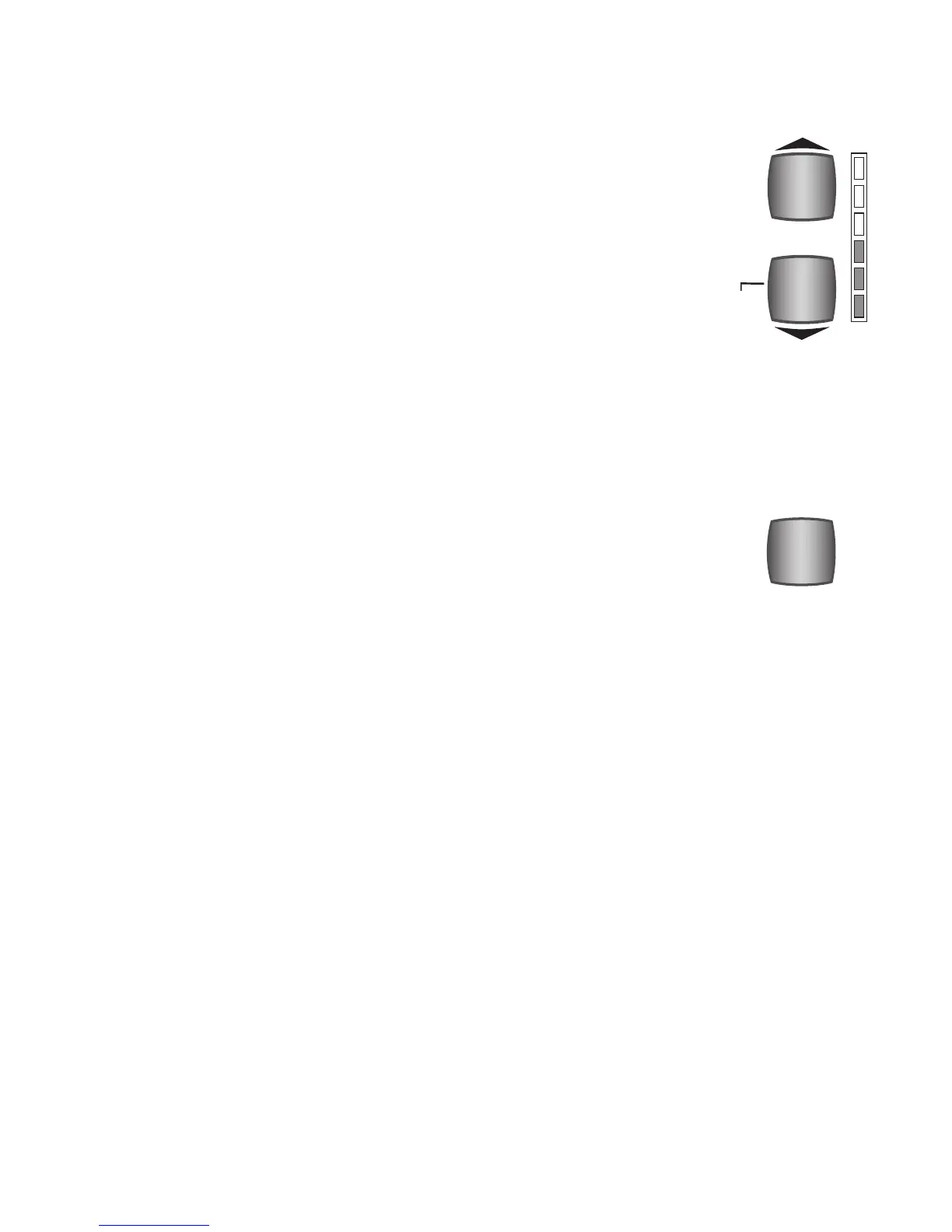
DRUM VOLUME controls the volume of the drum sounds in a style. It also serves
as part of the “beat” indicator along with the two temp buttons. Notice the words
DOWN BEAT to the left of the bottom blue button.
How It Works:
To raise the volume, press the top button. To lower the volume, press the bottom
button. It may be necessary to press the button several times to achieve the desired
volume level. You can also hold the button until the desired level is reached. The
overall amount of volume is indicated by the vertical column of lights to the right
of the buttons. All the lights illuminated (red) indicates maximum volume.






 To Next Page