22
Holiday Classic Owner’s Guide
RECORDING & PLAYBACK
When you make a recording, you are storing two basic types of information on the memory stick: the notes
(keys) being played and the buttons being turned on and off during the recording.
RECORDING A SONG ON THE MEMORY STICK
1. Insert the MEMORY STICK into the USB DATA PORT.
a. Swing open the protective metal covering on the Lowrey-supplied memory stick, exposing the
receptacle end of the memory stick.
b. Insert the memory stick, label side facing up, into the
USB DATA PORT.
c. Wait a few seconds for the memory stick to fully connect to the Holiday Classic organ.
2. Set the Holiday Classic up with the sounds and features you wish to play.
Use the Presets or make your own.
3. Press the
RECORD button. The button will light up yellow and then flash red.
The ACCOMP and UPPER buttons will flash red, as well. A metronome will begin keeping the beat.
4. Begin playing your song. Recording begins when you play the first note or press any button.
5. Press the STOP button when you are finished playing.
6. Press the
PLAY/PAUSE button to listen to your recording.
After you have made the recording and pressed the
STOP button, you may set the MUSIC RECORDER up to
make another recording by simply pressing the
RESET button. Start with step #2 above and record your next
song. The Holiday Classic will automatically select the next empty spot on the memory stick so you won’t
accidentally erase songs previously recorded.
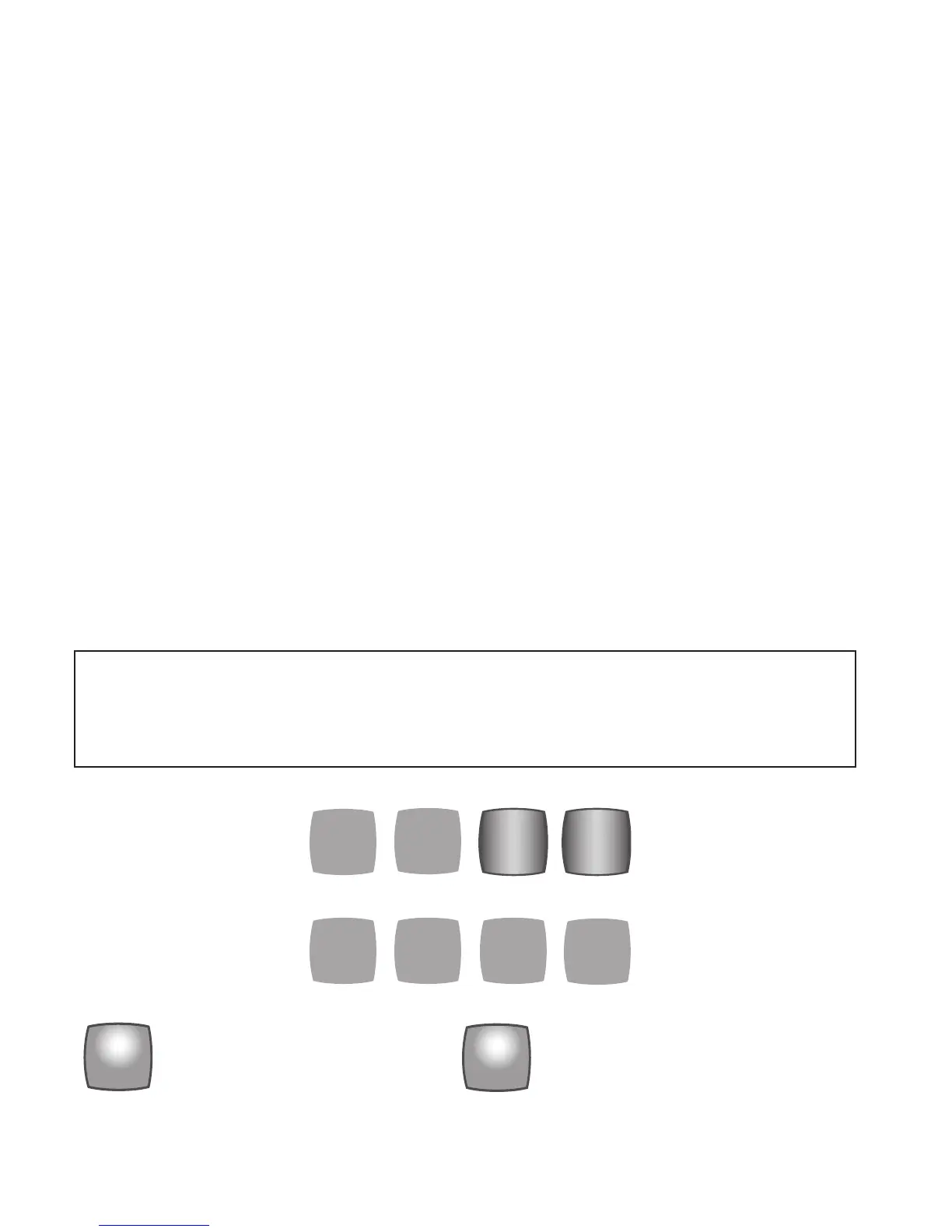
The eight buttons in the
MUSIC RECORDER are subdivided into two sections: RECORDING TRACK buttons
and CONTROL buttons.
When in use, these two buttons display one of three colors: Red, Green or Yellow. Each color indicates a
different condition.
This button (track) records the
notes being played on the upper
keyboard.
This button (track) records the
buttons used (registration) and
the notes being played on the
lower keyboard and pedals.
ERASE
>>
<<
PLAY/
PAUSE
STOP
UPPER
RECORD
ACCOMP
RECORDING
TRACKS
Two buttons are the recording
track buttons: ACCOMP and
UPPER.
Note: DO NOT use the LOCK features if you wish to playback a pre-recorded memory stick, and hear
it as it was originally recorded. Lock settings are not recorded by the
MUSIC RECORDER.
When you create a sound set up and you are using any of the
LOCK features, and you wish to record
with that set up, save the set up in a BANK PRESET, turn off the LOCK(S) and then record your song
using those BANK PRESETS.






 To Next Page