24
Holiday Classic Owner’s Guide
1. During playback, press and hold the << button to rewind a recording or the >> button to move
forward through a recording. To hear the recording simply release the button. Replay will continue at
the point in the recording when either << or >> buttons were released.
Suppose a recording is playing and you wish to hear a certain part over again. Press and hold the
<< but-
ton until you think it is to the part you want to hear. Releasing the
<< button will continue the recording
playback at that location. If you have not gone back far enough, keep pressing and holding the
<< but-
ton until you reach the part you want to hear again. This will keep you from having to start the recording
over at the beginning.
MERGE RECORD
What It Does:
Merge recording gives you the ability to record additional music onto a track that contains a recording.
How It Works:
Each track (Accomp and Upper) is composed of two tracks, allowing two separate recordings to be placed
on the same track. The Merge recording feature allows many separate recordings to be made. One track can
contain a recording. An additional recording can be made on the second track, without deleting the first. As
additional new recordings are made the previous recordings can all be placed (merged) onto the first track,
making room for the new additional recording on the second track.
This Merging process can go on and on, if desired. For example, if you have put five recordings into the
Upper track, four of those recordings would end up merged into one track and the fifth recording would be
placed on the second track. Merge Recording uses the same sound (registration) as the first r
ecording.
How To Use It:
1. Make a recording.
2. Press the
STOP button. The track buttons recorded will be solid green.
3. Press the
RECORD button and wait for the RECORD button to turn red or for the metronome to
begin ticking.
4. Press the
TRACK button or buttons (Accomp, Upper) you wish to make the
additional recording on. The track(s) selected will turn from solid green to flashing red.
5. Press the
PLAY/PAUSE button. The previously created recording will begin to play.
6. Perform the additional music to be recorded onto the selected track(s).
7. Press the
STOP button when you are finished.
8. Press
PLAY/PAUSE. During playback, all the separate recordings will play together.
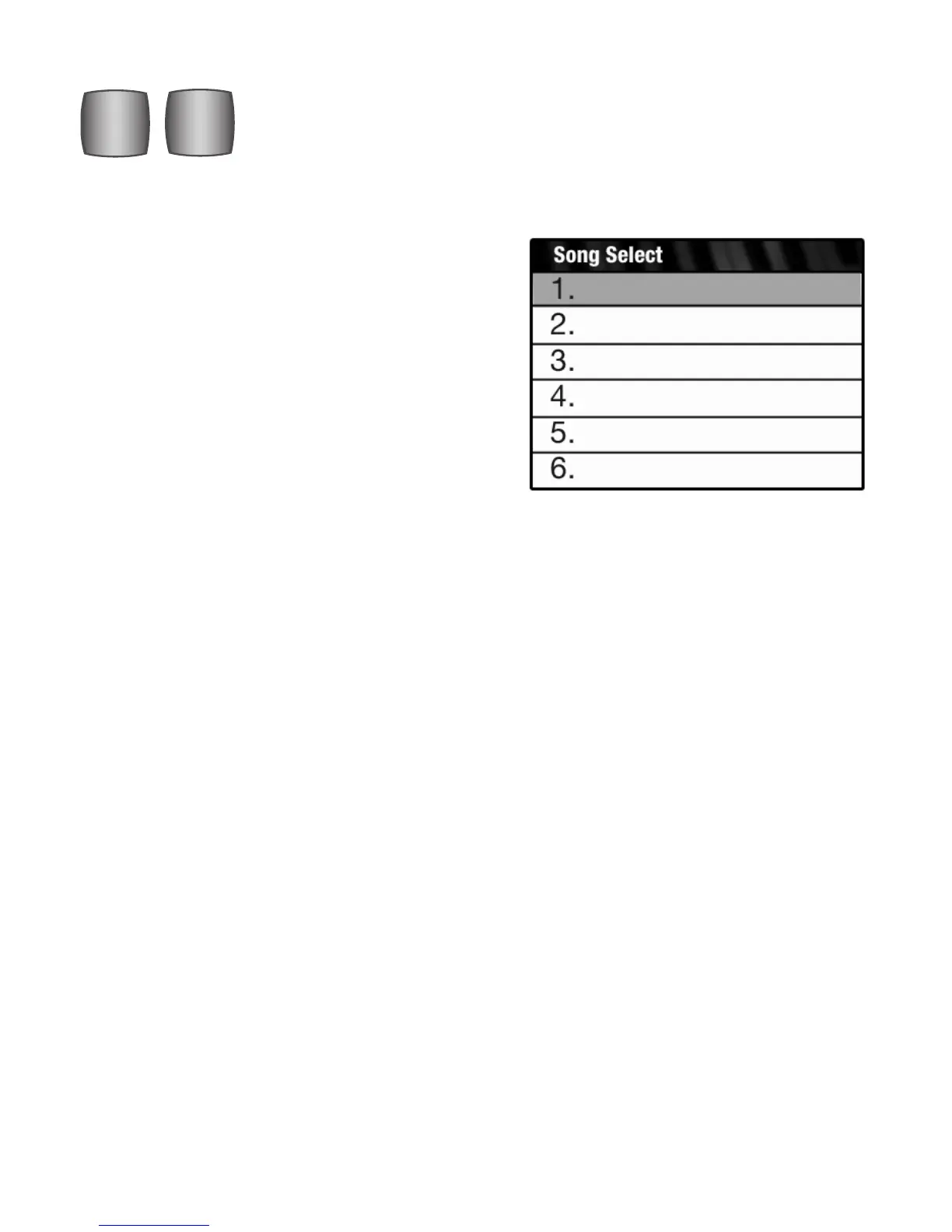
2. Use the << and >> buttons to locate and select a
particular song from among many stored on the
memory stick. Pressing either
<< or >> button
causes the screen to display the first six song titles on
the memory stick (the song titles here are used as
examples only). Select the title on the screen that you
wish to playback by pressing either of the
<< or >>
buttons. It will become highlighted.
Press
PLAY/PAUSE to hear the song.
The << (Rewind), >> (Fast Forward) buttons perform two functions.
ERASE
>>
<<
PLAY/
PAUSE
STOP
UPPER
RECORD
ACCOMP






 To Next Page