58
Holiday Classic Owner’s Guide
GLIDE & SUSTAIN
How To Use It:
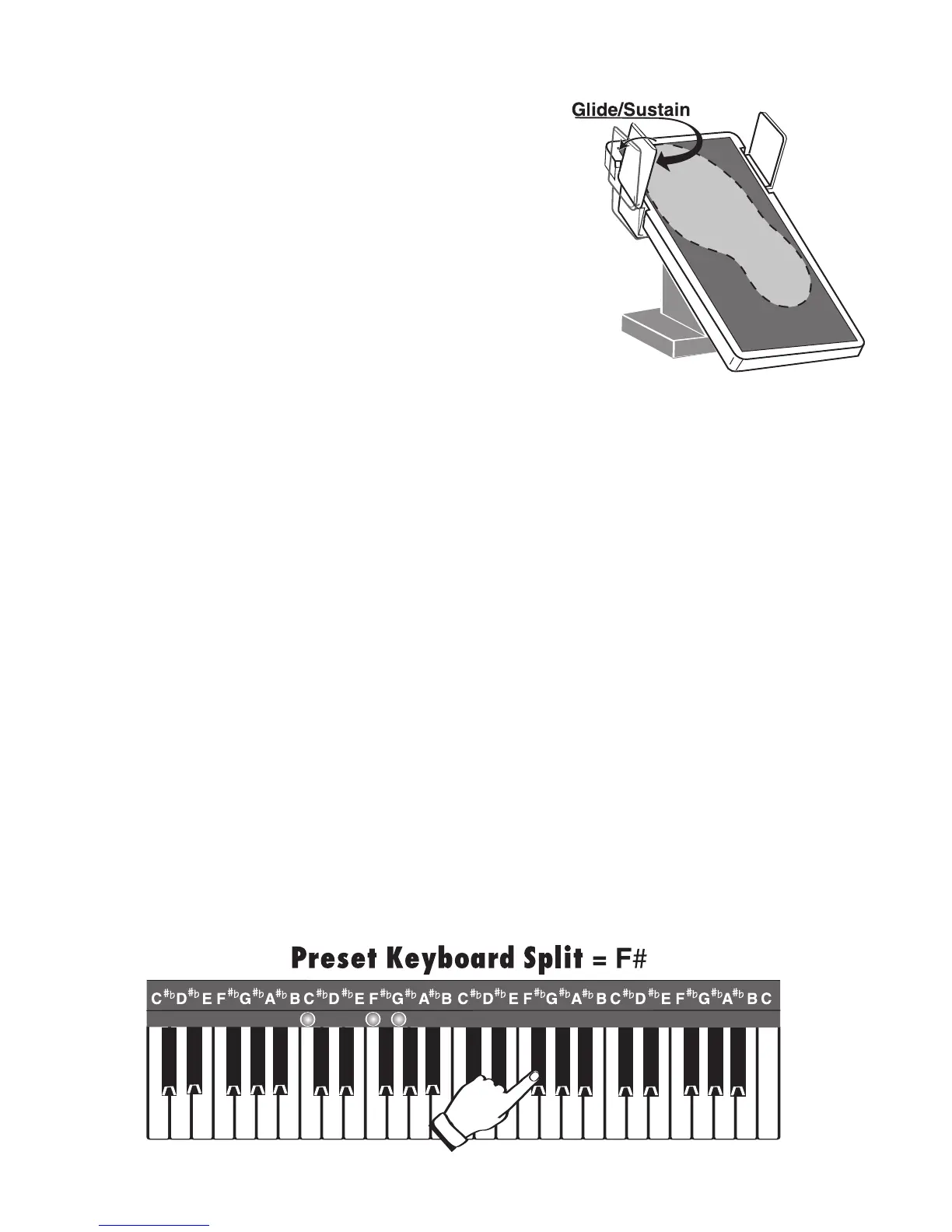
Slide your right foot to the left to activate the foot switch.
To apply the
GLIDE effect on sounds that can glide, like HAWAIIAN...
1. Press the LEFT FOOT SWITCH.
2. Play the note(s) you wish to GLIDE.
3. Release the
FOOT SWITCH.
The sound will glide just like an actual hawaiian guitar.
To apply the
SUSTAIN effect on sounds that can sustain, like PIANO, press the LEFT FOOT SWITCH before
you release the notes played that you wish to Sustain.
A variety of features may be assigned to both the left and right foot switches.
See
CONTROLLERS on page 81.
KEYBOARD SPLIT
What It Does:
It turns your Holiday Classic into a three keyboard instrument. This gives the player the ability to have three
contrasting sounds on each keyboard for quick and easy registration changes.
How It Works:
KEYBOARD SPLIT is activated when the blue solo LOWER RIGHT button, or when a PRESET (displayed on
screen with an asterisk*). The lower keyboard splits into two separate keyboards. The keys on the left side
of the split point are for playing the usual lower keyboard/left hand chords. The keys on the right side of the
split point are now able to be used like the upper keyboard/right hand melody. The Keyboard Split is nor-
mally at the third F# key.
What It Does:
The LEFT FOOT SWITCH on the VOLUME PEDAL has two facto-
ry set functions that will affect certain orchestral and solo sounds
- the
GLIDE and SUSTAIN effects.
How It Works:
The Holiday Classic assigns either the GLIDE or SUSTAIN effect,
depending on the sound selected. For example, a piano sound
will sustain when this left foot switch is activated. The glide
effect will be applied to a trombone or hawaiian guitar sound. If
you are using an orchestral and solo sound together, the foot
switch assigns glide or sustain based on the solo sound.






 To Next Page