33
USB Memory Stick
- Insert the second memory stick that is to receive the copied song.
-
Press the
SELECT button.
- Go to step 5.
5. Press either
SCROLL button to select a spot for the copied song in the FILE NAME: section of the screen.
6. Press the SELECT button.
7. Press either
SCROLL button. The screen will display the message: SAVING SONG, then SONG COPIED.
8. Press the FEATURE (CLEAR) button to return the screen to the power up display.
How To Use It:
The COPY SONG feature allows you to copy one or more of your own Holiday Classic recordings onto anoth-
er memory stick to give to another Holiday Classic owner. It also allows you to change the order of the songs
you recorded on the memory stick to your liking.
5. Press either
SCROLL button. You will see a confirming message and then the display will return to its
power up condition.
How To Use It:
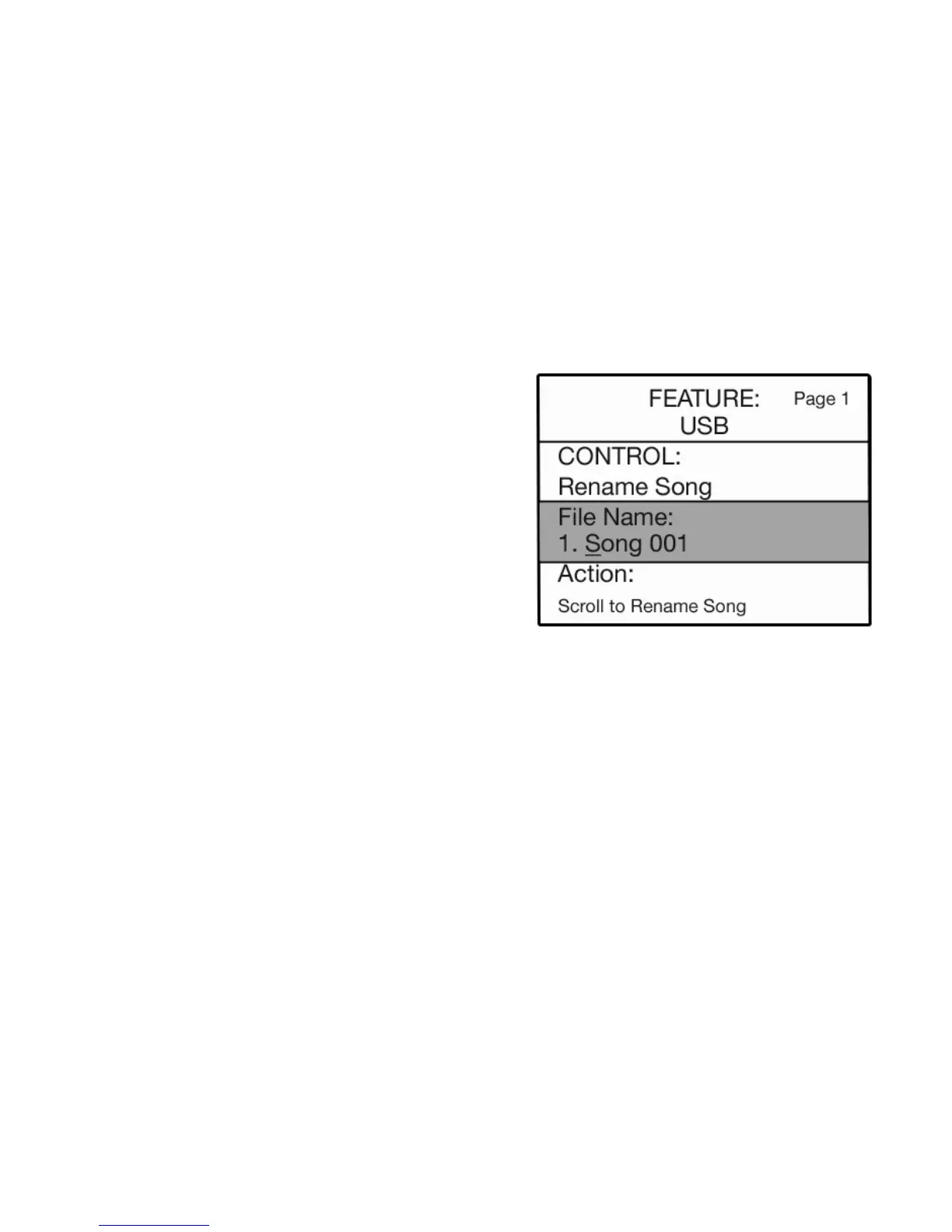
Use the RENAME SONG feature to put recognizable titles on your songs.
RENAME SONG
How It Works:
1. With CONTROL: RENAME SONG highlighted on the
screen, press the
SELECT button to highlight the FILE
NAME section of the screen.
2. Press either SCROLL button to display the song title
you wish to rename.
3. Use the lower keyboard alphabet overlay and
type a new name for the song title.
4. Press the
SELECT button to highlight the ACTION
section of the screen.






 To Next Page